Operation Instructions
28
2.5.5 Version Viewing
[Operation Instructions]
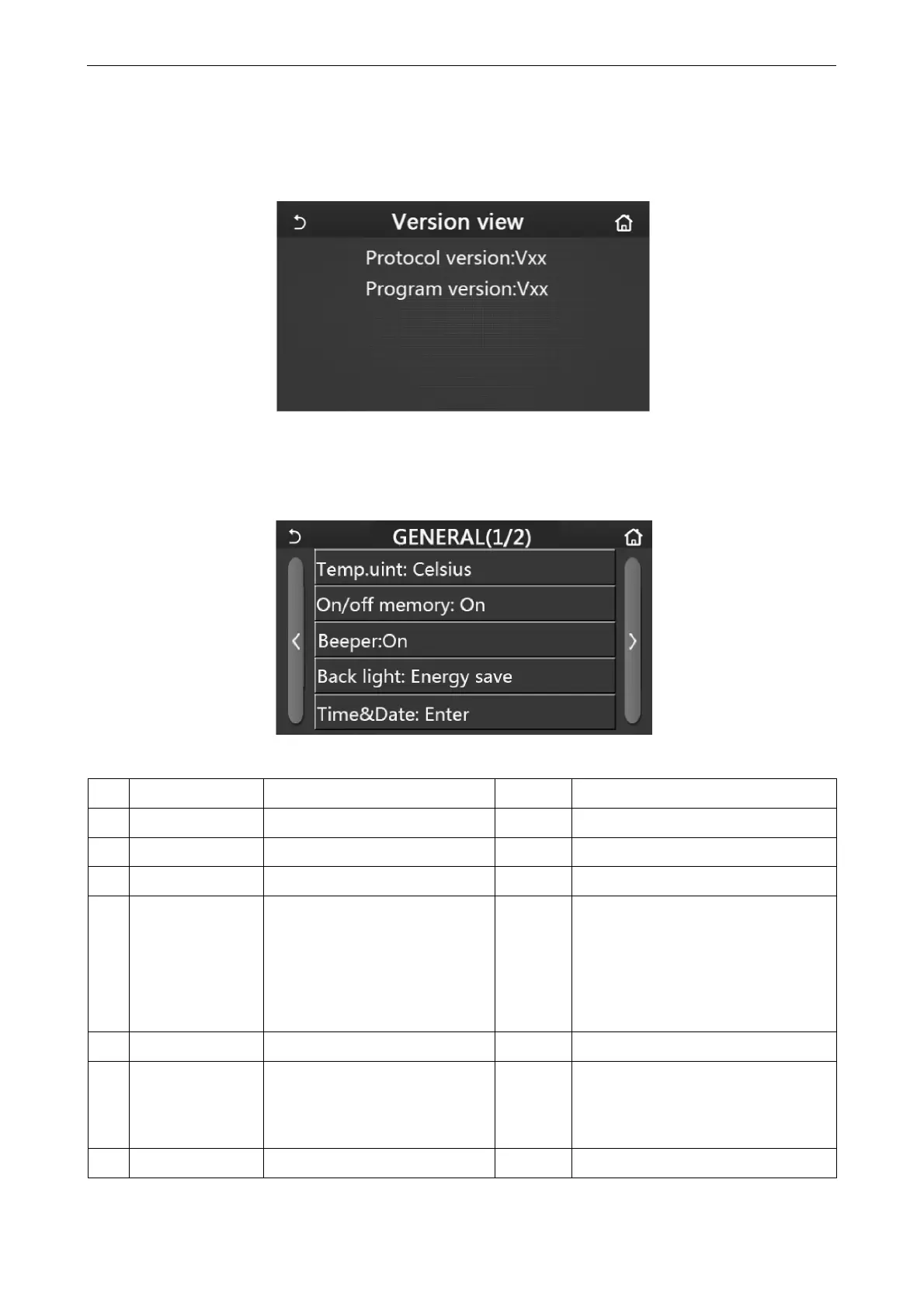
At the “VIEW” page, by touching “Version”, the control panel will go to the version view page, where it is able to
view both the program version and protocol version.
2.6 General Setting
[Operation Instructions]
1. At the menu page, by touching “GENERAL”, the control panel will go to the setting page, as shown in the figure
below, where it is able to set “Temp.unit”, “On/off memory”, “Beeper”, “Back light”, “Time & Date” and “Language”.
General Setting Page
General Settings
No Item Range Default Remarks
1 Temp. unit °C /°F °C /
2 On/Off memory On/Off On /
3 Beeper Enter On /
4 Back light Lighted/Energy save
Energy
save
“Lighted”: the control panel will always
light on.
“Energy save”: When there is no
touching operation in 5 minutes, the
control panel will be lighted off
automatically, but will light on again once
there is any touching operation.
5 Time&Data Enter / /
6 Language
Italian, English, Spanish, Dutch,
French, German, Polish, Turkish,
Hungarian, Lithuanian, Croatian,
Czech, Finnish, Swedish, Serbian
English /
7 WiFi On/Off On /
2.6.1 Clock Setting



 To Next Page