Operation Instructions
3
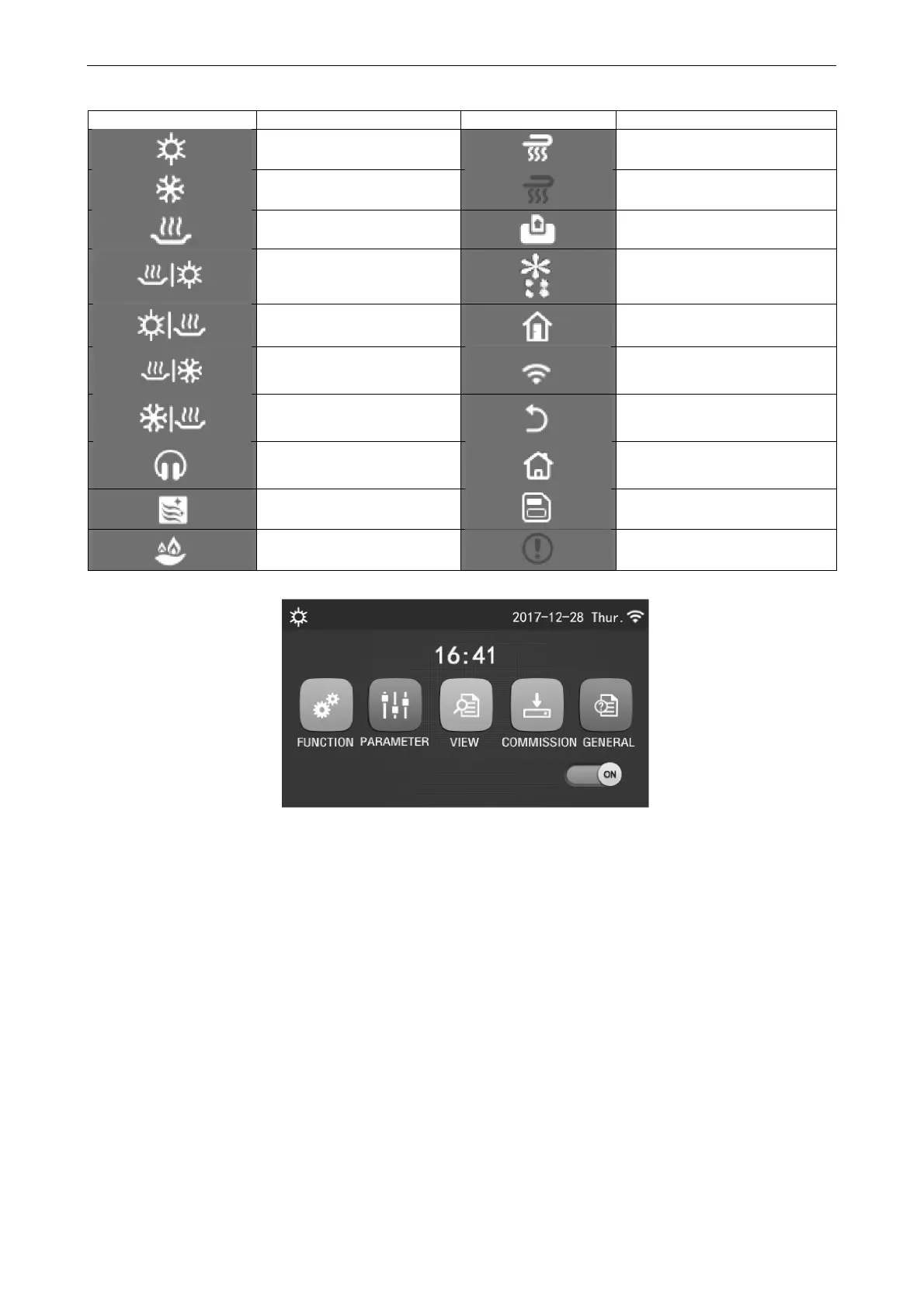
Icon Description Icon Description
Heating
Floor commissioning
Cooling
Floor commissioning error
Hot water
Card out
Heating + Hot water
Defrosting
Hot water + Heating
Holiday
Cooling + Hot water
WiFi
Hot water + Cooling
Back
Quiet
Menu page
Sanitation
Save
Emergency
Error
Error Icon
[Notes]
At any other page, where there is no operation in 10 minutes, the display panel will back to the menu page.
1.2 Backlight
Among the general setting page, when “Back light” is set to “Energy save”, the display panel will light off when
there is no operation in 5 minutes. However, it will light on again by touching any valid area.
When “Back light” is set to “Lighted”, the display panel will be kept lighting on.
It is suggested to set it to “Energy save” so as to extend its service life.



 To Next Page