Operation Instructions
24
2.5 Viewing
[Operation Instructions]
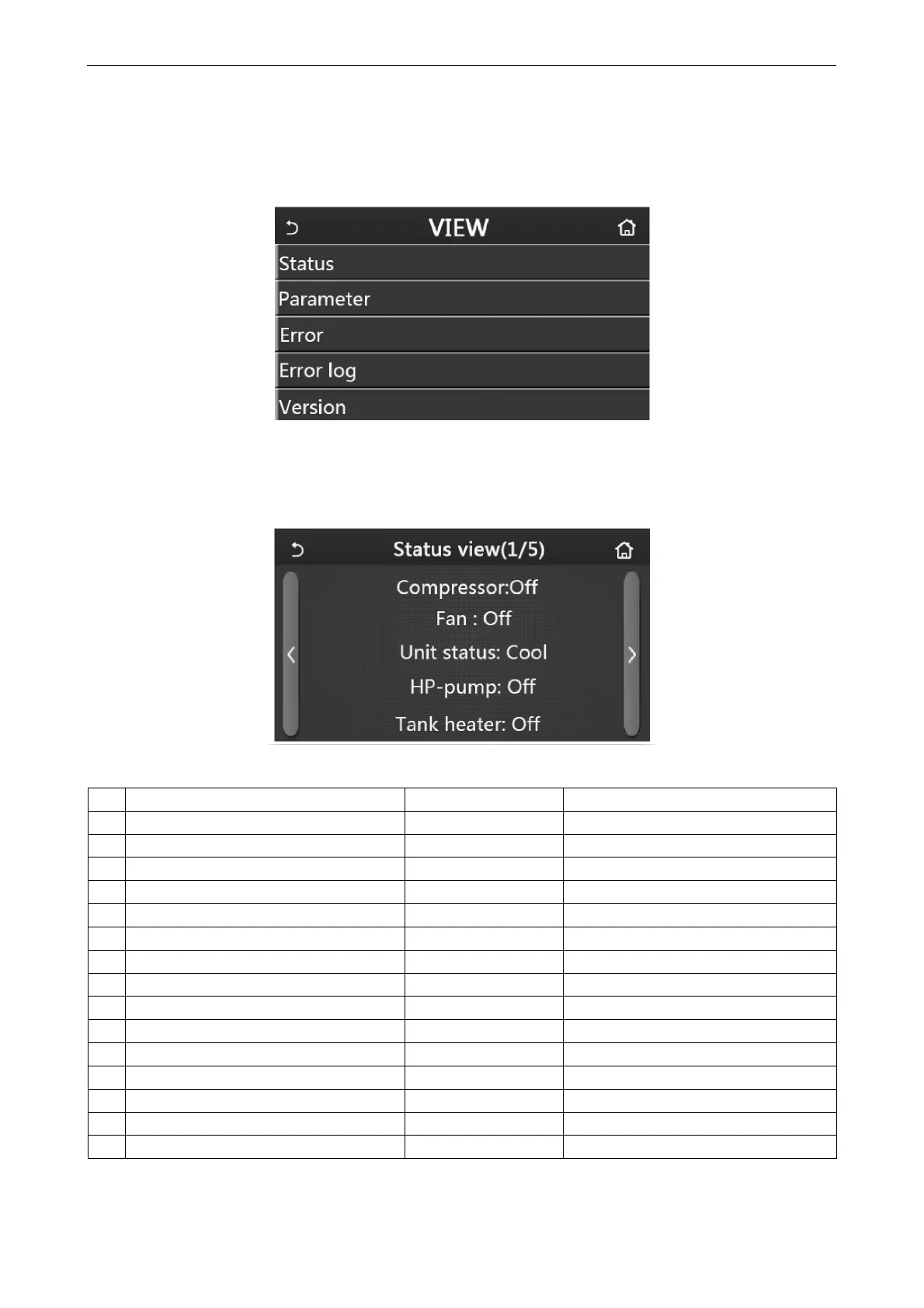
1. At the menu page, by touching “VIEW”, the control panel will go to the sub-menu page as shown in the figure
below.
VIEW Page
2.5.1 Status Viewing
[Operation Instructions]
1. At the “VIEW” page, by touching “Status”, it is able to view status of the unit, as shown in the figure below.
Status View Page
Viewable Status
No Full Name Displayed Name Status
1 Status of the compressor Compressor On/Off
2 Status of the fan Fan On/Off
3 Status of the unit Unit status Cool/Heat/Hot water/Off
4 Status of the water pump HP-pump On/Off
5 Status of the water tank heater Tank heater On/Off
6 Status of the 3-way valve 1 3-way valve 1 NA
7 Status of the 3-way valve 2 3-way valve 2 On/Off
8 Status of the compressor crankcase heater Crankc. heater On/Off
9 Status of the heater 1 for the main unit HP-heater 1 On/Off
10 Status of the heater 2 for the main unit HP-heater 2 On/Off
11 Status of the Chassis heater Chassis heater On/Off
12 Status of the heat exchanger heater Plate heater On/Off
13 Status for the system defrosting Defrost On/Off
14 Status of the system oil return Oil return On/Off
15 Status of the thermostat Thermostat Off/Cool/Heat



 To Next Page