Operation Instructions
33
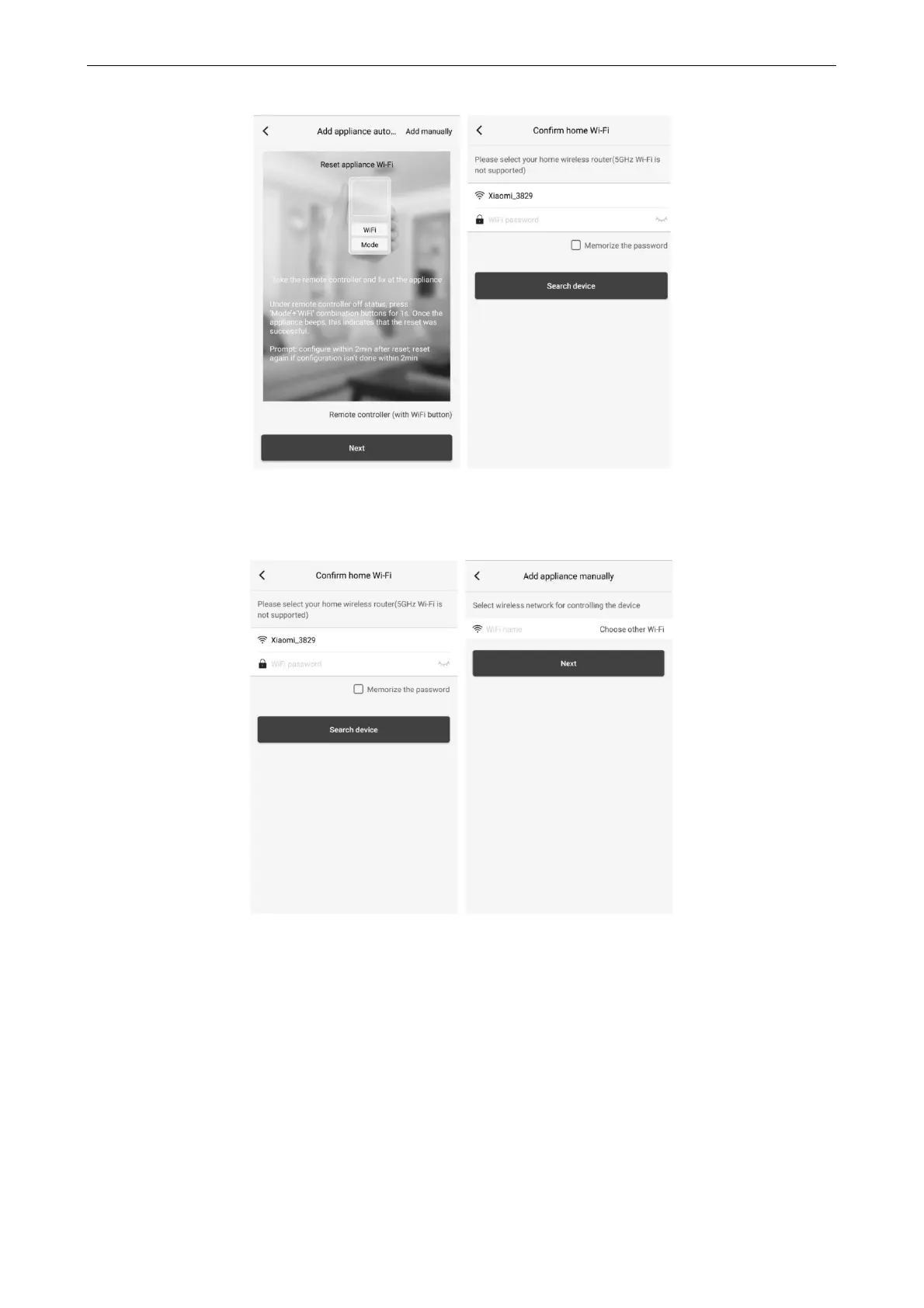
Reset the air conditioner (refer to the operation instructions in APP interface) and click “Next” to add home
appliance automatically (Wi-Fi password shall be input). Or after setting and energizing the air conditioner, click “Add
appliance manually” at the right upper corner to select the wireless network for controlling the device. Then confirm
family Wi-Fi and arrange configuration.
After accomplishing device reset and filling correct information, search device and arrange configuration.



 To Next Page