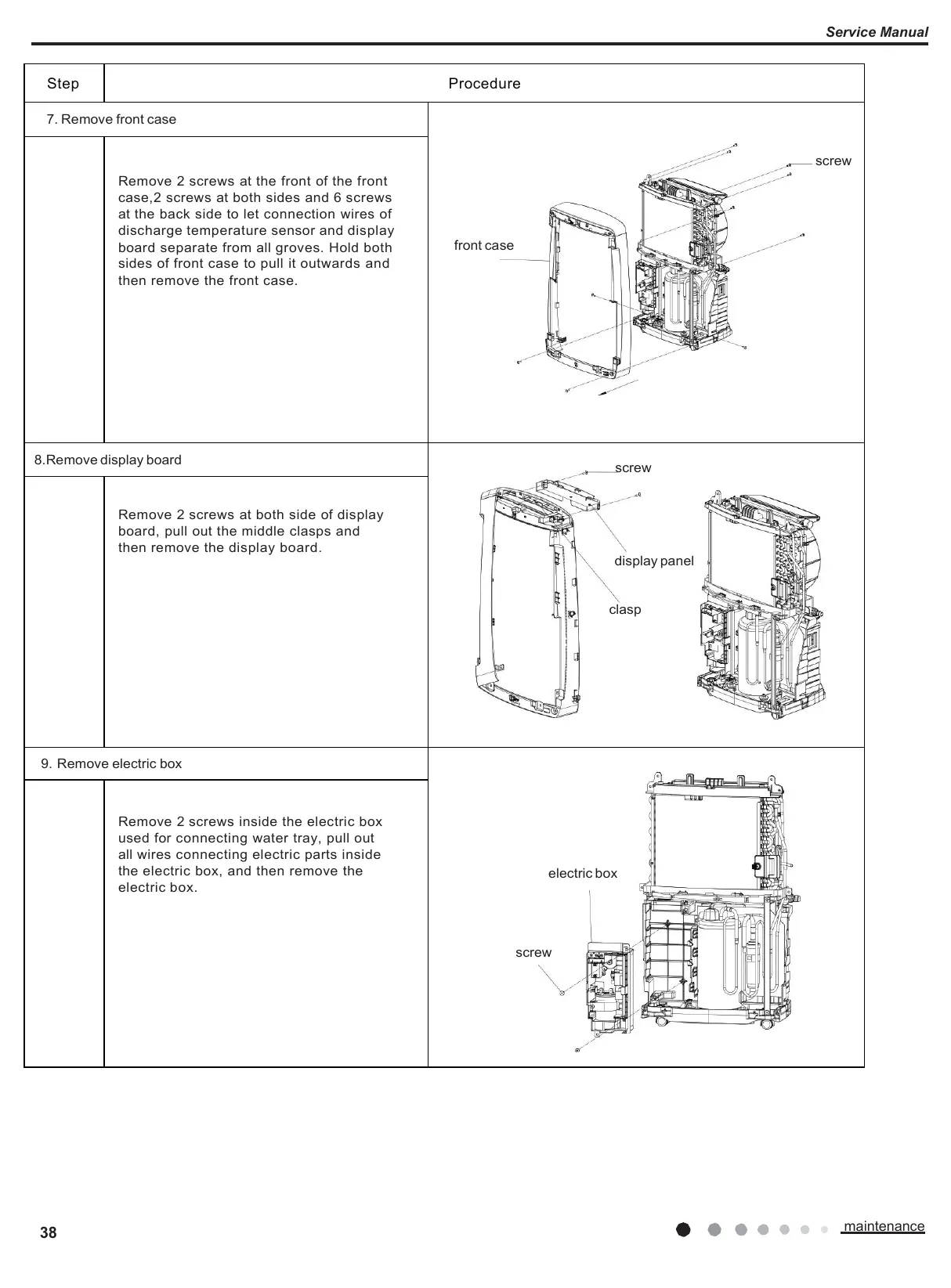
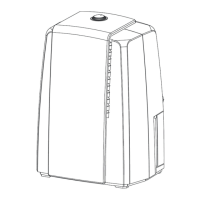
Remove 2 screws at the front of the front
case,2 screws at both sides and 6 screws
at the back side to let connection wires of
discharge temperature sensor and display
board separate from all groves. Hold both
sides of front case to pull it outwards and
then remove the front case.
screw
display panel
clasp
Remove 2 screws at both side of display
board, pull out the middle clasps and
then remove the display board.
Remove 2 screws inside the electric box
used for connecting water tray, pull out
all wires connecting electric parts inside
the electric box, and then remove the
electric box.







 To Next Page