31V 12/23
HOW TO USE THE APPLIANCE
This appliance can be used for Cooling, Heating, Dehumidication and Fan. Before using the appliance, leave it in
an upright position for at least two hours.
Plug the power cord into an appropriate power outlet (220-240~V). Insert the supplied battery into the remote
controller, observing the polarities. Select the desired operating mode from the remote controller.
The air conditioner is equipped with a protection system which causes the unit to activate in Cooling, Heating,
Dehumidication and Heating mode only after an interval of approximately 3 minutes from the selection. Even when
passing from one mode to another, the fan continues to operate, but the compressor stops to restart after 3 minutes.
This start delay protects the compressor from overload.
This appliance is equipped with an automatic defrosting system which intervenes when the unit is running hot and ice
forms on the coil. When the appliance starts defrosting, the Power LED ashes on the control panel. The compressor
stops for 10 minutes, after which the appliance resumes normal operation.
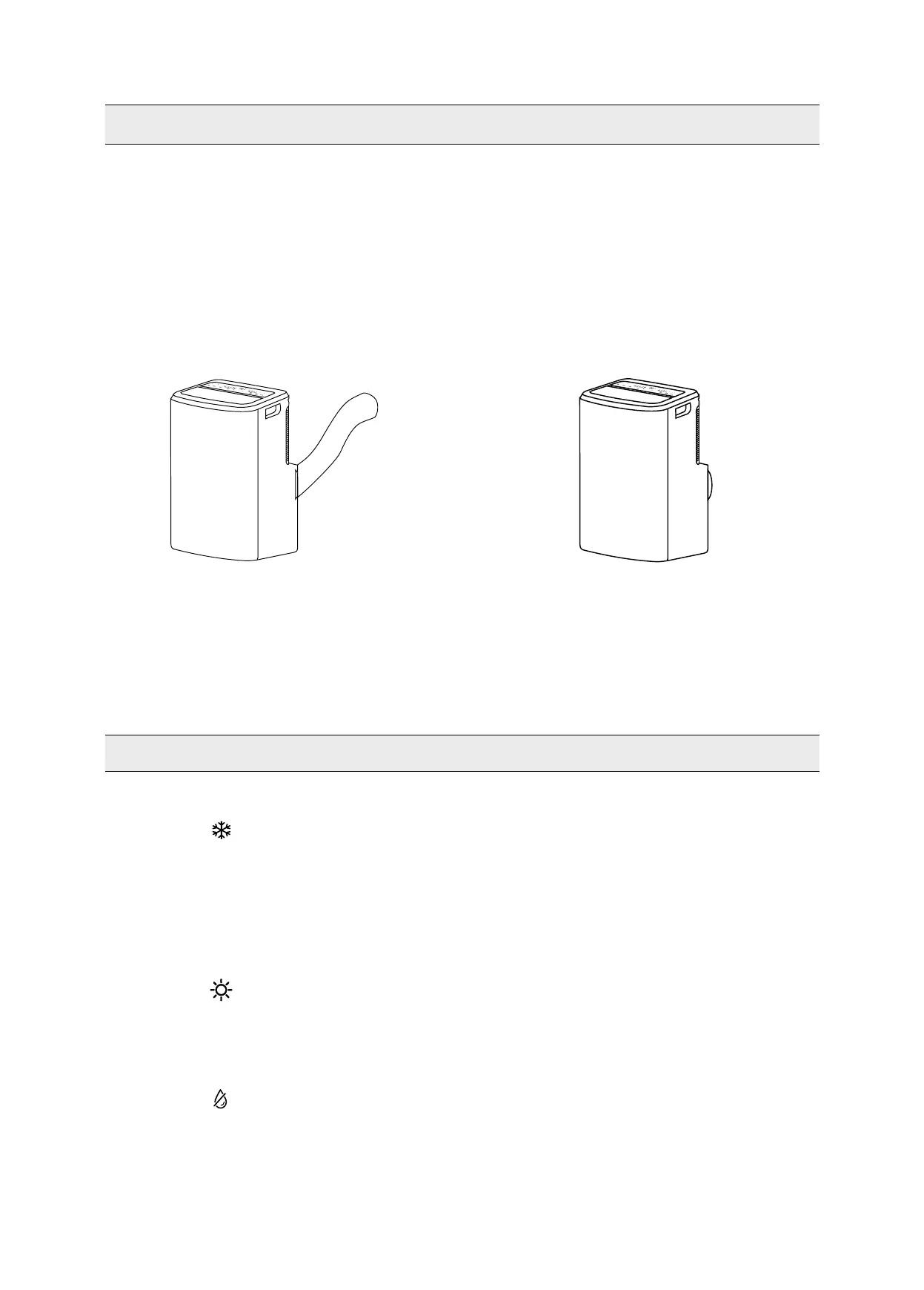
THE DISCHARGE TUBE MUST ALWAYS BE CONNECTED to the appliance: the only exception is when the appliance
is used solely for dehumidication, in which case it is advisable to let the appliance discharge directly into the
environment for maximum efciency (consult the “Dehumidication Mode” paragraph).
Regularly clean the air lter to keep the air conditioner working efciently.
1. COOLING MODE (COOL)
• Press the MODE button to select the cooling mode.
• The LED on the control panel will turn on.
• The temperature can be adjusted to between 16 °C and 32 °C.
• In this mode, each time the ON/OFF button is pressed the unit switches off, the appliance saves the
temperature setting and retains this setting when it is switched on again.
• In this mode, the fan speed can be adjusted and the Timer and SLEEP functions can be set.
• For more silent operation, run the fan at low speed.
2. HEATING MODE (HEAT)
• Press the MODE button to select the heating mode.
• The LED on the control panel will turn on.
• The temperature can be adjusted to between 16 °C and 32 °C.
• In this mode, the fan speed can be adjusted.
3. DEHUMIDIFICATION MODE (DRY)
• Press the MODE button to select the dehumidication mode.
• The LED on the control panel will turn on.
• The temperature is controlled by the electronic board and cannot be adjusted.
• In this mode, each time the ON/OFF button is pressed the unit switches off, the appliance saves the settings
and retains them when it is switched on again.
• The fan speed is set to low and cannot be adjusted.
Cooling, Heating, Fan Dehumidifying
OPERATING MODES


 To Next Page