Argos A700 User’s Manual
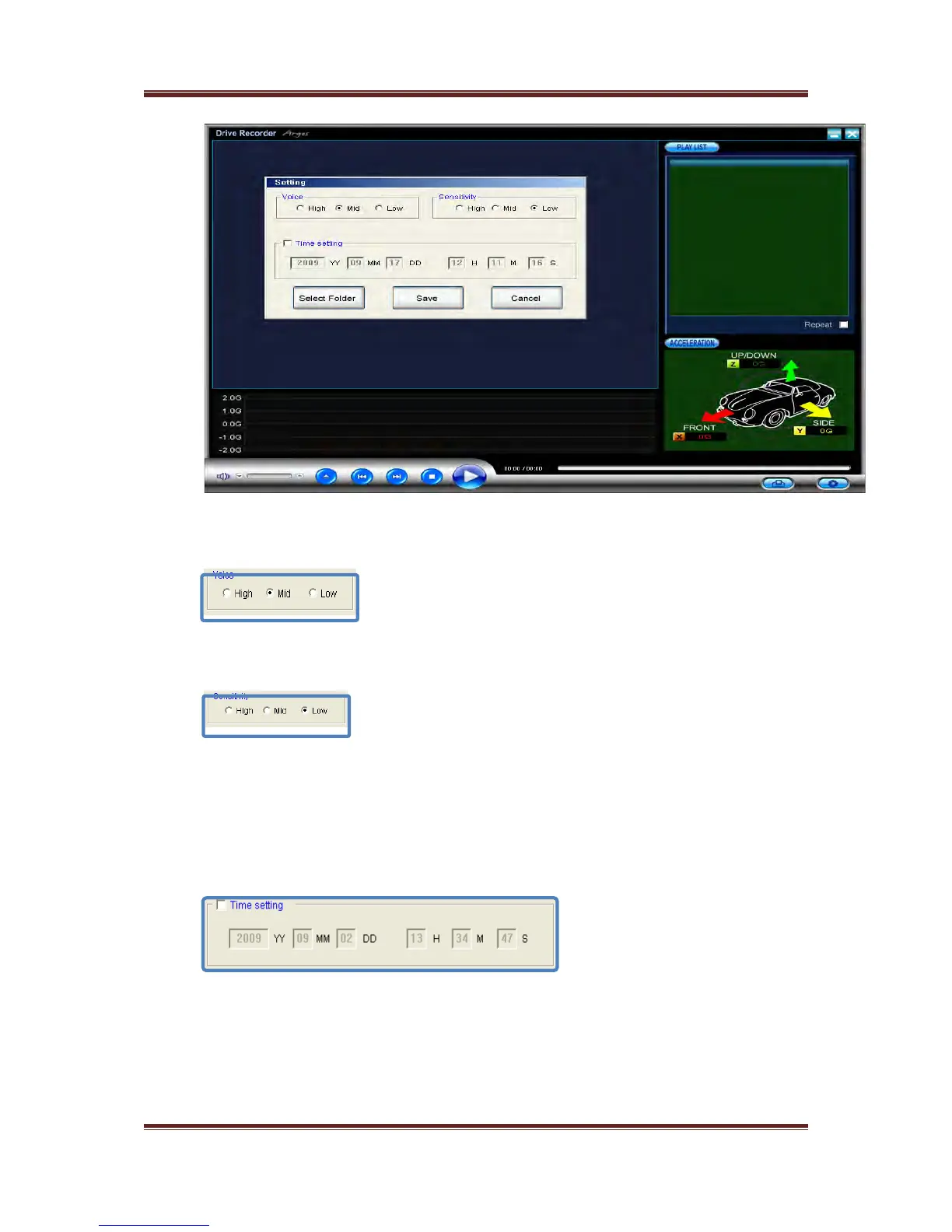
<Volume Control>
Volume can be modified by user
<G-Sensor sensitivity Control>
Sensitivity of G-Sensor received from the outside can be modified by user
☞ Please control the sensitivity of G-Sensor according to user’s driving habit or
status of user’s car
If the sensitivity of G-Sensor is high, event recording will be caused frequently
by slight impact
If the sensitivity of G-Sensor is low, a device can not sense the impact so event
recording will do not work normally
<Time Control>
Please modify time values after checking “ Time Control ” box certainly
☞ Please check “Time setting box” certainly
Please insert SD card into the body on time to modify
Please turn on the power of A700 to apply the value
16



 To Next Page