Argos A700 User’s Manual
UPGRADE
Please upgrade to new firmware file for functional improvement hereafter
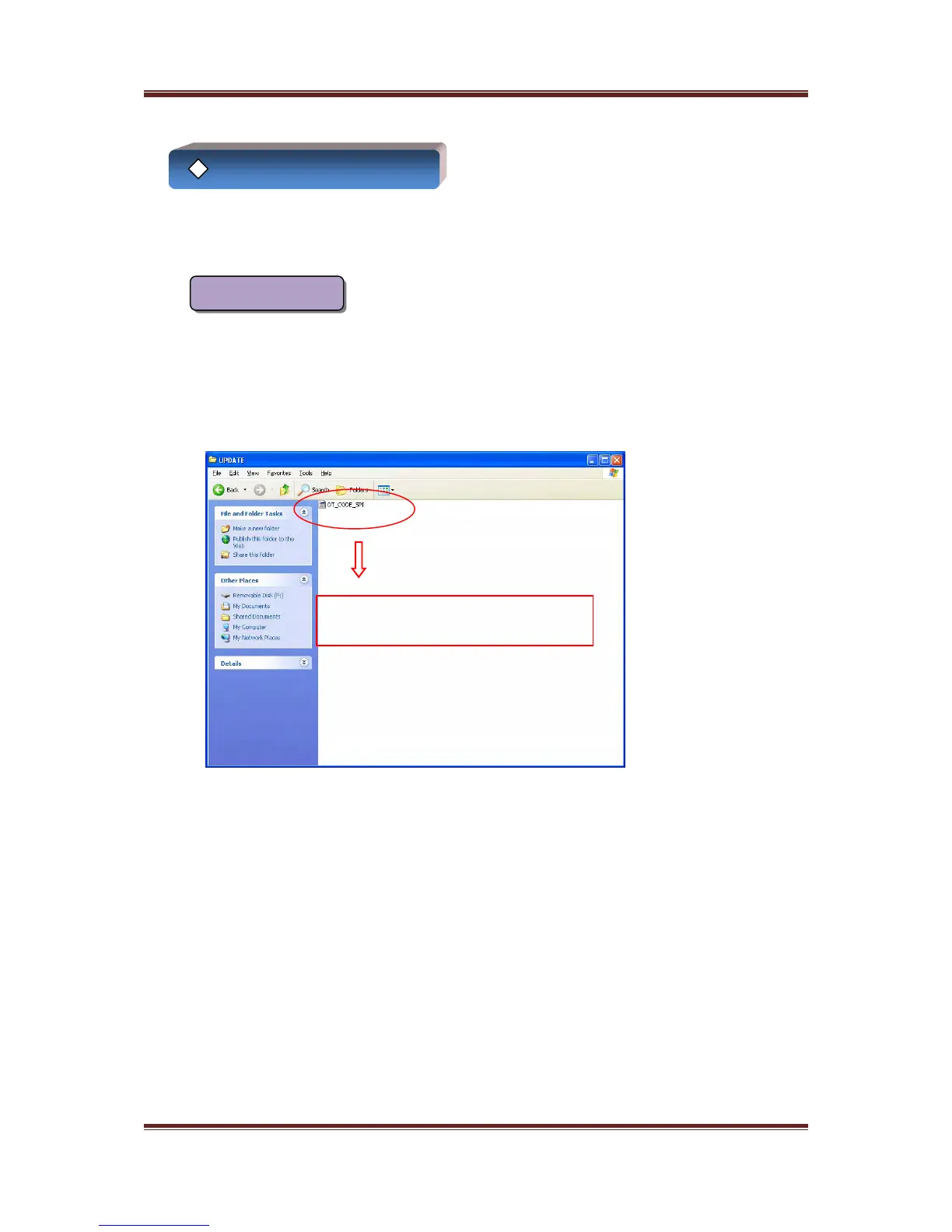
Upgrade file is stored in the “UPDATE” folder
Upgrade
1. Please download the upgrade file from our company’s homepage
2. Please copy Firmware file“JADE_NEOS_CODE_SPI.bin”
3. Please store it in the “UPDATE” folder of SD memory card
4. Please insert SD memory card stored the file into A700 and turn on the power of
A700, so new firmware will be upgraded automatically
Recording LED lights up red while upgrading and then A700 will be rebooted.
Copy an upgrade file in the
“UPDATE
19



 To Next Page