Argos A700 User’s Manual
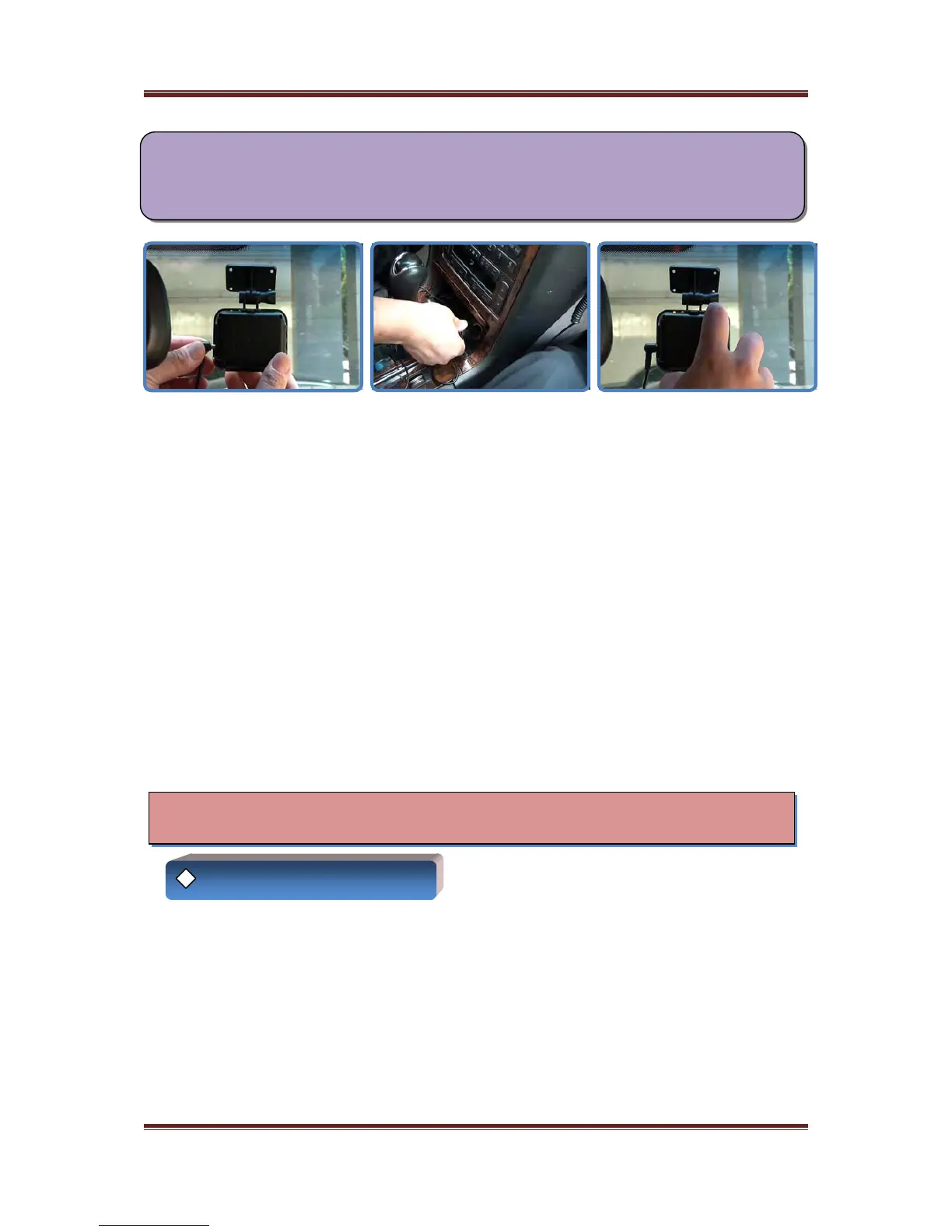
No 5. Connect a vehicle cable to the power input of a device
Start an engine of car
Turn on the power of A700
When you start the engine of car, charging LED of A700 lights up red
When you turn on the power, recording LED of A700 lights up green and goes to orange and
continuous recording will be started
Note)
You have to turn on the power of A700 to operate A700 normally
Although you start the engine of car, if the power of A700 is turned off,
recording wil be not started (in this case, only battery is charged)
When you turn on the power, recording LED of A700 flashes green during a few seconds
Explanation of function
◈ Operation of the device
(this is the condition booting up the system) and goes to orange with buzzer sound (beep)
and continuous recording is starting
If SD memory card is not inserted in the unit, recording LED flashes red with buzzer sound
(beep,beep,beep,…) every 1 second continuously
Please insert SD memory card into the unit before turning on the power of A700
8



 To Next Page