EasyManua.ls Logo

Argox AME-3230B - User Manual

Argox AME-3230B
41 pages
Print Icon
To Next Page IconTo Next Page
Loading...
1
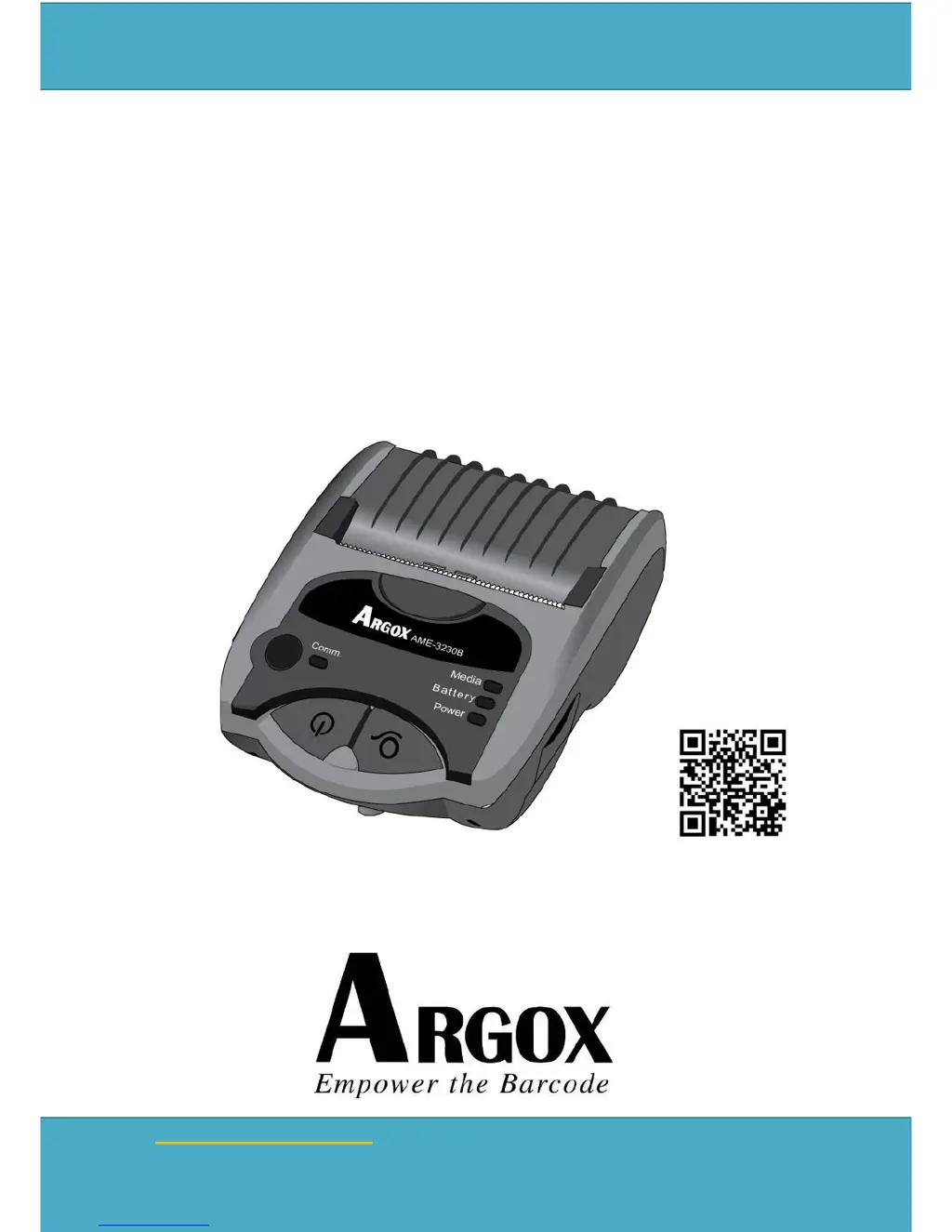
AME Series Users Manual
AME-3230
AME-3230B
AME-3230W
MOBILE PRINTERS
USERS MANUAL
Oct. 01, 2018
Revision 9.0
Website: http://www.argox.com
Address: 7F, No. 126, Lane 235, Pao-Chiao Rd., Hsin Tien,
Taipei, Taiwan, R.O.C.
Argox Information Co., Ltd
Ribbon & Media Installation
video

Questions and Answers

  • R
    Robert WilliamsAug 14, 2025
    What to do if my Argox Printer shows MEMORY FULL?
    • R
      Ronald HillAug 14, 2025
      If your Argox Printer displays 'MEMORY FULL', it means the printer's memory buffer is overloaded with downloadable soft fonts, graphics, or forms. Review the format and size of the stored data in relation to the available memory. If the issue persists, consider seeking professional service.
  • S
    Samantha RollinsAug 17, 2025
    Why does my Argox Printer show SERIAL I/O ERROR?
    • M
      Michelle NguyenAug 17, 2025
      If you see 'SERIAL I/O ERROR' on your Argox Printer, it indicates a mismatch in the RS232 communication format or baud rate between the printer and the host device. Verify and adjust the format and baud rate settings to ensure they are consistent.
  • N
    Natalie CrossAug 20, 2025
    How to resume printing if my Argox Printer is at the PAUSE status?
    • S
      Sonya CollinsAug 21, 2025
      If your Argox Printer is at the PAUSE status, press the FEED button to resume normal printing mode.
  • M
    Mark NguyenAug 25, 2025
    What happens when the print head overheats on an Argox AME-3230B?
    • J
      jaclyn31Aug 25, 2025
      If your Argox Printer displays 'Print Head overheated', it has automatically paused to allow the print head to cool down. The printer will automatically resume printing once it is ready.
  • M
    mcarterAug 27, 2025
    What to do if my Argox AME-3230B says 'Media out'?
    • M
      Michelle ChavezAug 27, 2025
      If your Argox Printer shows 'Media out', it means that the media is either not installed correctly or has been completely used. Ensure that you install the media correctly.
  • M
    Maria WatersAug 30, 2025
    What to do if Argox Printer fails to detect the media gaps/ black-marks?
    • E
      Elizabeth MooreAug 31, 2025
      If your Argox Printer fails to detect media gaps or black-marks, perform a media calibration before initiating the printing process.
  • J
    Jonathan FoxSep 3, 2025
    What to do if my Argox Printer shows 'MEMORY FULL'?
    • A
      Andrew RoseSep 3, 2025
      The 'MEMORY FULL' error on your Argox Printer indicates that the printer's memory buffer is completely loaded with downloadable soft fonts, graphics, or forms. You should check the format and size of the stored data against the available memory size. If the issue persists, consider calling for service.
  • L
    lawrencekellerSep 6, 2025
    Why does my Argox AME-3230B say 'Print Head overheated'?
    • A
      Alicia GregorySep 6, 2025
      When the Argox Printer displays 'Print Head overheated', it means the printer has entered PAUSE status to allow the print head to cool down. The printer will automatically resume printing tasks once it is ready.
  • J
    Joel AllenSep 10, 2025
    How to fix SERIAL I/O ERROR on Argox Printer?
    • A
      aguirresandraSep 10, 2025
      A 'SERIAL I/O ERROR' on your Argox Printer suggests that the format or baud rate of the RS232 communication is inconsistent between the printer and the host. To resolve this, check the format and baud rate settings between the printer and the host.

Argox AME-3230B Specifications

General IconGeneral
BrandArgox
ModelAME-3230B
CategoryPrinter
LanguageEnglish

Related product manuals