EasyManua.ls Logo

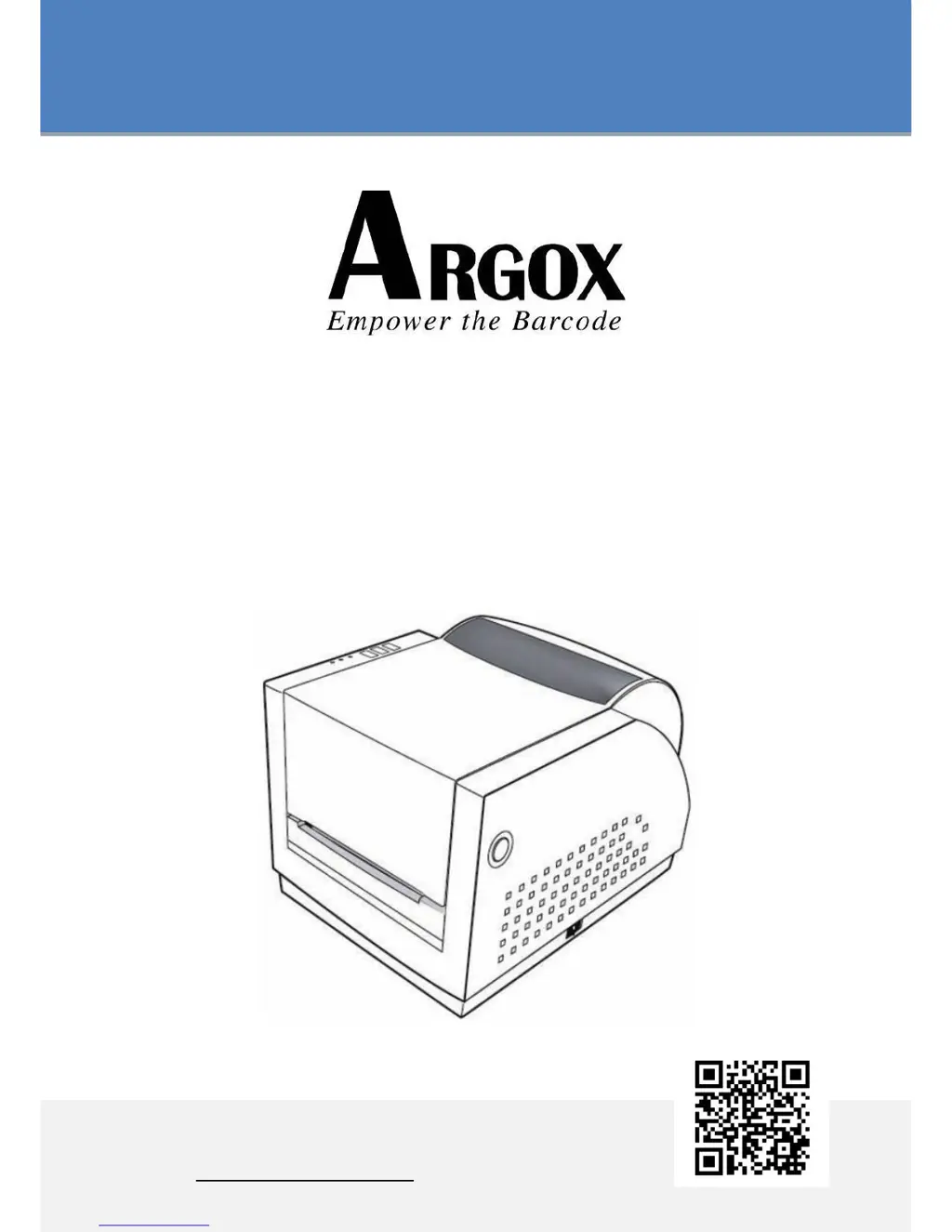
Argox R-400K plus - User Manual

Argox R-400K plus
72 pages
Print Icon
To Next Page IconTo Next Page
Loading...
REFINE SERIES
USERS MANUAL
R-400plus / R-400K plus /R-600S
Website: http://www.argox.com

Questions and Answers

  • K
    kimberly39Aug 6, 2025
    Why does my Argox R-400K plus have vertical streaks in the printout?
    • S
      Shannon RiggsAug 6, 2025
      If you observe vertical streaks in the printout from your Argox printer, it might be due to a dirty or faulty print head. First, try cleaning the print head. If the streaks persist after cleaning, consider replacing the print head.
  • E
    Eileen VillanuevaAug 11, 2025
    How to improve poor printout quality on my Argox R-400K plus Printer?
    • D
      Deanna FieldsAug 11, 2025
      If your Argox Printer's printout quality is poor, several factors could be responsible. The ribbon or the media might not be qualified for printing. Try adjusting the darkness (heat temperature) settings. Alternatively, slowing down the print speed may improve the printout quality.
  • E
    Eric BruceAug 16, 2025
    What to do if my Argox R-400K plus is timing out?
    • D
      David WatsonAug 16, 2025
      If your Argox Printer is timing out, ensure the communication cable is securely connected. Also, verify that the printer power is turned on. If the power cord is connected, the power switch is at the correct position, and the power LED is still not illuminated, it may require professional service.
  • K
    Katherine LopezAug 21, 2025
    Why is there no output from my Argox R-400K plus Printer?
    • M
      Mr. Jonathan Chan Jr.Aug 21, 2025
      If there is no output from your Argox printer, check that the active printer driver is Label Dr. for your Windows system and the label printer. Also, verify the emulation and the print (command) file.
  • J
    Jordan EdwardsAug 27, 2025
    How to fix missing gap error on Argox R-400K plus Printer?
    • P
      penajoshuaAug 27, 2025
      If your Argox printer is showing a missing gap error, check the media path and the position of the label sensor. If you are using continuous media, verify that your application software and driver are set to continuous.
  • J
    Jennifer ShieldsAug 31, 2025
    Why is the ribbon roll rotation unstable in my Argox Printer?
    • R
      Rachel SmithAug 31, 2025
      If the ribbon roll rotation is unstable on your Argox printer, check the label path. Also, make sure the head latch is securely closed.

Summary

Introduction and Disclaimers

Proprietary Statement

Contains proprietary information of Argox Information Co., Ltd.

Product Improvements

Policy of continuous improvement, specifications subject to change.

FCC Compliance Statement

Equipment tested and found to comply with FCC limits.

Liability Disclaimers

Argox is not liable for errors or damages arising from product use.

Getting Started

Unpacking Printer

Steps to check for shipping damage and verify included accessories.

Attaching Power

Instructions for connecting the printer to the AC power source.

Parts and Features

Identifies key components and controls of the printer.

Loading Ribbon

Step-by-step guide on how to load a ribbon into the printer.

Loading Media

Instructions for loading media in standard, peel-off, or cutter modes.

Printer Operations

Controls and Indicators

Describes the power switch, buttons, and LED status indicators.

Operational Procedures

Guides for calibration, printing configuration reports, and resetting to factory defaults.

Communications

Connecting Printer to Host

Details on connecting the printer to a host computer via various ports.

Installing USB Printer Driver

Guide for installing the Plug and Play printer driver for USB connections.

Installing Non-USB Printer Driver

Instructions for installing drivers for parallel, serial, or Ethernet interfaces.

Troubleshooting

Media and Ribbon Issues

Solutions for common problems related to media and ribbon.

General Printing Problems

Troubleshooting steps for miscellaneous printing errors and "Printer Time out".

Recovery Procedures

Steps to resume printer operation after recovering from abnormal conditions.

Printer Maintenance and Specifications

Cleaning Procedures

Guides for cleaning the print head, roller, and media compartment.

Technical Specifications

Details on general specs, fonts, barcodes, graphics, and programming languages.

Interface Specifications

Serial, USB, and Parallel Ports

Pin assignments and details for Serial, USB, and Parallel interfaces.

Auto Polling and ASCII Table

Information on auto polling and the ASCII character set table.

Appendix and Options

Printer Status and Stand-Alone Operation

Describes LED status indicators and stand-alone usage modes.

Optional Kit Installation

Guides for installing the Dispenser Kit and Cutter accessory.

Argox R-400K plus Specifications

General IconGeneral
BrandArgox
ModelR-400K plus
CategoryPrinter
LanguageEnglish

Related product manuals