EasyManua.ls Logo

Argox OS-214ZIP - User Manual

Argox OS-214ZIP
39 pages
Print Icon
To Next Page IconTo Next Page
Loading...
Argox
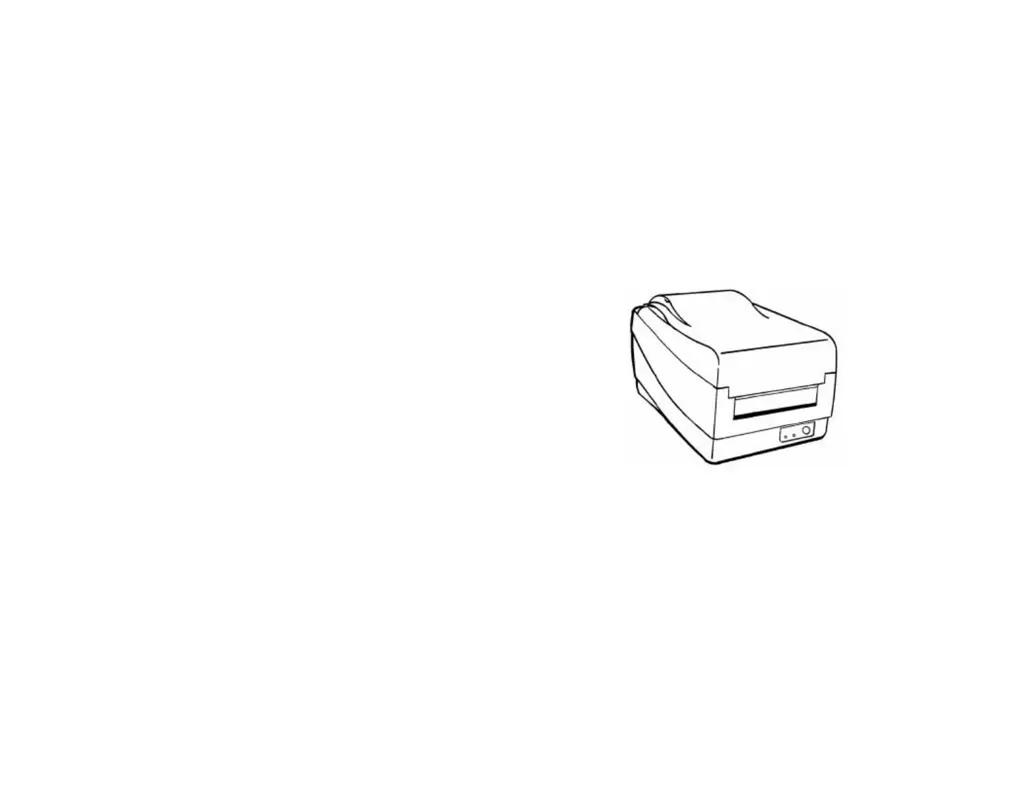
OS-214ZIP Printer
User Manual

Questions and Answers

  • S
    Sean JohnsonAug 9, 2025
    Why is the printout quality poor on my Argox Printer?
    • W
      William JacobsAug 9, 2025
      Poor printout quality on your Argox Printer might be due to unqualified ribbon or media. Check if the communication cable (parallel or serial) is securely connected to your PC and the printer. You may also need to adjust the darkness (heat temperature).
  • D
    Denise CoxAug 25, 2025
    How to remove vertical streaks in printout from Argox OS-214ZIP?
    • M
      Melissa HoldenAug 25, 2025
      To remove vertical streaks in printouts from your Argox Printer, first clean the print head. If the issue persists, replace the print head.

Argox OS-214ZIP Specifications

General IconGeneral
Resolution203 dpi (8 dots/mm)
Processor32-bit RISC CPU
PowerAC 100-240V, 50/60Hz
CutterOptional
PeelerOptional
TypeThermal Transfer / Direct Thermal
Print Width4.1 in (104 mm)
Print Speed4 ips (101.6 mm/s)
Memory8 MB Flash, 8 MB SDRAM
InterfacesRS-232, Centronics Parallel, USB
Media TypeRoll, Fanfold, Tag
Media Width1.0 in (25.4 mm) to 4.5 in (114 mm)
Media Thickness0.002 in (0.05 mm) to 0.0079 in (0.2 mm)
Operating Temperature32°F to 104°F (0°C to 40°C)
Storage Temperature-20°C ~ 50°C (-4°F ~ 122°F)
Operating Humidity20% to 85% (non-condensing)
Storage Humidity5% to 95% (non-condensing)
Supported Barcode TypesPDF-417, Maxicode, DataMatrix, QR code, Aztec

Related product manuals