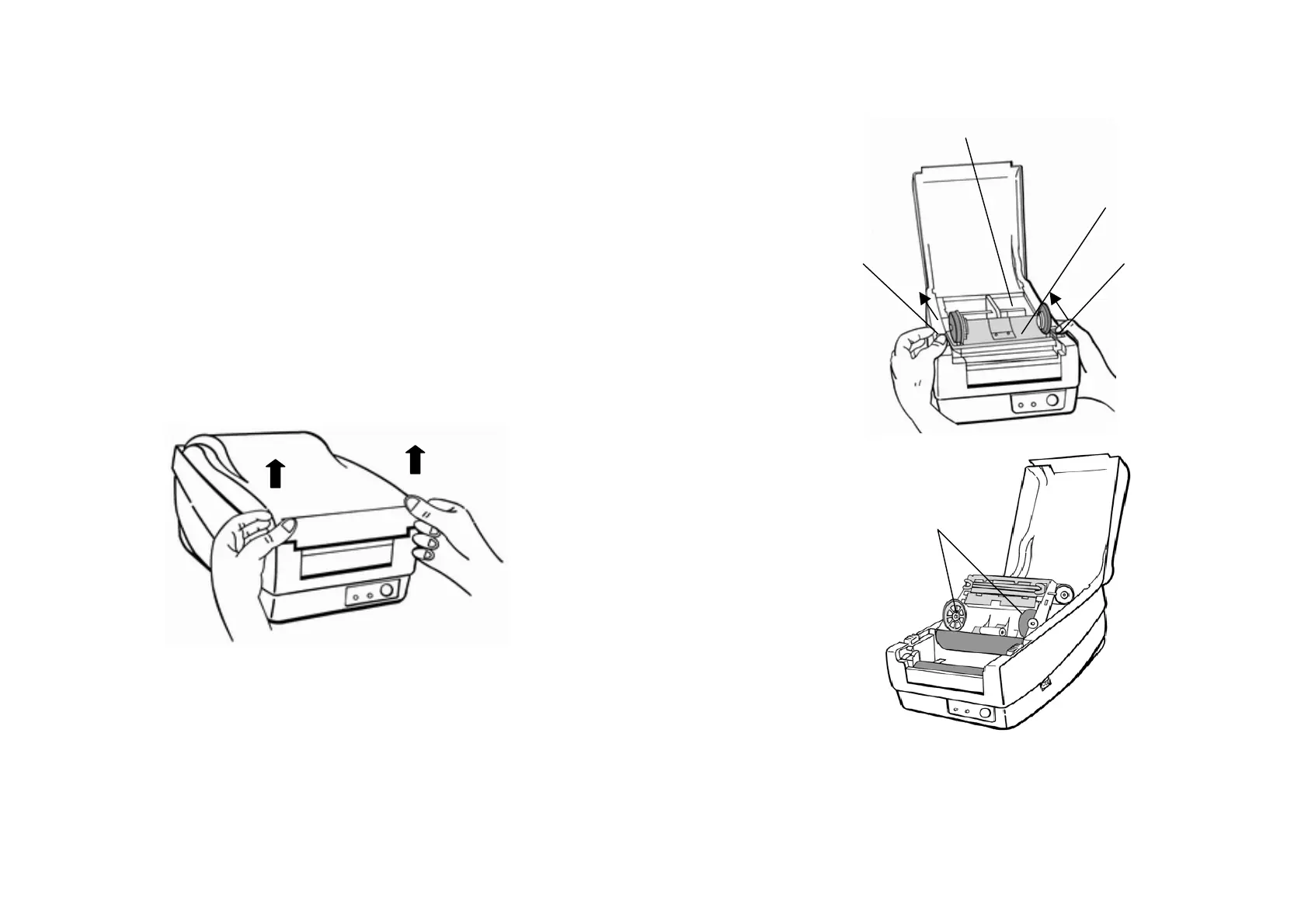
Loading the Ribbon (OS-214, OS-314)
Note:
This section is not applicable to the direct thermal printing.
1. Lift the top cover to expose the media compartment.
2. Unlatch the print head module by pushing the two white release
levers on the sides toward the rear.
3. Turn over the print head module to expose the ribbon supply
holder.
10
Print Head Module
Release Lever
Ribbon Supply Holder
9



 To Next Page