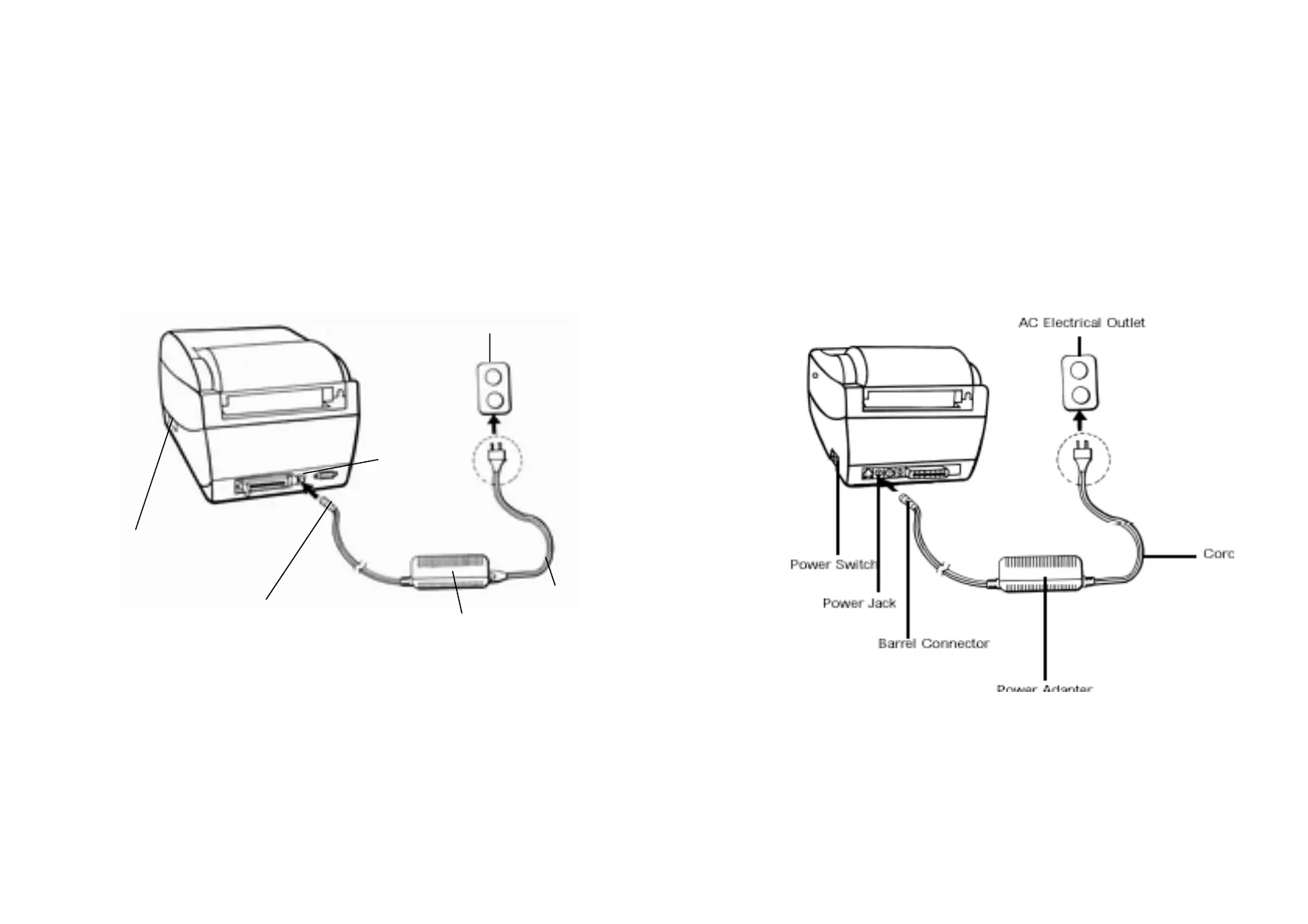
Power Supply
1. The Power Adapter has a barrel connector on one end that
must be inserted into the power jack on the back of the printer.
2. Plug the other end of the cord into an appropriate AC electrical
outlet.
WARNING:
NEVER OPERATE THE PRINTER AND POWER SUPPLY IN
AN AREA WHERE THEY CAN GET WET.
3. When plugging the connector into power jack, please leave the
power switch at "O" position and don't touch the 36 pin parallel
connector.
Power Switch
Power Adapter
OS-204/214/314
OS-202
3
4



 To Next Page