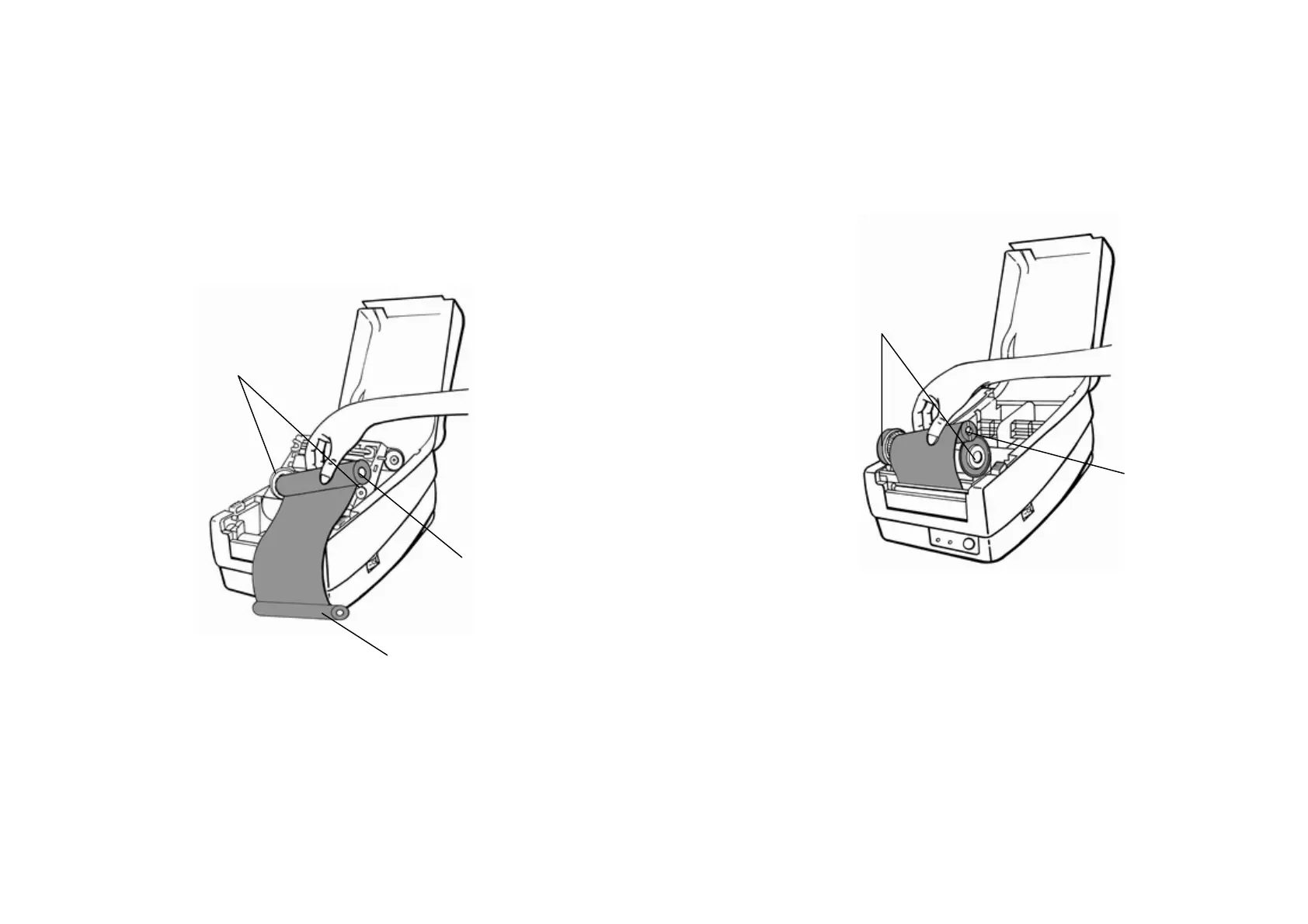
4. Unwrap the ribbon roll pack and separate the ribbon roll and
the bare core.
7. Turn back the print head module and then insert the bare core
into the pick-up holder.(first snap in the left side, then the right
side) 5. Attach the edge of the ribbon on the bare core and wind it a
little bit onto the core.
6. Insert the ribbon roll into the supply holder. (first snap in the left
side and then the right side)
Ribbon Supply Holder
Ribbon Roll
12
Ribbon Pick-up Holder
Bare Core
11



 To Next Page