ARIESAUTOMOTIVE.COM
•
NEED ASSISTANCE?
•
877.287. 8 63 4
•
1110313-INS-R A
•
PAGE 2
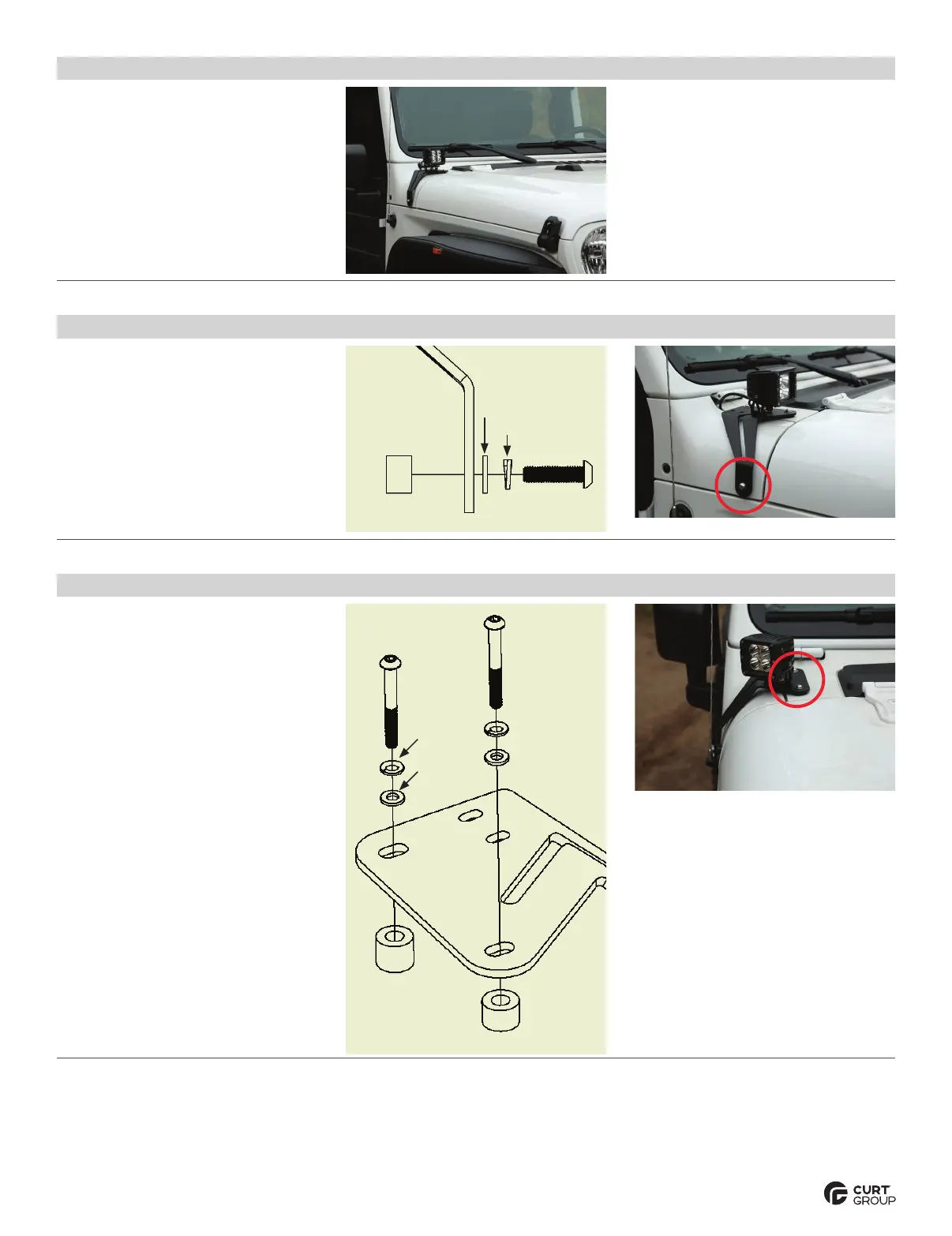
Step 1
Starting on the driver side, locate
the mounting points on the vehicle.
Remove any existing hardware.
Step 2
On the side attachment, use a 5/8" spacer,
an M8 bolt, lock washer and flat washer to
secure the bracket to the vehicle.
Step 3
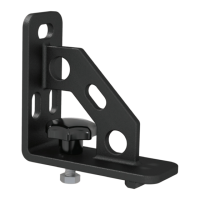
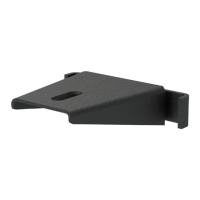
On the top attachment, use a 5/8"
spacer, a 1/2" spacer, two M6 bolts,
lock washers and flat washers to
secure the bracket to the vehicle.
Repeat steps 2 through 3 on the
passenger side of the vehicle.
5/8" spacer
M6 bolt
M6 lock
washer
M6 flat
washer
1/2" spacer
5/8" spacer
M8 lock washer
M8 bolt
M8 flat washer


 To Next Page