ARIESAUTOMOTIVE.COM • NEED ASSISTANCE? • 800.798.0813 • 4504-INS-RB • PAGE 2
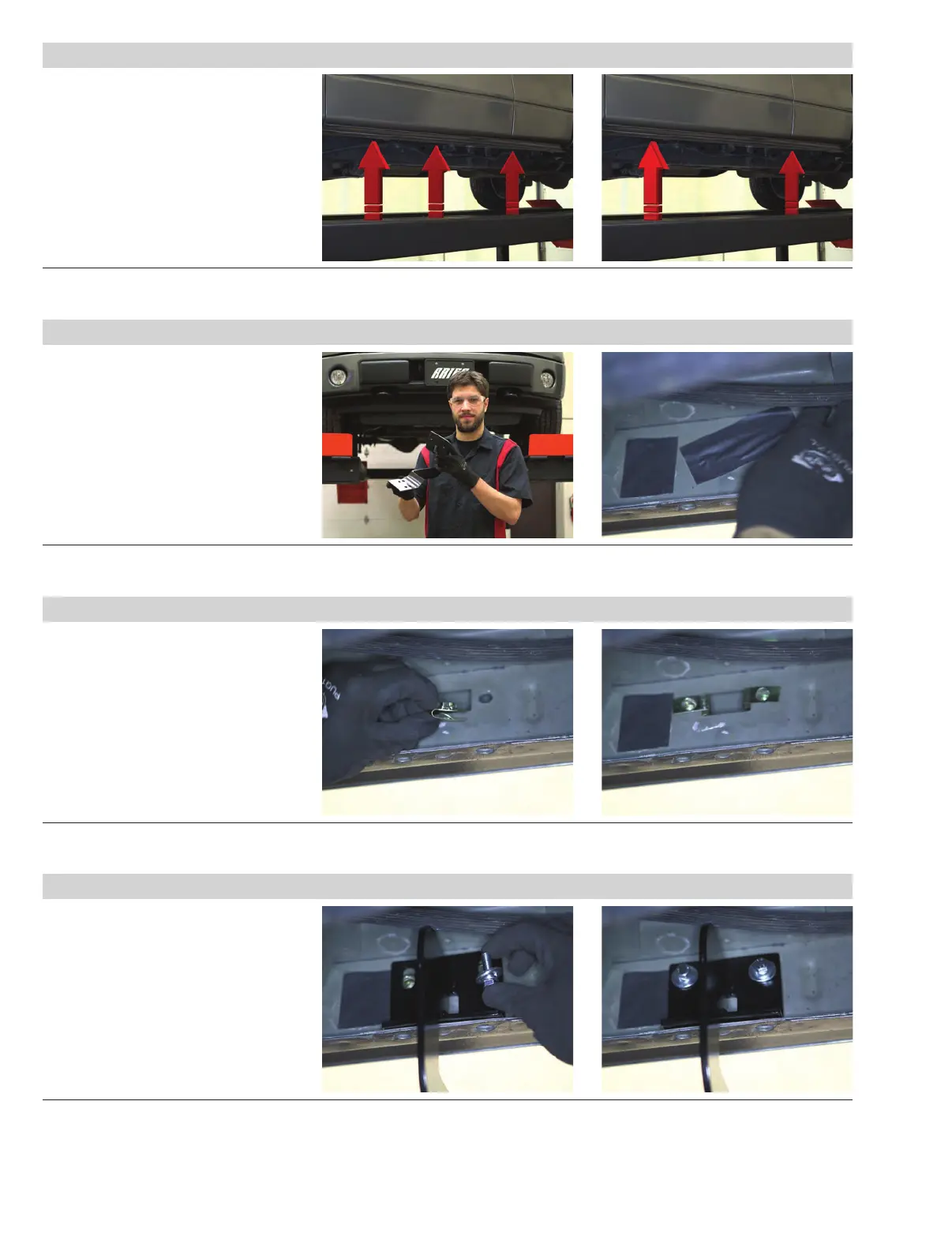
Step 1
Starting on the driver side, locate the
three pinch weld factory holes.
For this installation, we will be using
the front and rear mounting locations.
Step 2
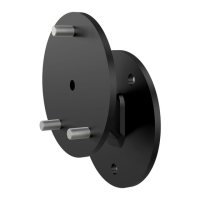
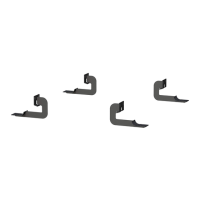
The mounting brackets are universal
and will fit both the driver and passenger
sides.
Starting at the front, remove the factory
tape covering the mounting holes on the
inner rocker panel.
Step 3
With the mounting holes exposed, insert
an 8mm clip nut into each mounting point.
Step 4
Lift the bracket into place and attach an
8mm hex bolt with a flat washer and a
locking washer on each clip nut.


 To Next Page