ARIESAUTOMOTIVE.COM • NEED ASSISTANCE? • 800.798.0813 • 4504-INS-RB • PAGE 4
Step 9
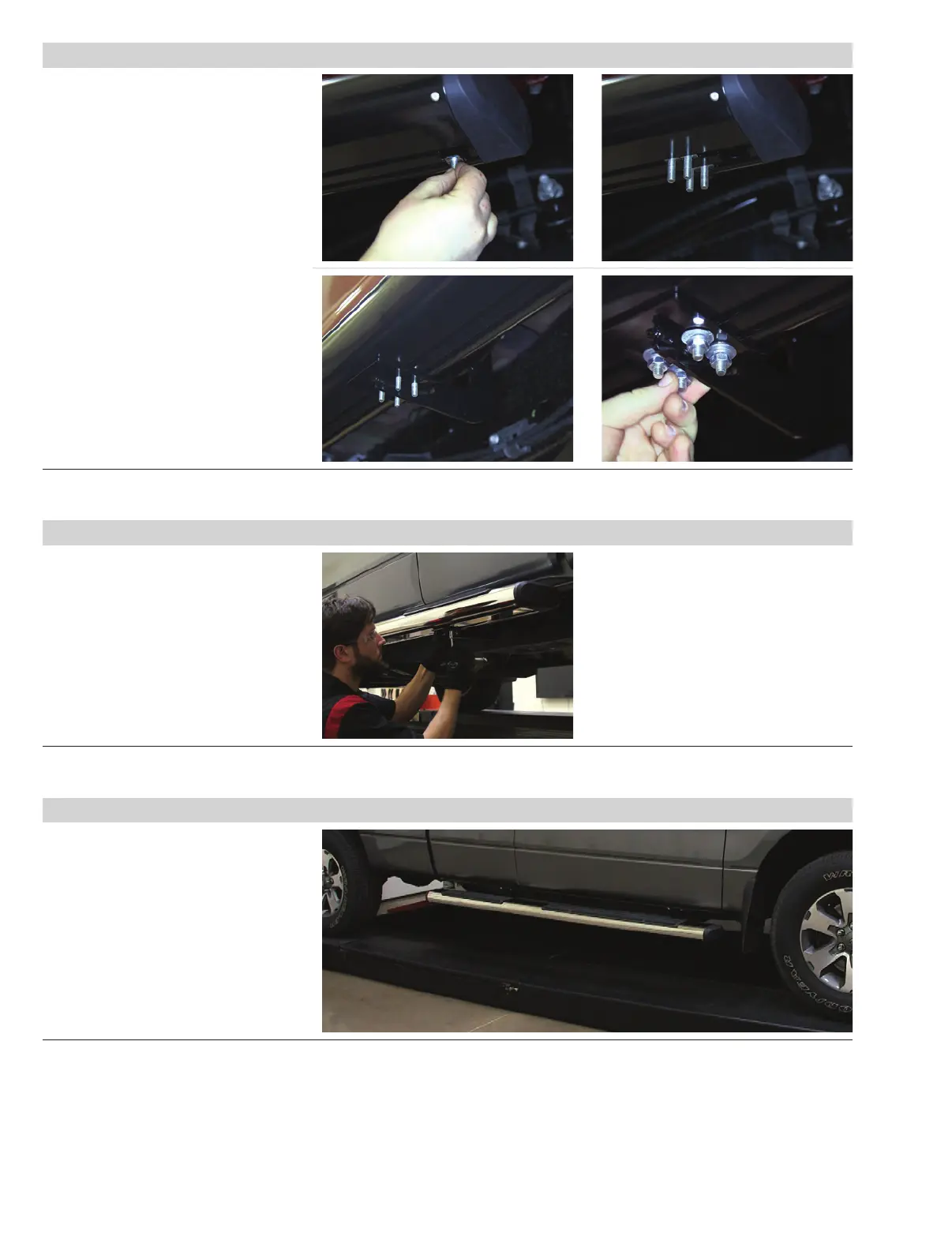
With all hardware loosely installed, ensure
the side bar is positioned as desired.
After the side bar is centered,
fully tighten all the hardware.
It is recommended to tighten all the
bracket-to-vehicle connections first,
followed by the side bar connections.
Step 10
Repeat steps 1 through 9 on the
passenger side of the vehicle.
With the side bars installed, periodic
inspections should be performed to ensure
all mounting hardware remains tight.
To protect your investment, we
recommend you apply a layer
of nonabrasive wax.
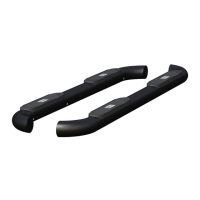
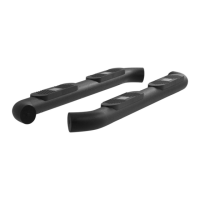
Congratulations on the installation of
your brand new ARIES 6" oval side bars.
Step 8 - Option 2 (for aluminum side bars)
Insert four T-bolts into the bottom
channels of the side bar as shown.
Slide the bolts forward to the front-most
bracket and insert them through the
cradle.
Repeat this for each bracket and attach
with 8mm flat washer, 8mm lock washer
and nut. Snug the hardware, but do not
fully tighten.


 To Previous Page