11
EN
Use a non-abrasive damp cloth to clean the steam/hot water wand joint (N) and the steel tube (L).
10 Pour the milk froth into the cup of coffee prepared earlier.
How to dispense hot water
Warning!
Danger of burns. Only touch the steam/hot water wand on the rubber part. Do not touch the steel tube.
Danger of burns due to splashes of hot water and steam that may escape from the steam/hot water
wand.
1 Place a cup on the cup-holder grid (J) (Fig. 14).
2 Press the hot water button (
).
The indicator light of the hot water button lights up to indicate that hot water is being dispensed. Water will start
running through the steam/hot water wand (M).
To stop dispensing before the process is over, press the hot water button again.
The indicator light of the hot water button turns off to indicate that hot water is ready to be served.
How to set up the favourite beverage ( ) function
It is possible to set the favourite beverage function to save and store the amount to be dispensed and the
favourite type of coffee or beverage.
1 Press and hold the favourite beverage button (
) for 2 seconds. The indicator lights of the strong coffee
(
) and mild coffee ( ) buttons start flashing.
2 Press the desired button to save your favourite beverage.
Once your favourite beverage has been selected, the appliance will automatically start dispensing.
3 To save the quantity dispensed, press and hold the button until the desired quantity is reached. Release
the button.
Two sound signals indicate that the beverage amount has been correctly saved.
When preparing your beverage the next time, press the favourite beverage button (
) to automatically
dispense the type of beverage and the amount previously saved.
Auto-off function
The appliance is equipped with an automatic shut-off system in accordance with the new regulations con-
cerning energy consumption. The appliance enables the auto-off function when not in use for 10-30 minutes,
according to the selected mode.
How to select the operating mode
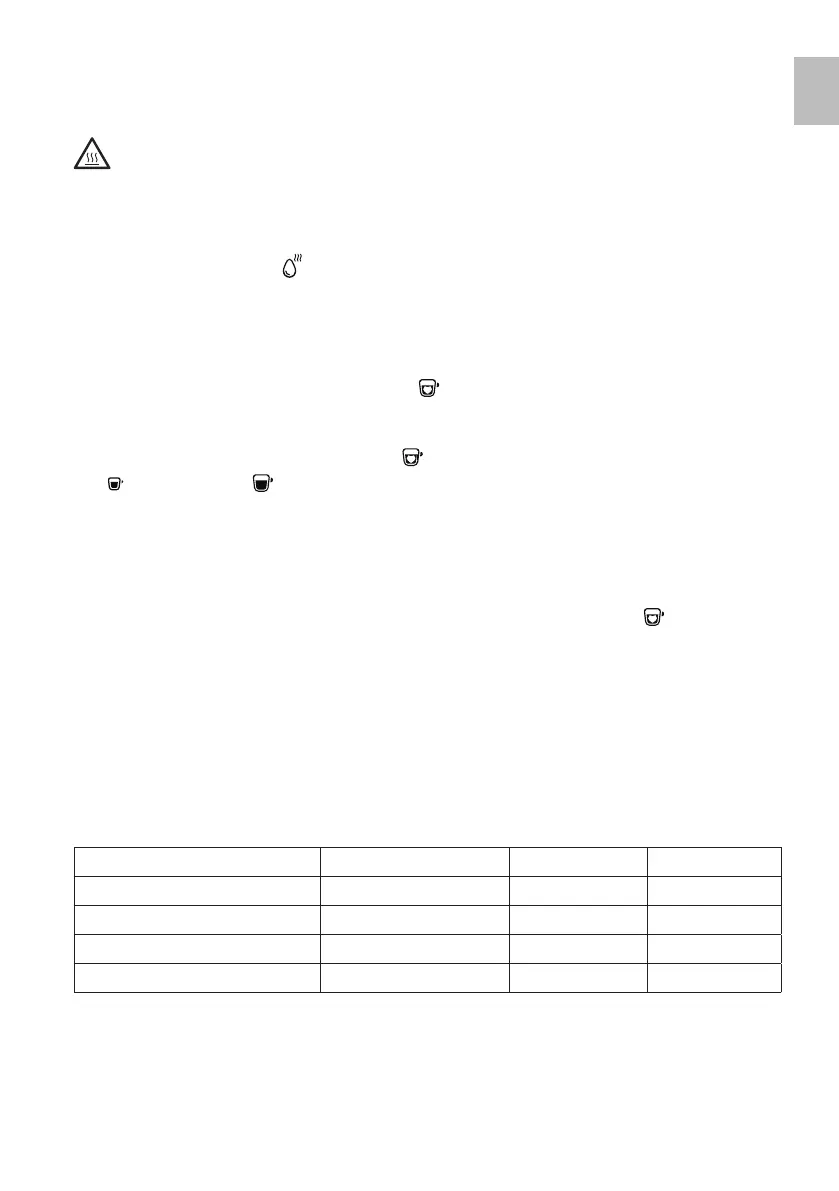
The appliance is equipped with three different operating modes: default mode, ECO mode and fast mode.
The ECO mode saves energy. The fast mode allows the user to prepare beverages more rapidly compared
to the default mode.
Default mode ECO mode Fast mode
Lighting Yes No Yes
Pre-infusion* Yes Yes No
Automatic shut-off time 20 minutes 10 minutes 30 minutes
Beverage amount storage Yes Yes Yes
* Pre-infusion consists in moistening coffee beans through the brewer (D), using a small amount of water,
before carrying out complete extraction. This makes it possible to increase the pressure inside the brewer,
thus ensuring extraction of the coffee beans oils, as well as a full and intense taste.
It is possible to change the mode to be used.
1 When the appliance enters the stand-by mode, press and hold the power button (S) for 5 seconds.


 To Next Page