20
2. View Your Content
Videos recorded by your camera are stored in a library. You can view your recordings
and snapshots, mark them as favorites, and search using the filter.
View the Devices Page
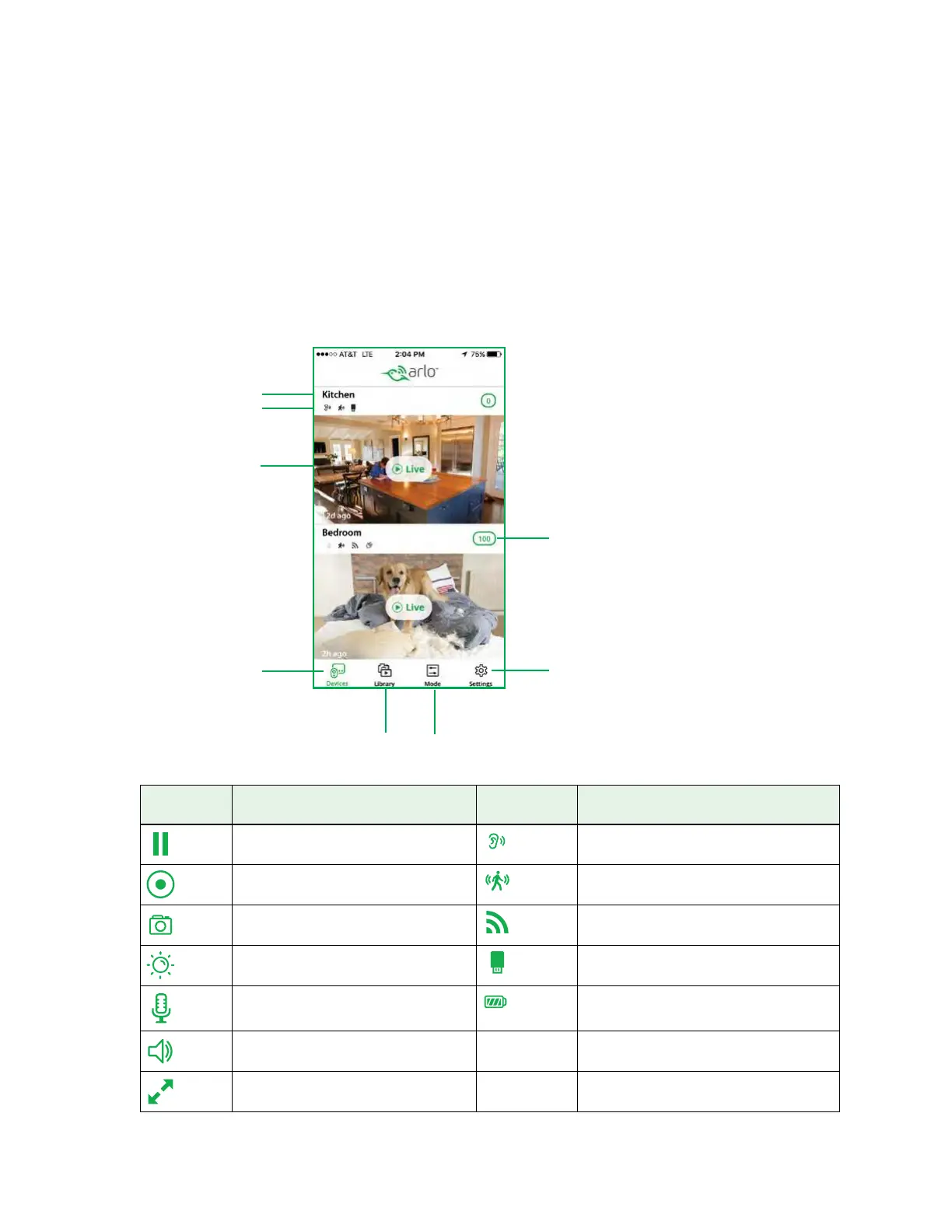
When you launch the Arlo app, the Devices page displays.
Live Feed
Icon
Tap or click Live to display Camera Icon Display is based on the mode and
camera setup
Pause. Audio detection is on.
Record video manually. Motion detection is on.
Snapshot. WiFi signal.
Brightness. USB device storage.
Microphone. Start using Talk and Listen. Battery.
Speaker. Mute the audio.
Full screen.
Camera name
Camera feed
Camera icons
Select devices
New recordings
Snapshot and
video library
Detection
modes
Settings



 To Next Page