54
4. Tap or click Schedule .
The Schedule mode is selected.
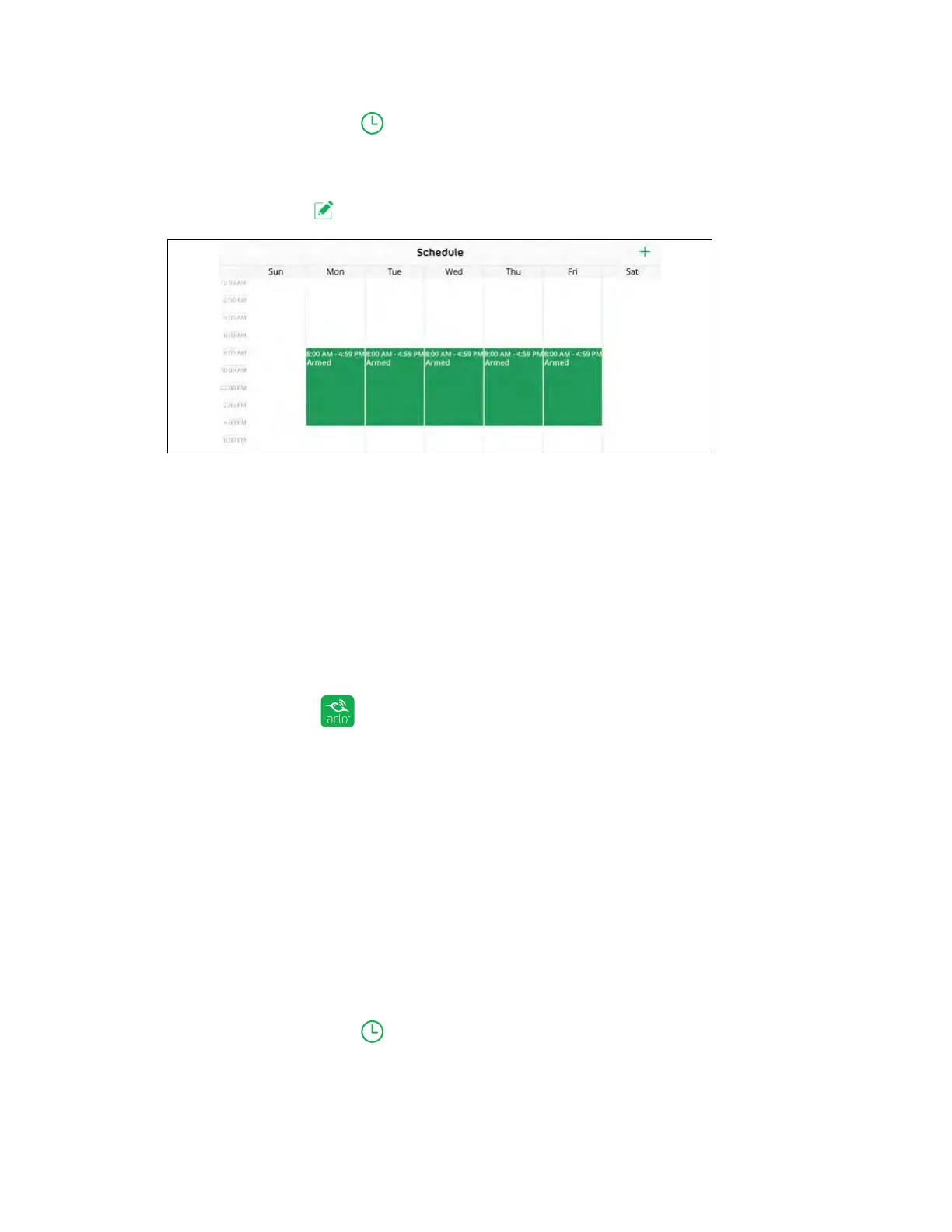
5. Tap or click Edit next to Schedule.
6. Tap or click + Add.
The Add Schedule page displays.
7. Set the days and times and then tap or click Save.
The schedule is saved.
Edit a Schedule
¾ To edit a schedule:
1. Tap the Arlo icon on your mobile device.
If you are using a computer, enter arlo.netgear.com in the address bar of a
browser.
The Devices page displays.
2. Tap or click Mode.
A list of cameras displays.
3. Tap or click the camera.
A list of available modes displays.
4. Tap or click Schedule .



 To Next Page