page 66 / 75 0MNA080A55-GB REV 01
5.4.5.19 TOTAL BLOCK
Press the following sequence of keys to access the menu: 3, 7 :
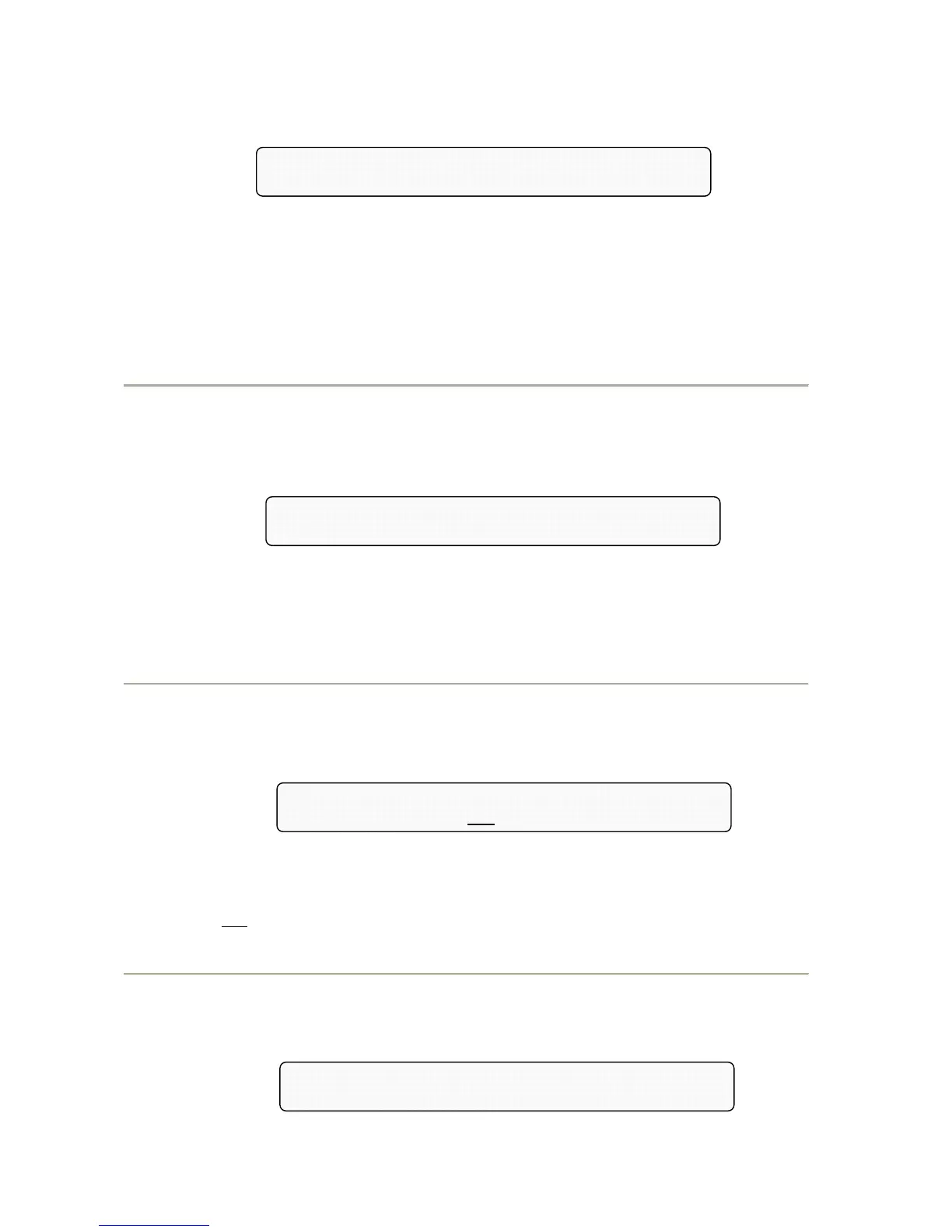
Total System Shut-OFF Command = 47263
WARNING, the Output Voltage will be OFF
Exit the menu by pressing key 8 or any other key with a sequence other than the one described here. Pressing keys
4, 7, 2, 6, 3 in succession as shown on the display activates the command for the TOTAL BLOCK of the system.
When this command is active, the display shows the alarm
BLOCK COMMAND ACTIVE; 8=DEACTIV.
The command is executed after a few seconds’ delay to allow for any cancellations. This command is useful to
achieve full deactivation in an emergency, operating remotely via the RS232 line. To reactivate the UPS close
disconnector SWBY or, if applicable, press button 8.
N.B. To mask the command code 47263, insert code 436213 on the panel from the PERSONALIZATIONS menu
(keys 3,5). Repeat the operation to display the code.
5.4.6 "RECORDER": RECORDED EVENTS
Press the following sequence of keys to access the menu: 4
message alarm stored
a=FFFF-FFFF; 2005,12,31/14:45:50 n=100
Return to the basic menu by means of key 1. Key 2 activates the submenu "RECORDED VOLTAGES
MEASUREMENTS". Keys 3, 4 and 5 keep their normal functions.
Key 6 activates the submenu 4, 6 " RECORDED CODES" and allows the exchange of the stored alarm message
with the display of the corresponding status codes at the time of the stored event, and vice versa. The status codes
allow a more in-depth analysis by the trained personnel.
5.4.6.1 RECORDED VOLTAGES MEASUREMENTS
Press the following sequence of keys to access the menu: 4, 2, 2, 2
IN=100,100,100%V,50.0Hz; BATT=430V,+100A
BY=400V,50.0Hz;n 35
OUT=400,50.0Hz,100%
The "RECORDED VOLTAGES MEASUREMENTS" menu is accessed via key 2 (press 2 again to access the other
measurement menus from menu 4 "RECORDED EVENTS" or menu 4, 6 "RECORDED CODES" only. Press key 1
to return to the basic menu immediately.
In the example, n 35
(flashing) indicates that the measurements shown refer to the state relating to recorded event
number 35. The meaning of the measurements is the same as those in menu 2.
5.4.6.2 RECORDED CODES
Press the following sequence of keys to access the menu: 4, 6
s=FFFF c=FFFF b=FFFF r=FFFF-FF the=FFFF-FF
a=FFFF-FFFF; n=100, 1992,12,31/14:45:50


 To Next Page