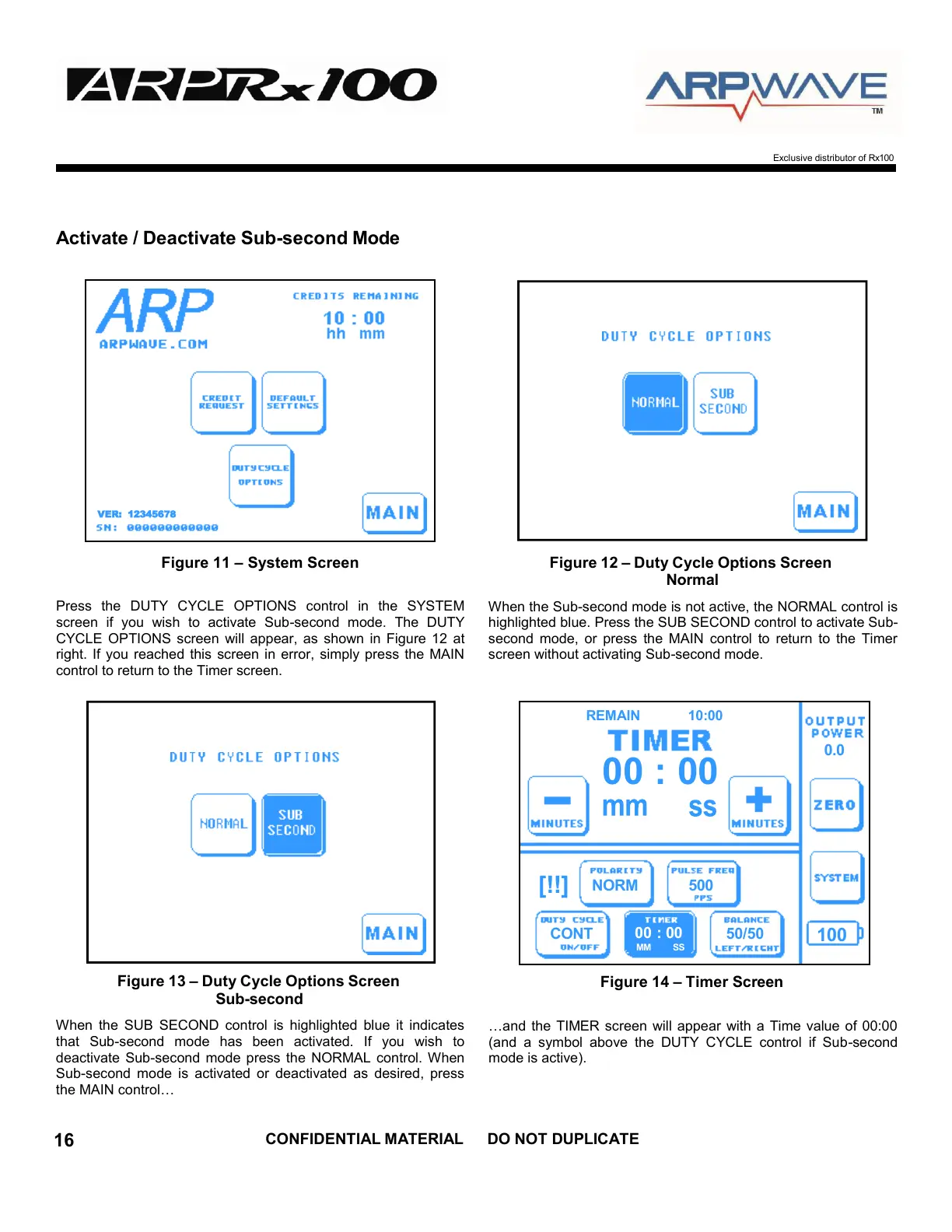
Exclusive distributor of Rx100
VER: 12345678
Activate / Deactivate Sub-second Mode
Figure 11 – System Screen Figure 12 – Duty Cycle Options Screen
Normal
Press the DUTY CYCLE OPTIONS control in the SYSTEM
screen if you wish to activate Sub-second mode. The DUTY
CYCLE OPTIONS screen will appear, as shown in Figure 12 at
right. If you reached this screen in error, simply press the MAIN
control to return to the Timer screen.
When the Sub-second mode is not active, the NORMAL control is
highlighted blue. Press the SUB SECOND control to activate Sub-
second mode, or press the MAIN control to return to the Timer
screen without activating Sub-second mode.
Figure 13 – Duty Cycle Options Screen
Sub-second
When the SUB SECOND control is highlighted blue it indicates
that Sub-second mode has been activated. If you wish to
deactivate Sub-second mode press the NORMAL control. When
Sub-second mode is activated or deactivated as desired, press
the MAIN control…
Figure 14 – Timer Screen
…and the TIMER screen will appear with a Time value of 00:00
(and a symbol above the DUTY CYCLE control if Sub-second
mode is active).


 To Next Page