34
Remote Control
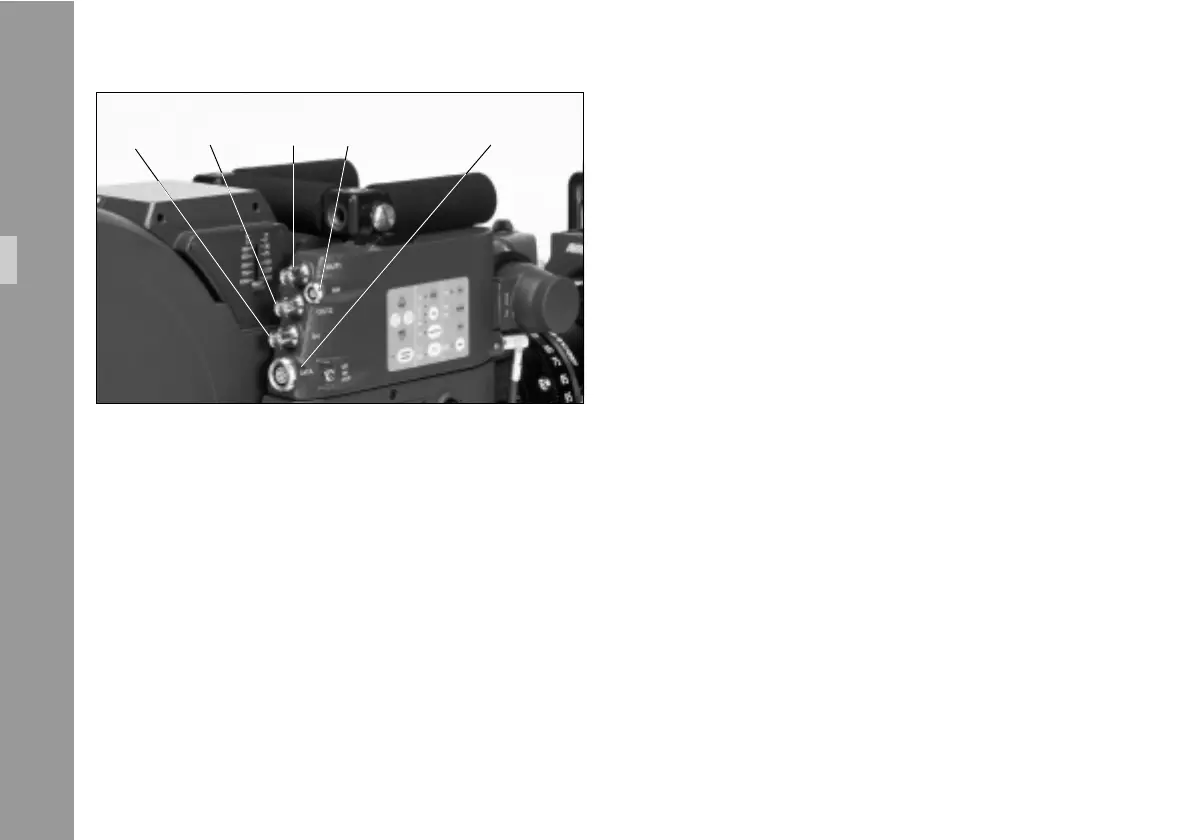
All serial data, e.g. RCU information or remote control for
the IVS must be sent into the serial data input of the data
cable ZV4, regardless of whether the data is sent to the
camera or the IVS.
All inserter functions of the IVS which can be called or set
with the on screen menu can also be controlled via the
ZV4 data cable´s CCU interface.
As corresponding software the ARRI Laptop Camera
Controller is available on request (refer to separate
manual).
OUT 1OUT 2genlock mini monitor data
Setup



 To Next Page