HOW TO SET UP YOUR GATEWAY:
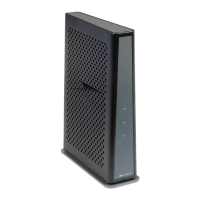
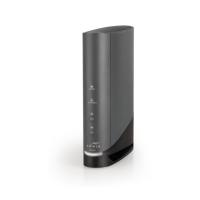
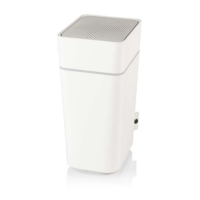
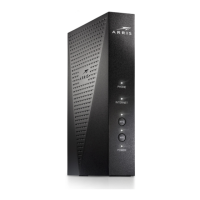
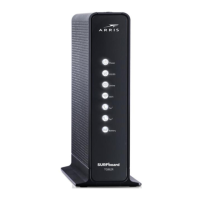
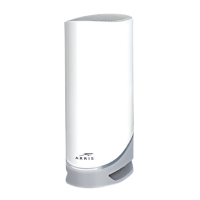
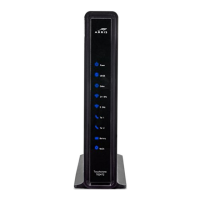
Follow the steps below to connect your new gateway, the all-in-one device
that allows you to utilize both wired and wireless (WiFi) devices.
Note: If you’re connecting Atlantic Broadband phone service, use the phone cord to connect your phone to the gateway .
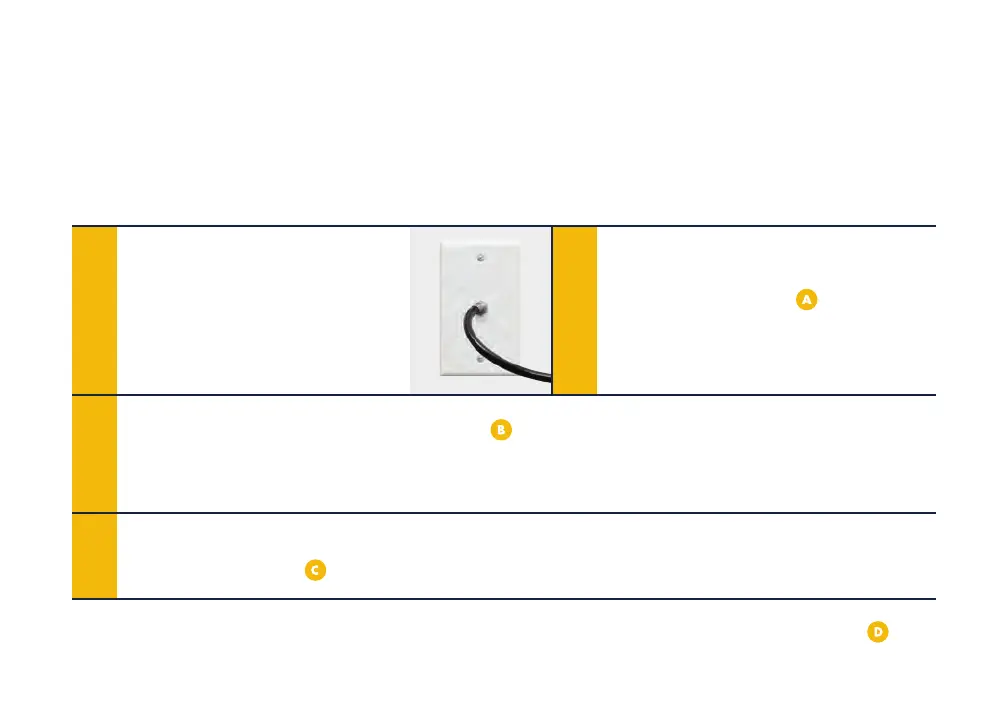
Locate the cable wall
outlet (coaxial) in a central
location in your home. It will
look like this:
1 2
3
4
Connect coaxial cable from the
wall to the gateway
(insert the
connector and turn the barrel to
tighten).
Connect the power cord from the gateway
to the wall outlet. The gateway will update
once powered on, which could take 10-15 minutes and your device may reboot. Once the
top light is glowing steady, it’s ready to use.
If you’re connecting a wired device, use the ethernet cord provided from the gateway to the
back of the device
.








 To Next Page