Chapter 2: Get started
■
Convenience: supports an ultra-fast 2.5Gbps Ethernet connection capable of linking with
similarly-enabled ultra-fast LAN equipment
■
Compatibility:
● Data services: DOCSIS 3.0 and DOCSIS 3.1 compliant
What's in the box
Make sure you have the following items before proceeding. Call your service provider for
assistance if anything is missing.
■
Cable Modem
■
External power adapter
■
Ethernet cable
■
End user license agreement
Items you need
Cable Modem
package
See What's in the box (page 8) for a list of items in the package.
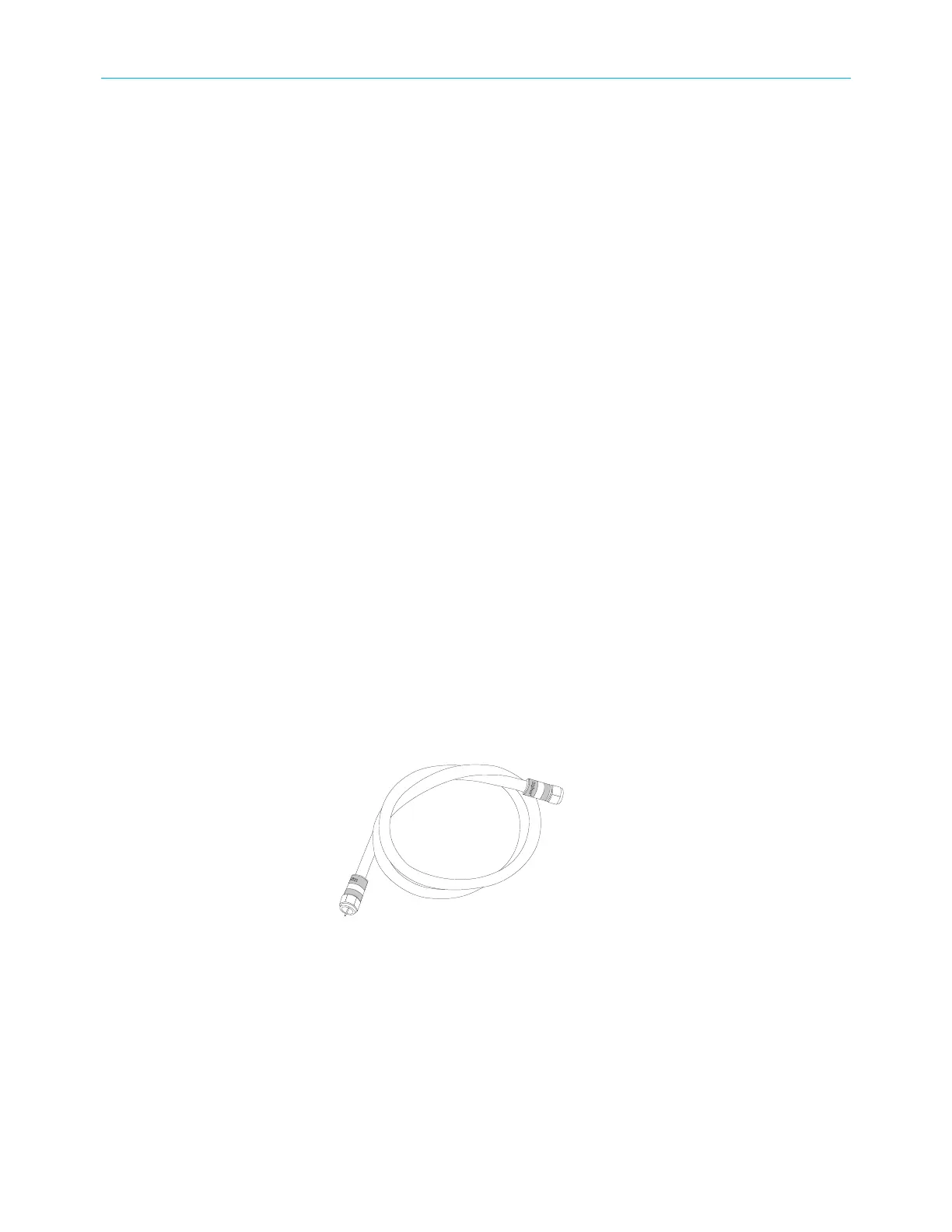
Coaxial cable (coax) This is a round cable with a connector on each end. It is the same
kind of wire used to connect to your television for cable TV. You can
buy coax from any electronics retailer and many discount stores;
make sure it has connectors on both ends. There are two types of
connectors, slip-on and screw-on; the screw-on connectors are best
for use with your Cable Modem. The coax should be long enough to
reach from your Cable Modem to the nearest cable outlet.
Splitter (optional) Provides an extra cable connection by splitting a single outlet into
two. You may need a splitter if you have a TV already connected to
the cable outlet that you want to use. You can buy a splitter from
any electronics retailer and most discount stores; you may also need
a short piece of coax cable (with connectors); use it to connect the
splitter to the cable outlet and then connect the Cable Modem and
TV to the splitter.
Touchstone CM9200 Cable Modem User Guide STANDARD Revision 1.0 8














 To Next Page