Release 24 STANDARD 1.2 August 2016 Touchstone TG1682G Telephony Gateway User Guide
© 2014-2016 ARRIS Enterprises LLC. All Rights Reserved. 4
Connecting the Telephony Gateway ............................................................................... 26
Configuring Your Wireless Connection ............................................................................ 27
6.
Configuring Your Ethernet Connection ................................................................... 28
Requirements .................................................................................................................. 28
How to use this Chapter .................................................................................................. 28
TCP/IP Configuration for Windows Vista ......................................................................... 28
TCP/IP Configuration for Windows 7, Windows 8, or Windows 10 ................................ 29
TCP/IP Configuration for Mac OS X ................................................................................. 29
7.
Using the Telephony Gateway ............................................................................... 31
Setting up Your Computer to Use the Telephony Gateway ............................................ 31
Indicator Lights for the TG1682G .................................................................................... 32
Wiring Problems ..................................................................................................... 32
Patterns: Normal Operation (LAN and Telephone) ................................................ 32
Patterns: Normal Operation (WAN and Battery) .................................................... 33
Patterns: Startup Sequence .................................................................................... 34
Using the Reset Button ........................................................................................... 35
Resetting the Router to Factory Defaults ............................................................... 36
Booting from Battery .............................................................................................. 36
8.
Troubleshooting .................................................................................................... 38
The Telephony Gateway is plugged in, but the Power light is Off .................................. 38
I'm not getting on the Internet (all connections) ............................................................ 38
I'm not getting on the Internet (Ethernet) ...................................................................... 38
I'm not getting on the Internet (Wireless)....................................................................... 39
My wireless Internet connection stops working sometimes .......................................... 39
I can get on the Internet, but everything is slow ............................................................ 39
I don't have a dial tone when I pick up the phone - why? .............................................. 39
9.
Glossary ................................................................................................................ 41

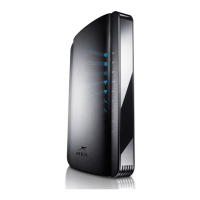
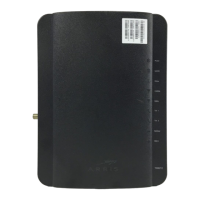
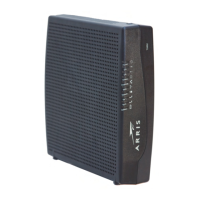
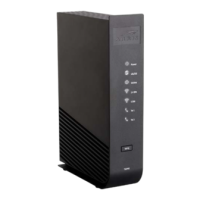

 To Next Page