Chapter 4: Battery Installation and Removal
Release 32 STANDARD 1.2 August 2016 Touchstone TM3202G Telephony Modem User Guide
© 2015-2016 ARRIS Enterprises LLC. All Rights Reserved. 16
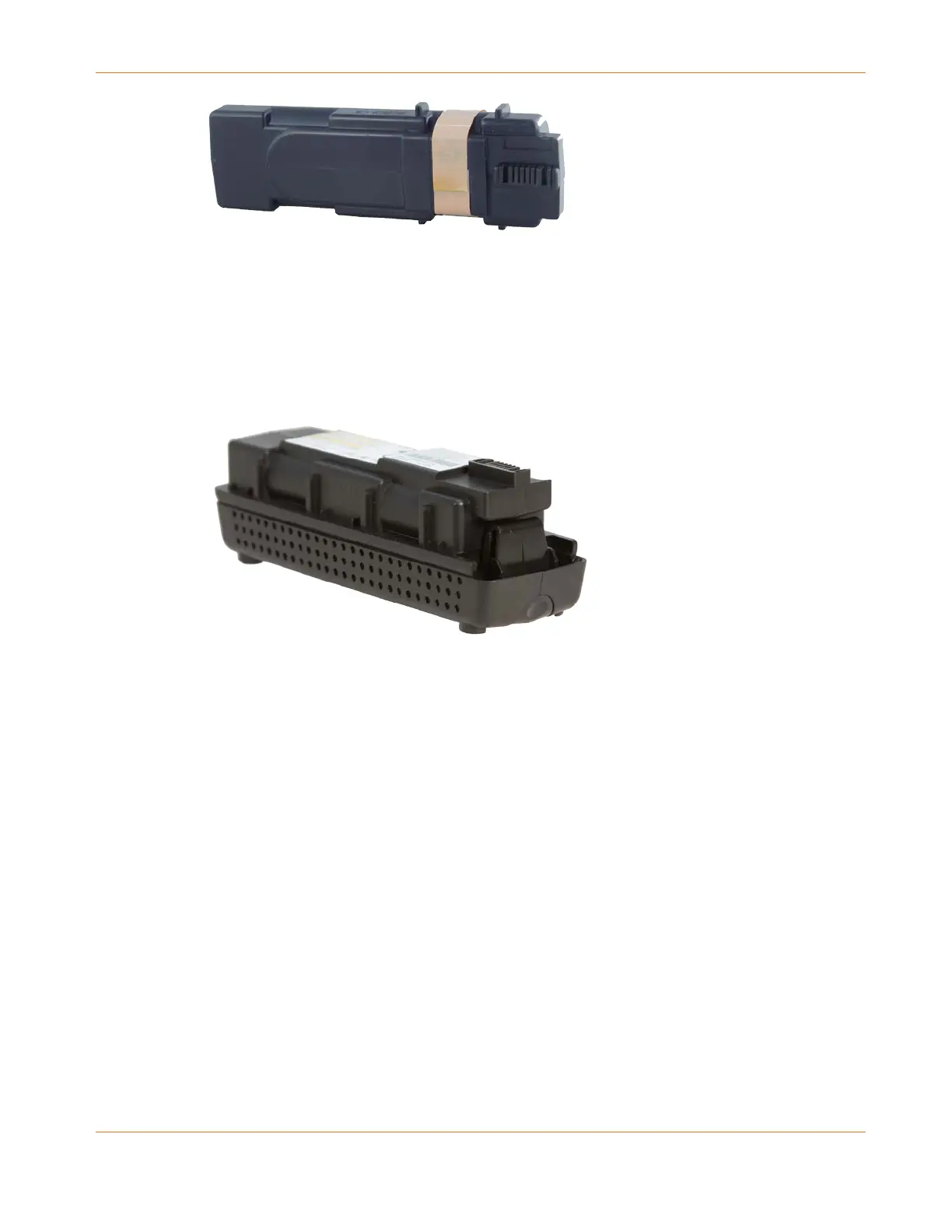
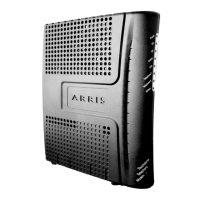
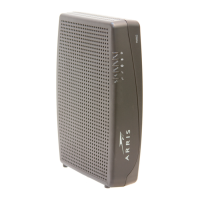
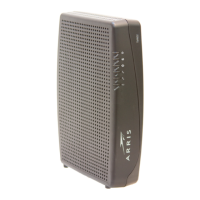
Extended Backup Battery
Refer to Extended Battery Installation and Replacement (page 18).
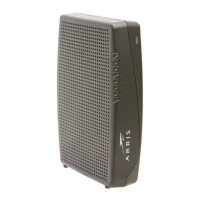
Maximum backup battery: provides up to 12 hours (6-cell) or 16 hours (8-cell) of backup
time, depending on model and usage. It replaces the battery door, and increases the
height of the Telephony Modem by about 5/8" (16 mm).
Maximum Backup Battery
Refer to Maximum Battery Installation and Replacement (page 20)
Your service provider may include a backup battery with your Telephony Modem. If you wish,
you can purchase an additional battery at http://shop.surfboard.com/. The website will list the
recommended battery type for your Telephony Modem.
Note: The backup times shown here are only an estimate and assume that your battery is fully
charged. If your battery is partially discharged (for example, if it is in the middle of a self-test
or is not yet fully charged), then your backup time will be reduced.
Basic Battery Installation and Replacement
This model of the Telephony Modem has the ability to provide continued telephone service
during power outages. The battery backup is not intended to take the place of AC power.
Use this procedure to install and to replace the backup battery.




 To Next Page