Touchstone TM502 Telephony Modem User’s Guide 20
Getting Battery USB Ethernet
Safety Started Installation Installation Drivers Configuration Usage Troubleshooting Glossary
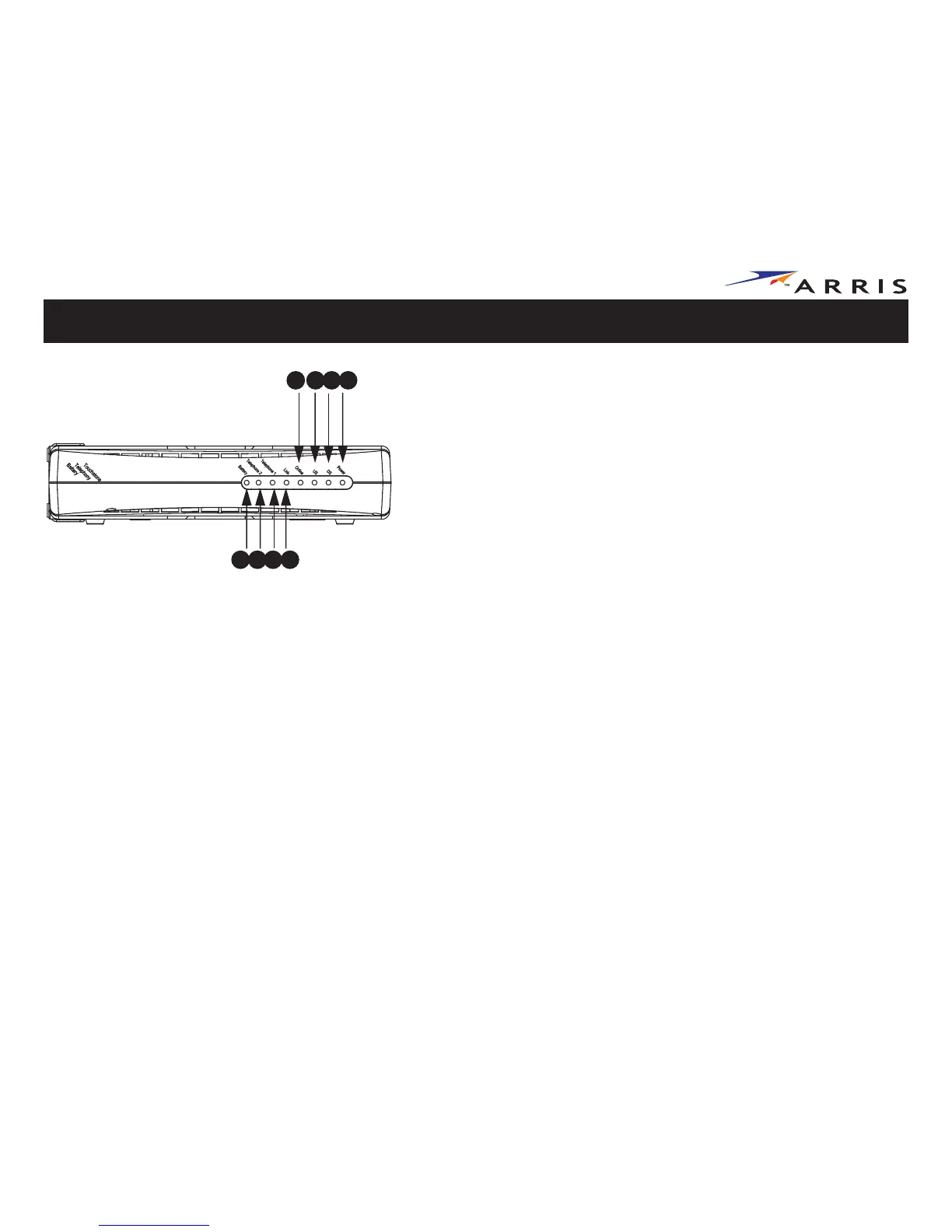
Front Panel TM502G
The front of the Telephony Modem has the following indicators:
A Battery
: indicates status of the battery in the Telephony Modem
B Telephone 2
: indicates status of line 2
C Telephone 1
: indicates status of line 1
DLink
: indicates Ethernet or USB connectivity between the Telephony Modem
and computer
E On-Line
: indicates internet data transmission status
FUS
: indicates upstream connectivity
GDS
: indicates downstream connectivity
H Power:
indicates whether AC power is available to the unit
A
C
D
E F HG
TM502G
B















 To Next Page