8Chapter 2
Installing a Battery
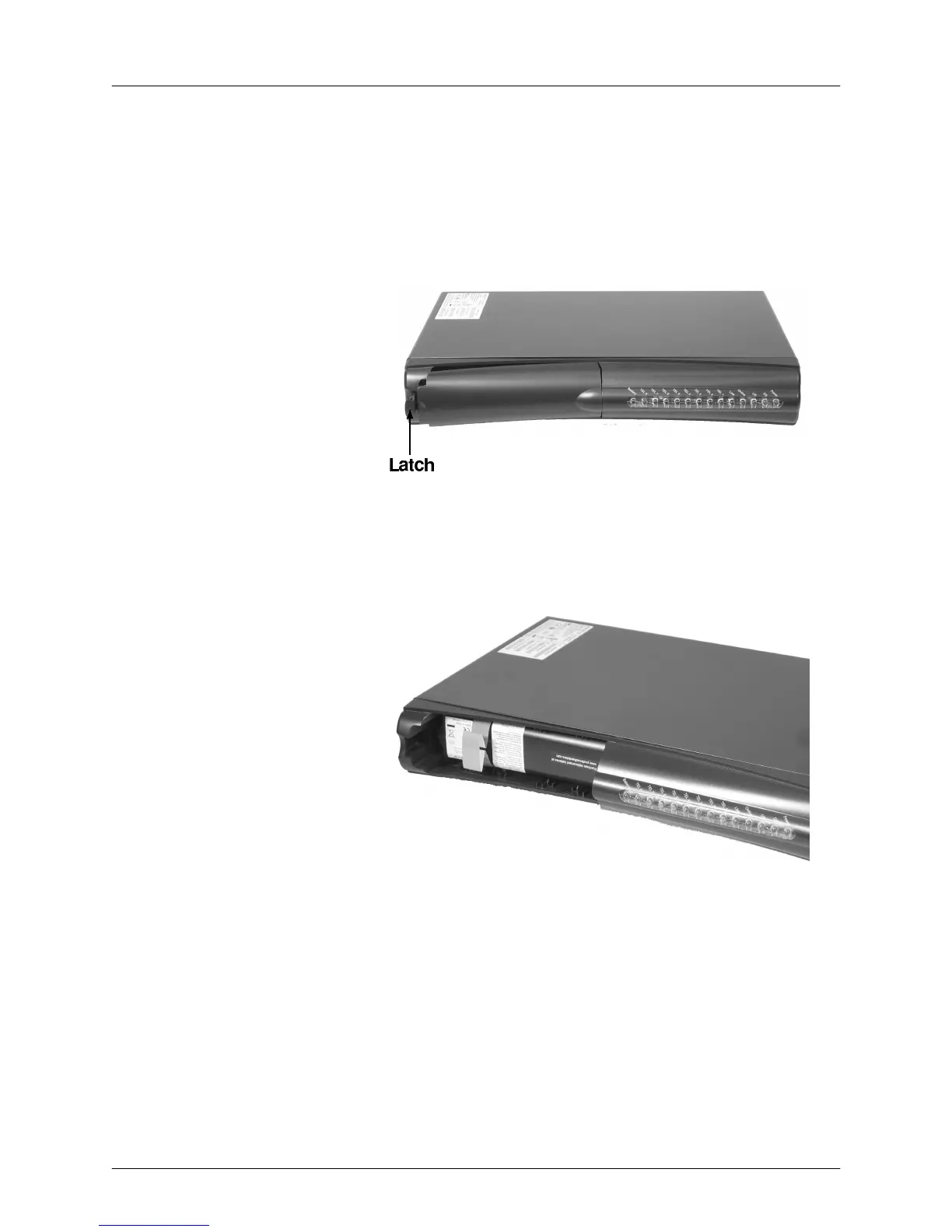
The TM608 has a battery bay in the front panel. Youcan install a battery in
the bay to provide power to the TM608 in case of a ACpower outage. Fol-
lowthese steps to install the backup battery.
1Pull the battery door latch toward the center of the TelephonyModem
and remove the battery door.Set the battery door aside.
2Ifnecessary,remove the existing battery.Some batteries have a pull
strap as shown in the example below.
3Insert the backup battery as shown below. Depending on the battery
capacity,the actual battery may differ from that shown.
4Replace the battery door:
aInsert the battery door tab into the slot in the right side of the bat-
tery bay.
bSwing the battery door closed and press gently until it latches.
Touchstone® TelephonyRelease 6 Standard 1.0 December 2008















 To Next Page