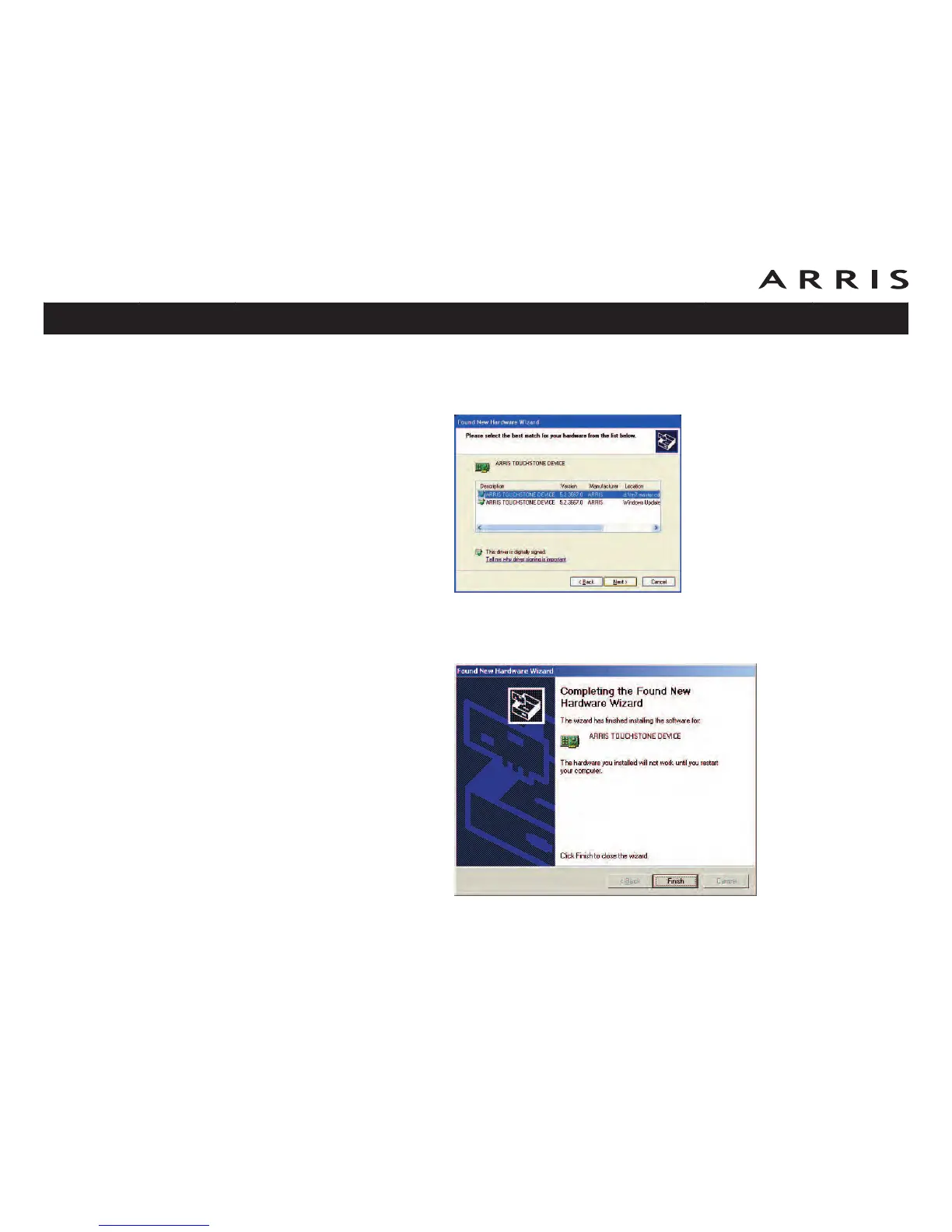
4 Click the Next button.
In some cases, you may see the following screen. Choose the version on
the CD, indicated by the drive letter preceding the file name.
5 Click the Next button.
The wizard begins searching for and installing the drivers, then displays a
window indicating that the installation is complete.
6 Click the Finish button.
Touchstone TM702 Telephony Modem User’s Guide
Safety
Getting
Started
Battery
Installation Installation
USB
Drivers
Ethernet
Configuration Usage Troubleshooting Glossary
31















 To Next Page