6 You may have to restart your computer in order for your computer to obtain
a new IP address from the network.
TCP/IP Configuration for Windows Vista
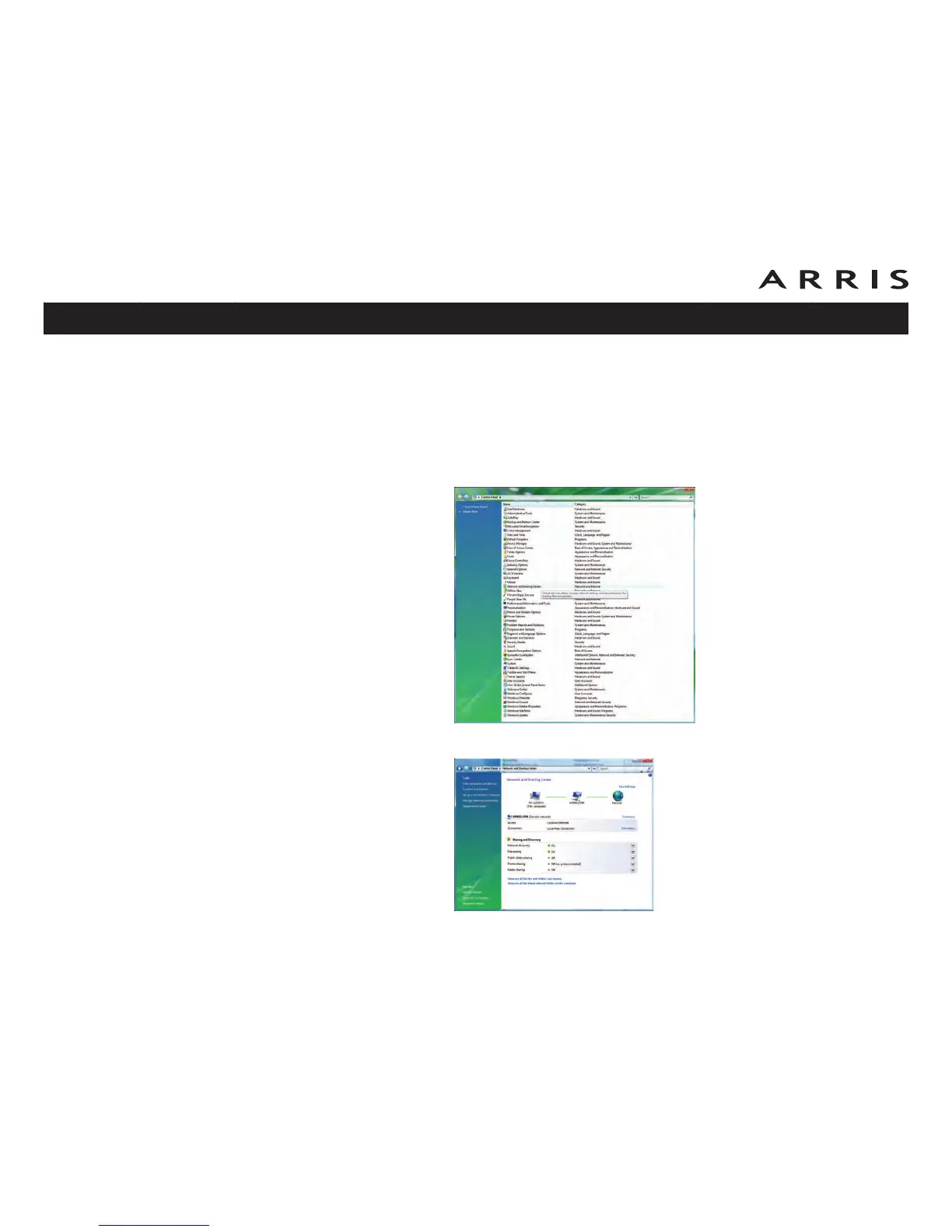
Follow these steps to configure the Ethernet interface for use with Touchstone prod-
ucts.
1 Open the Vista Control Panel.
2 Double-click Network and Sharing Center.
Touchstone TM702 Telephony Modem User’s Guide
Safety
Getting
Started
Battery
Installation Installation
USB
Drivers
Ethernet
Configuration Usage Troubleshooting Glossary
43















 To Next Page