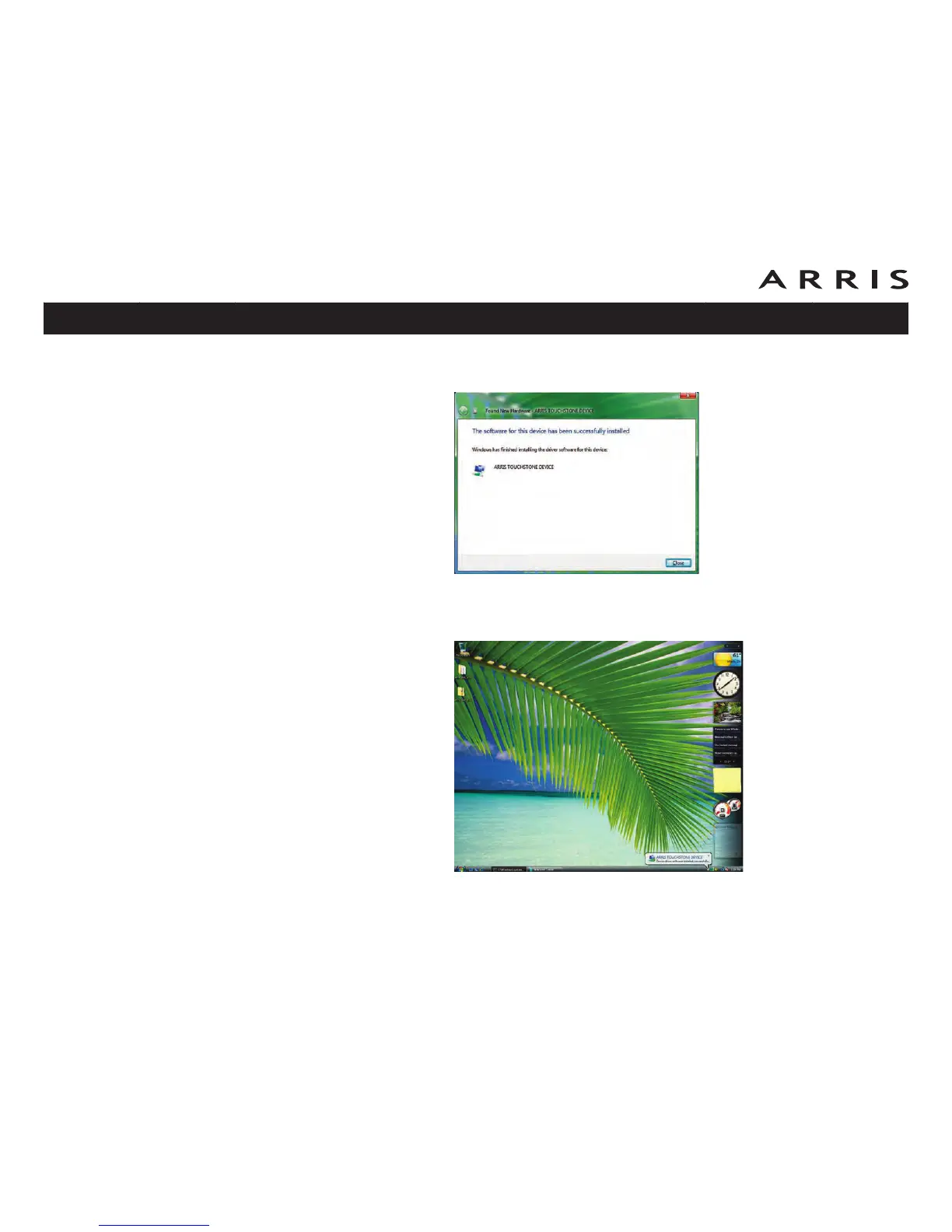
10 The Found New Hardware wizard should display the following screen when
the USB driver has been successfully installed. Select Close.
11 Once the installation is completed successfully, Vista displays an icon with the
message “ARRIS TOUCHSTONE DEVICE, Device driver software installed
successfully” at the bottom right corner of the screen.
Touchstone TM702 Telephony Modem User’s Guide
Safety
Getting
Started
Battery
Installation Installation
USB
Drivers
Ethernet
Configuration Usage Troubleshooting Glossary
35















 To Next Page