24
The Spa Screen
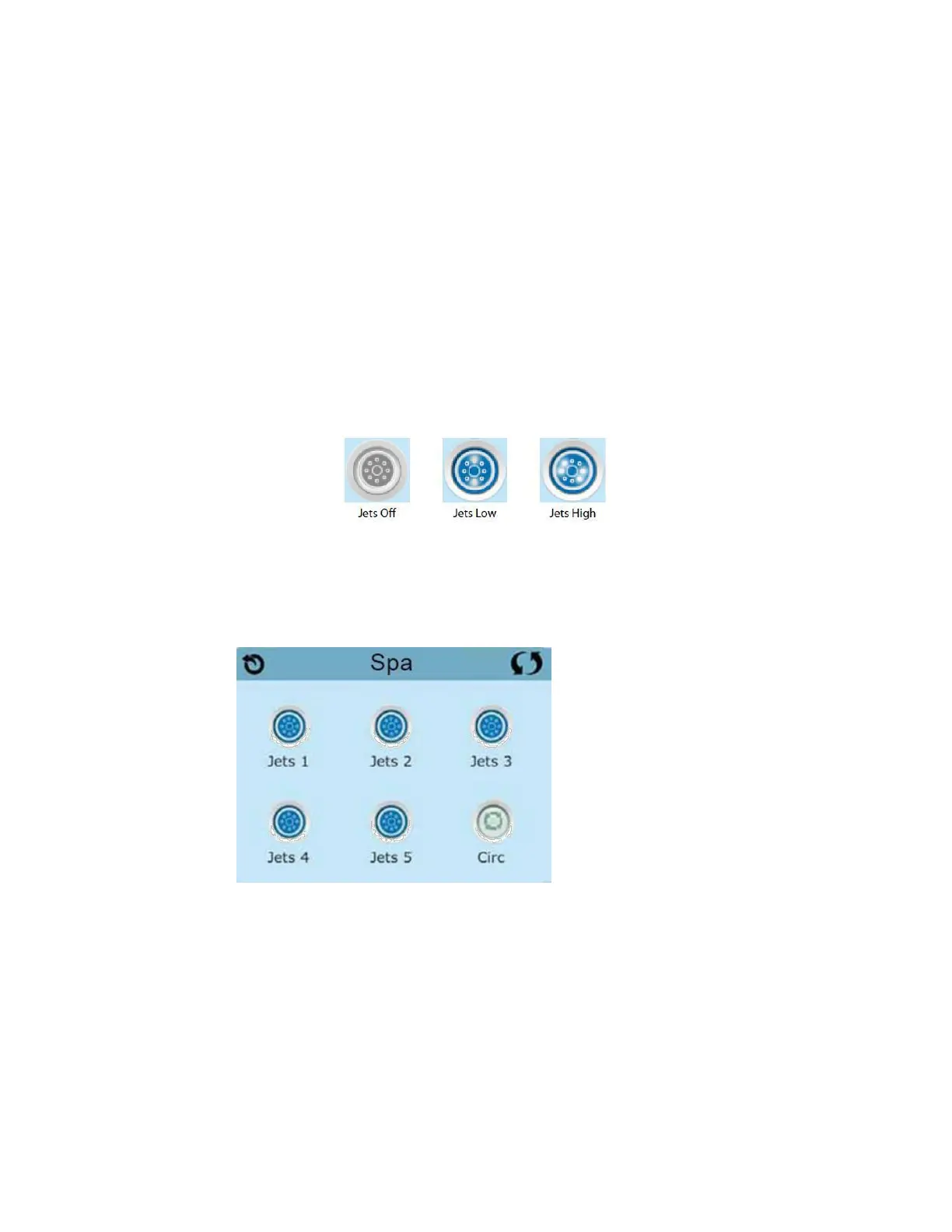
The Spa Screen shows all available equipment to control, as well as other features, like
Invert. The display shows icons that are related to the equipment installed on a
particular spa model, so this screen may change depending on the installation. The icon
buttons are used to select and control individual devices. Some devices, like pumps,
may have more than one ON state, so the icon will change to reflect the state that the
equipment is in. Below are some examples of 2-speed Pump indicators.
If the Spa has a Circ Pump, a Circ Pump Icon will appear to indicate its activity, but
outside of Priming Mode, the Circ Pump cannot be controlled directly.
NOTE: The icon for the pump that is associated with the heater (Circ or P1 Low) will
have a red glow in the centre when the heater is running.







 To Next Page