34
Adjusting Filtration
Main Filtration
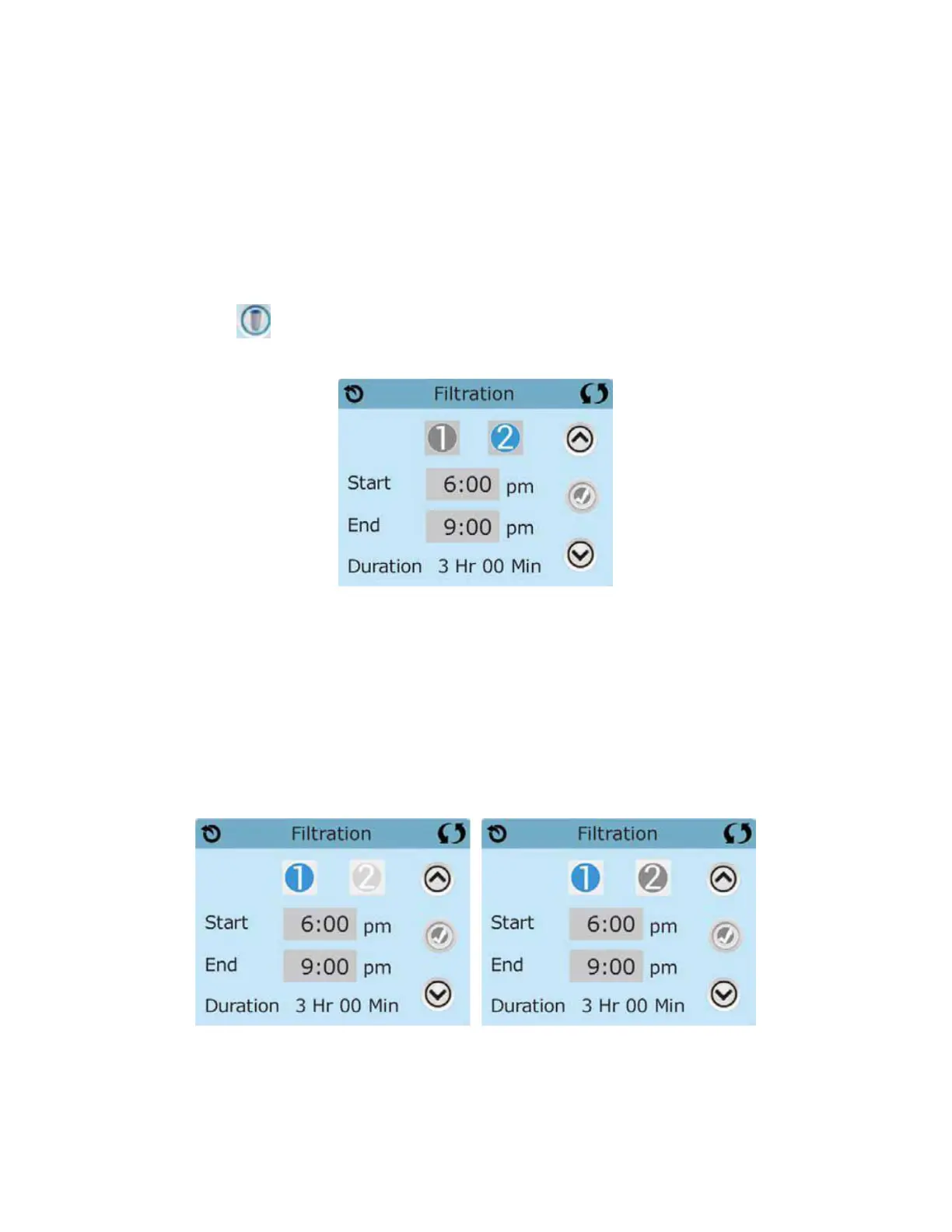
Using the same adjustment as Setting the Time, Filter Cycles are set using a start
time and a duration. Each setting can be adjusted in 15-minute increments.
The Filter Icon on the Settings Screen takes you to a screen where you control the
Filter Cycles.
Filter Cycle 2 - Optional Filtration
Filter Cycle 2 is OFF by default.
It is possible to overlap Filter Cycle 1 and Filter Cycle 2, which will shorten overall
filtration by the overlap amount.
Viewing Filter 1 while Filters 2 is Off Viewing Filter 1 while Filter 2 is On
Press “1” to view Filter 1. Press “2” once to view Filter 2. Press “2” again to turn Filter 2
ON or OFF.
When Filter Cycle 2 is ON, it can be adjusted in the same manner as Filter Cycle 1.







 To Next Page