- 14 -
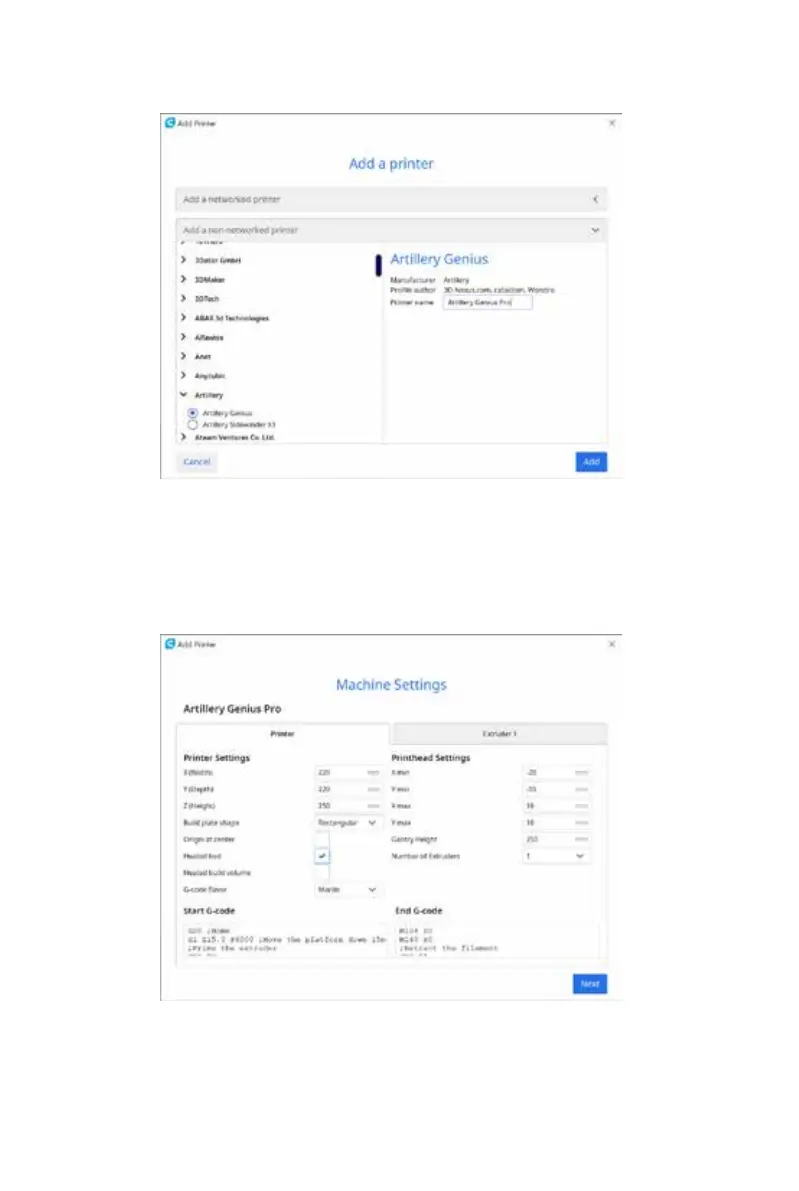
In the Add a non-networked printer, scroll down to Artillery and
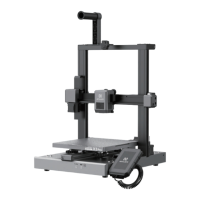
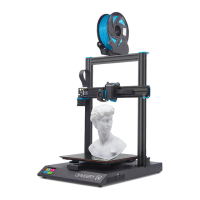
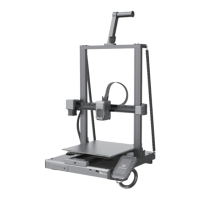
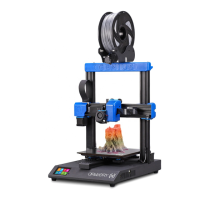
choose Artillery Genius, and type in Artillery Genius Pro in Printer
name. Then click on Next button.
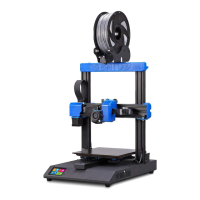
Set X (Width), Y (Depth) as 220, Z (Height) as 250. Make sure Heated
Bed is checked.


 To Next Page