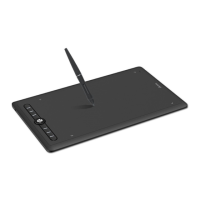
V. Settings for graphic applications
Some applications need their settings changed so the ARTISUL can act just the way you like.
A. SAI
a. Find [misc.ini] in SAI folder.
b. Right click on [misc.ini] and select “Edit.”
c. Find TabletMouseSimulation = 0, then modify 0 to 1 and save the file.
d. Restart SAI.
B. SAI 2
a. Find [Sai2.ini] in SAI folder.
b. Right click on misc.ini and select “Edit.”
c. Find “AlwaysUseTabletPCApi= no” then modify no to yes and save the file.
d. Restart SAI 2.
C. Corel Painter 2015
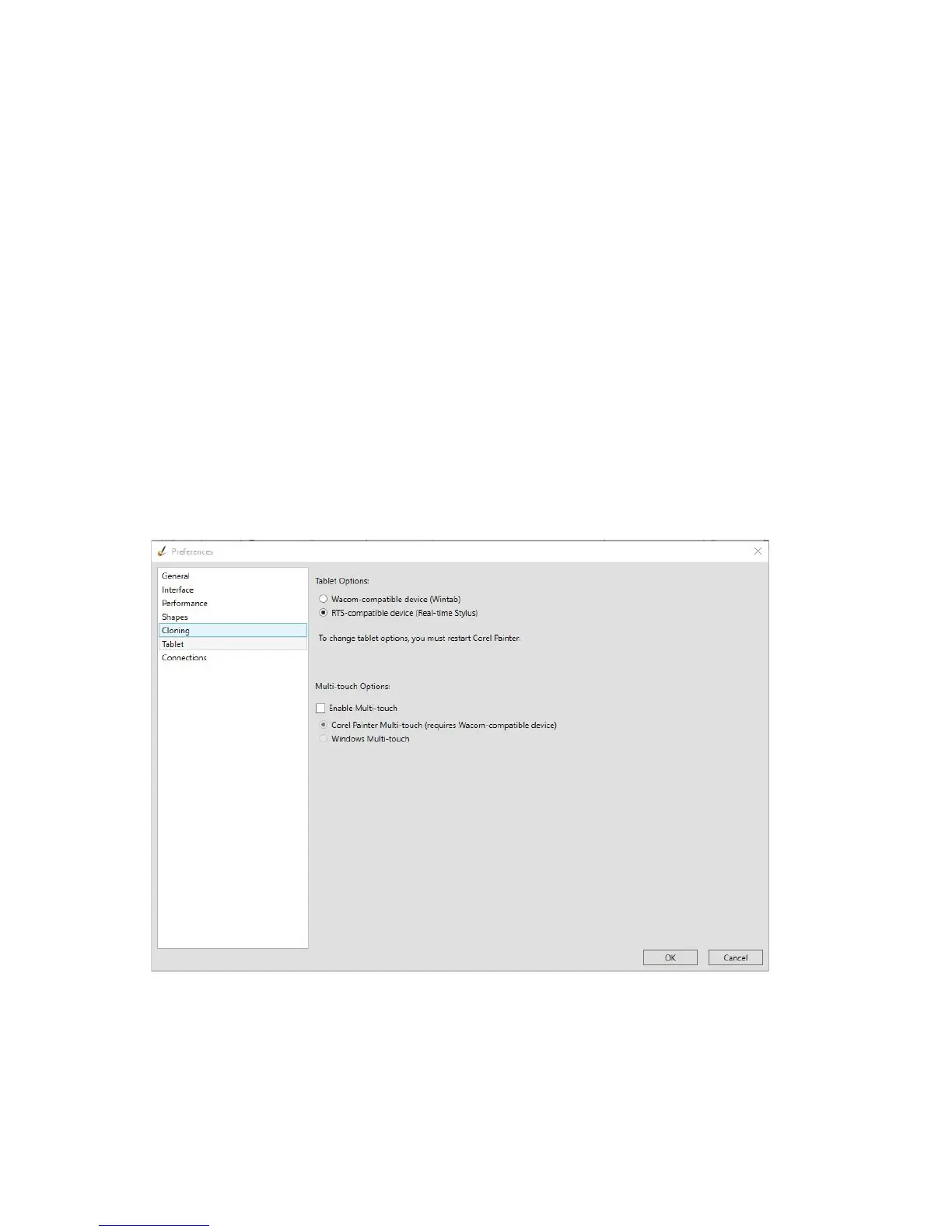
a. Please select Edit
à
Preferences
à
Tablet.
b. In Tablet options check “RTS-compatible device (Real-Time Stylus) as shown below.
c. Multi-touch Options: Please uncheck “Enable Mult-touch.”



 To Next Page