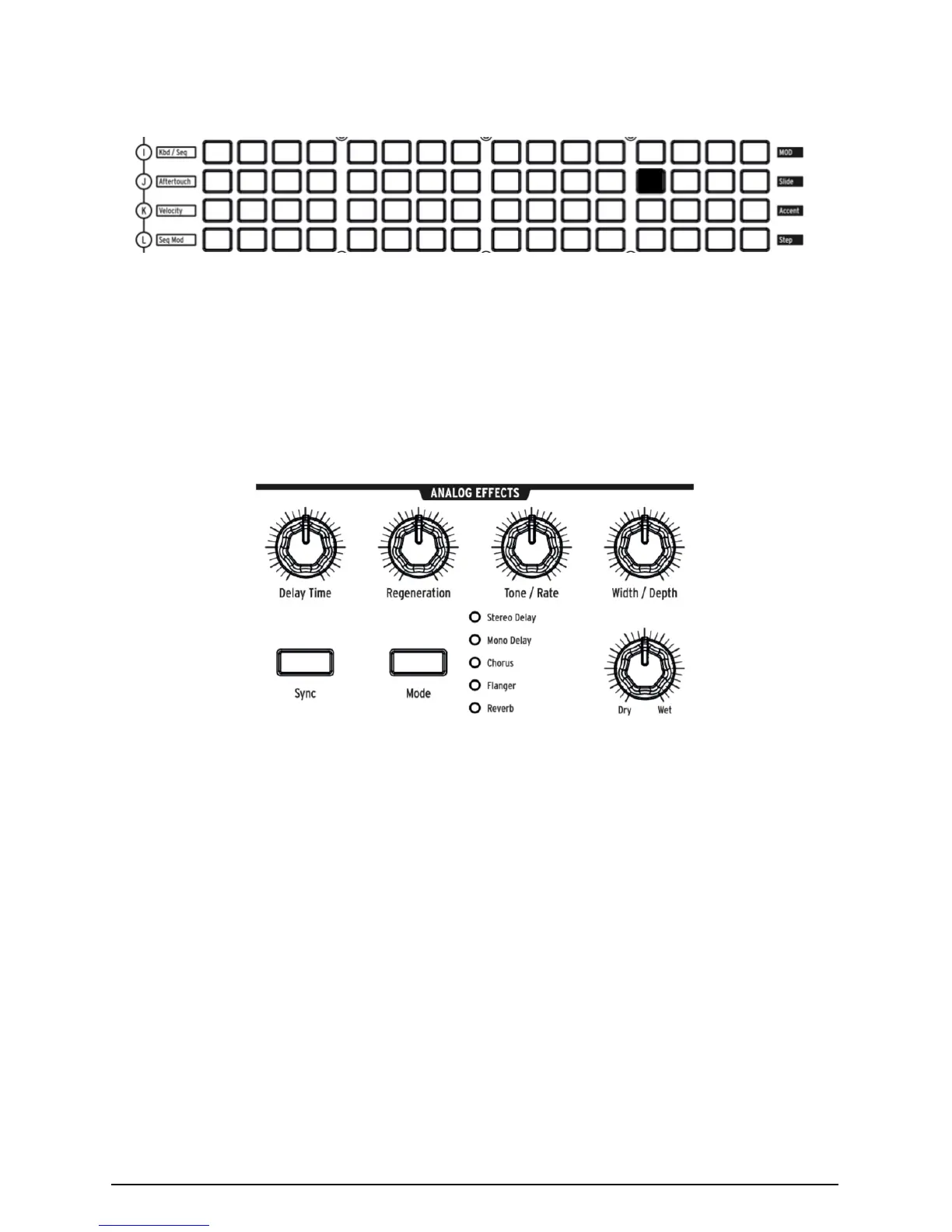
• Hold down button 13, then wiggle LFO 1 Rate a little. The LCD display
will darken and lighten, and LFO 1 Rate will appear in its display to
indicate that it's assigned.
• Now touch the button at the intersection of Aftertouch (J) and 13. Set its
MOD Amount to + 99.
Play a fairly low note, then press the key more to bring in aftertouch, and you'll
hear LFO 1 adding some soft growl.
3.3.5. Analog Effects Section
The operation instructions cover the MatrixBrute's Analog Effects [p.35] in detail,
but just to "finish" the sound and bring this module to your attention, turn the
Wet/Dry knob up a little to add some space. Use the Mode button to try other
effects.
Arturia - MatrixBrute Manual - Guided Tour 17














 To Next Page