These playback settings determine what note value each step is, relative to
the playback tempo. If you're using the MatrixBrute on its own, this will simply
change the playback speed in a predictable way. But if you're locking the tempo
to MIDI clock, it will change the musical value of each step in the sequencer or
arpeggiator.
From left to right, the three buttons with musical notes represent "straight" notes,
triplets, and dotted notes. The "fraction" buttons below them determine what
value the musical notes are.
Examples:
• 1/4 + ♩ means each step is a quarter note;
• 1/8 + ♩ makes each step an eighth note;
• 1/8 + ♩♩♩ will make each step an 1/8th note triplet;
• 1/16 + ♩. ...that's going to make each step a dotted 1/16th.
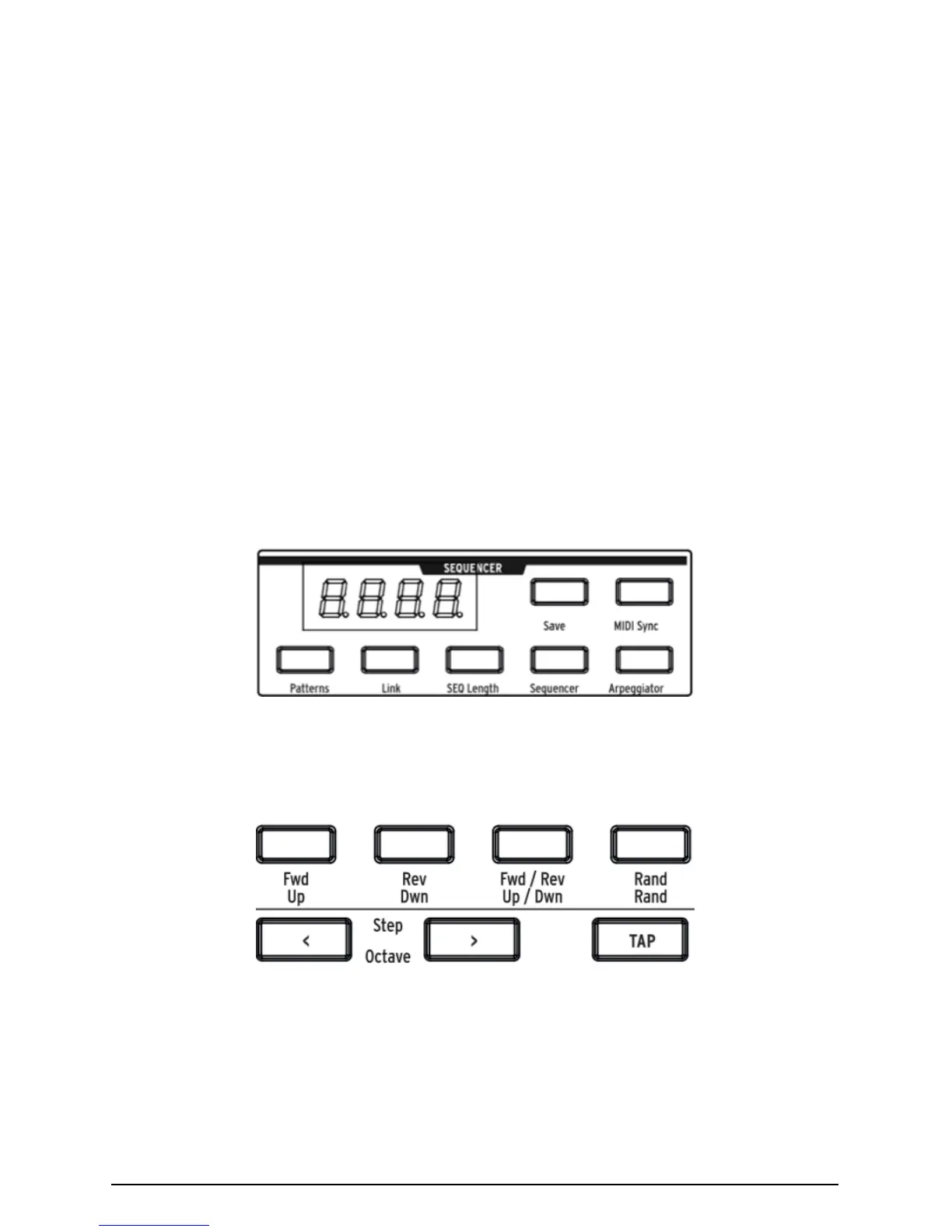
5.3.1. Arpeggiator mode
Arpeggiator enters this mode, in which the notes you hold are automatically
stepped through one at a time. You can hold down as many keys as your hands
or even forearms will cover; each note you hold lights up a red step in the Matrix.
The yellow lettering underneath buttons applies to the arpeggiator.
• Up steps through the notes from lowest to highest and repeats;
• Dwn steps through them from highest to lowest and repeats;
• Up/Down does just that: play from lowest to highest and back down;
Arturia - MatrixBrute Manual - The Matrix 47














 To Next Page