13.1.4. Connection
Connect MiniBrute 2S to your computer using the included USB cable. It’ll be ready to go
within seconds after power-up.
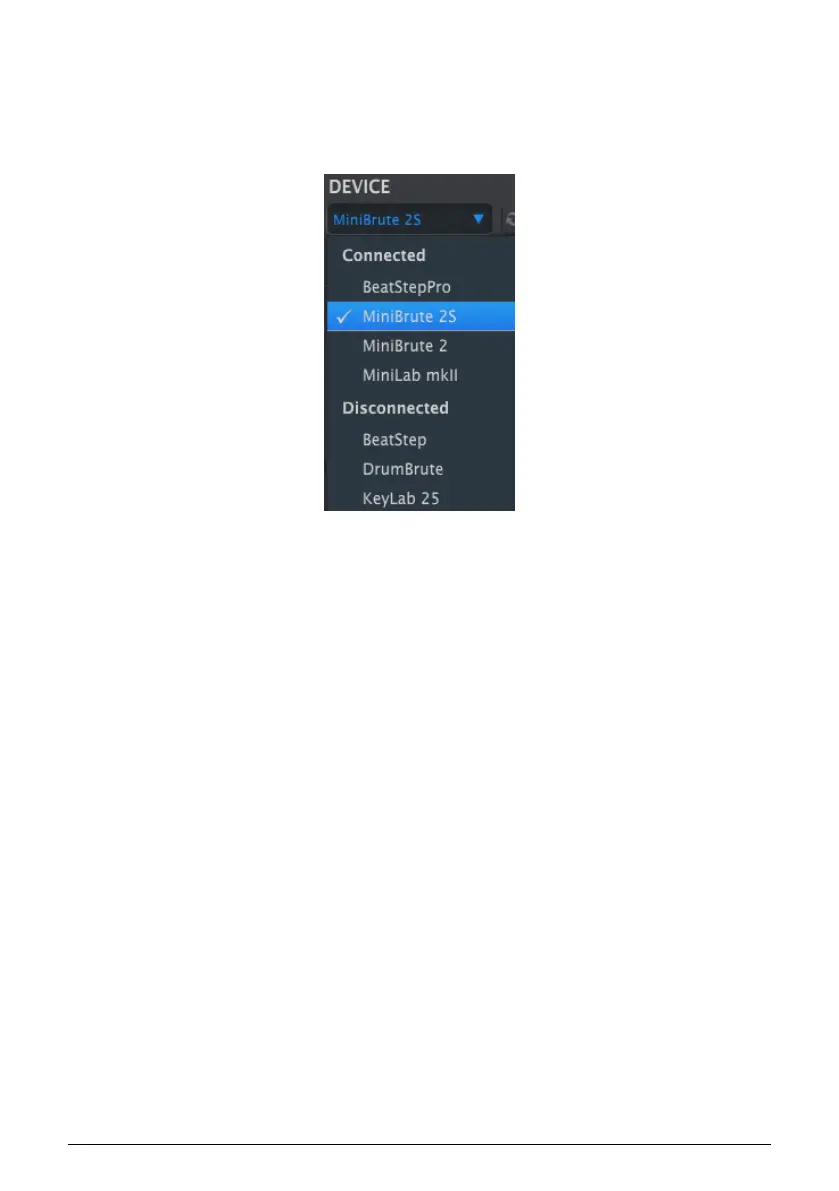
Now launch the MIDI Control Center. MiniBrute 2S will be in the list of connected devices:
13.1.4.1. Potential issues: Windows OS
The MIDI driver for the MiniBrute 2S is not "multi-client". That's a technical term that simply
means this: If a DAW application is already active on your computer, the MIDI Control
Center will not launch. In order to use the MIDI Control Center to alter the parameters of
your MiniBrute 2S you will need to exit the DAW application.
A check mark indicates
the selected device
Arturia - User Manual MiniBrute 2S - Introduction: the MIDI Control Center 137











 To Next Page