7.2.10. [Square]
This jack provides the full-strength output of the VCO 1 Square waveform. The setting of the
Square slider in the OSC MIXER has no effect on this connector. To control its level, route it
through one of the Attenuator [p.76] pairs.
7.2.11. [Triangle]
This jack provides the full-strength output of the VCO 1 Triangle waveform. The setting of the
Triangle slider in the OSC MIXER has no effect on this connector. To control its level, route it
through one of the Attenuator [p.76] pairs.
7.2.12. [Noise]
This jack provides the full-strength output of the Random Noise generator. The setting of the
Noise slider in the OSC MIXER has no effect on this connector. To control its level, route it
through one of the Attenuator [p.76] pairs.
7.3. The VCO 2 section
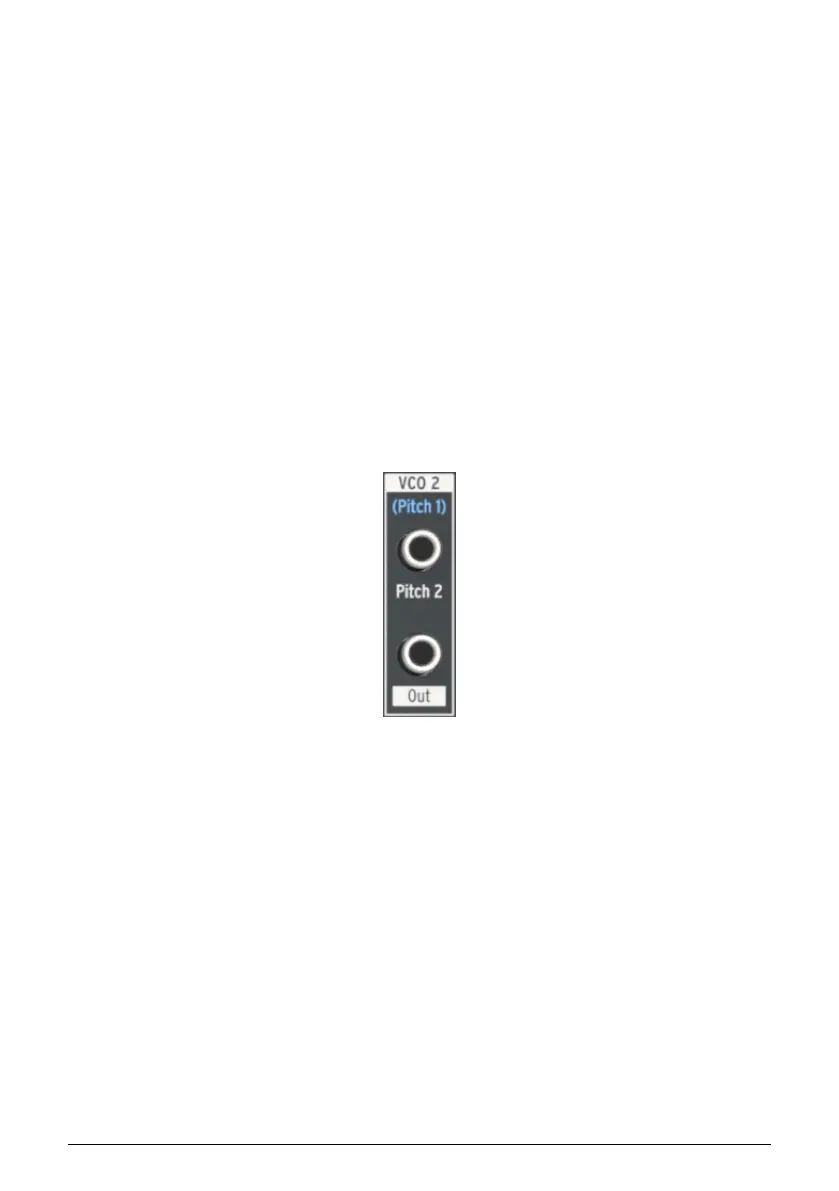
7.3.1. Pitch 2 input
Normally VCO 2 will track the pitch of VCO 1, but it is possible to interrupt this connection by
plugging another source into the top jack in the VCO 2 section. This allows you to control the
VCO 2 frequency with the output of an envelope, for example.
7.3.2. VCO 2 Out
This jack provides the full-strength output of the selected VCO 2 waveform. The setting of
the Osc 2 slider in the OSC MIXER has no effect on this connector. To control its level, route
it through one of the Attenuator [p.76] pairs.
The VCO
2 section
68 Arturia - User Manual MiniBrute 2S - The Patch bay













 To Next Page