A sample Setup screen with the default settings.
Aruba-2930F-24G-
PoEP-4SFPP
6-Aug-2016 8:23:16
==========================- CONSOLE - MANAGER MODE -==========================
Switch Setup
System Name : Aruba-2930F-24G-4SFPP
System Contact :
Manager Password : ****************
Confirm Password : ****************
Logon Default :
CLI
Time Zone [0] : 0
Community Name : public
Spanning Tree Enabled [No] : No Default Gateway :
Time Sync Method [TIMEP/SNTP] : TIMEP/SNTP
TIMEP Mode [Disabled] : Disabled
IP Config [Manual] : DHCP/Bootp
IP Address : 15.255.133.94
Subnet Mask : 255.255.248.0
Actions-> Cancel Edit Save Help
Enter System Name - up to 32 characters.
Use arrow keys to change field selection, <Space> to toggle field choices,
and <Enter> to go to Actions.
3. In the the Switch Setup screen, use the Tab key to select the Manager Password field and enter a manager
password of up to 16 printable ASCII characters.
4. Tab to the IP Config (DHCP/Bootp) field and use the Space bar to select the Manual option.
5. Tab to the IP Address field and enter the IP address that is compatible with your network.
6. Tab to the Subnet Mask field and enter the subnet mask used for your network.
7. Press Enter, then S (for Save).
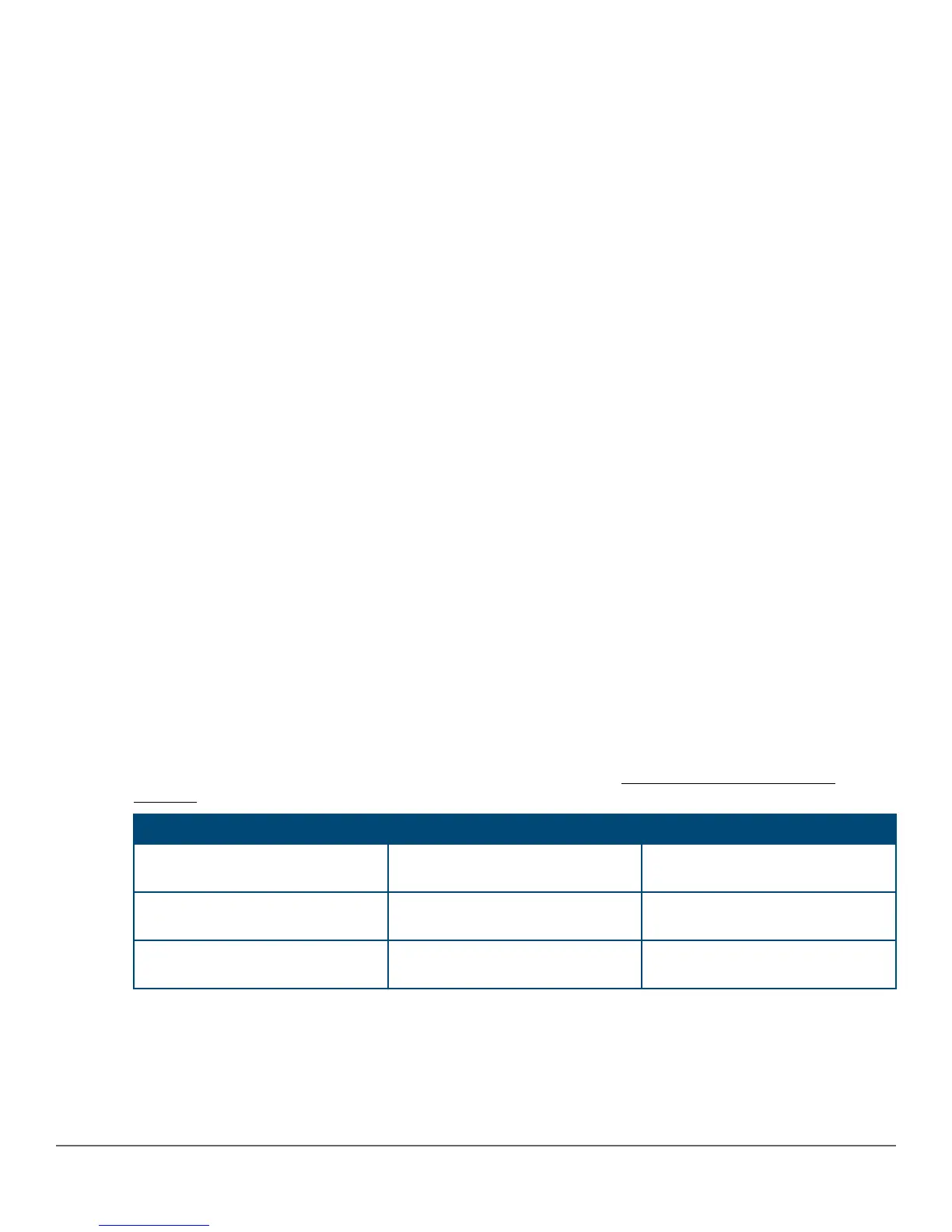
The following fields are displayed in the Setup screen. For more information on these fields, see the latest
version of the Management and Configuration Guide for your switch at http://www.hpe.com/support/
manuals.
Parameter Default
System Name model name Optional; up to 25 characters,
including spaces
System Contact blank Optional; up to 48 characters,
including spaces
Manager Password blank Recommended; up to 64
characters(no blank spaces)
Table Continued
Chapter 3 Getting started with switch configuration 45



 To Next Page