– 3 –
CX
-
3
Flight Computer
◗ LINE ICONS
Line icons indicate data that is missing, entered,
solved for, or entered and saved elsewhere.
Line icons will change as values are entered and
calculations are solved.
A green icon with a check mark indicates
entered data.
A green icon with an equals sign indicates
calculated data.
An amber icon indicates unsolved data; the
unsolved eld is shown on the right side of
the screen with 2 dashes (where the value will
appear when entered).
A blue circle icon indicates repeated global
values if more than one leg is added to the trip.
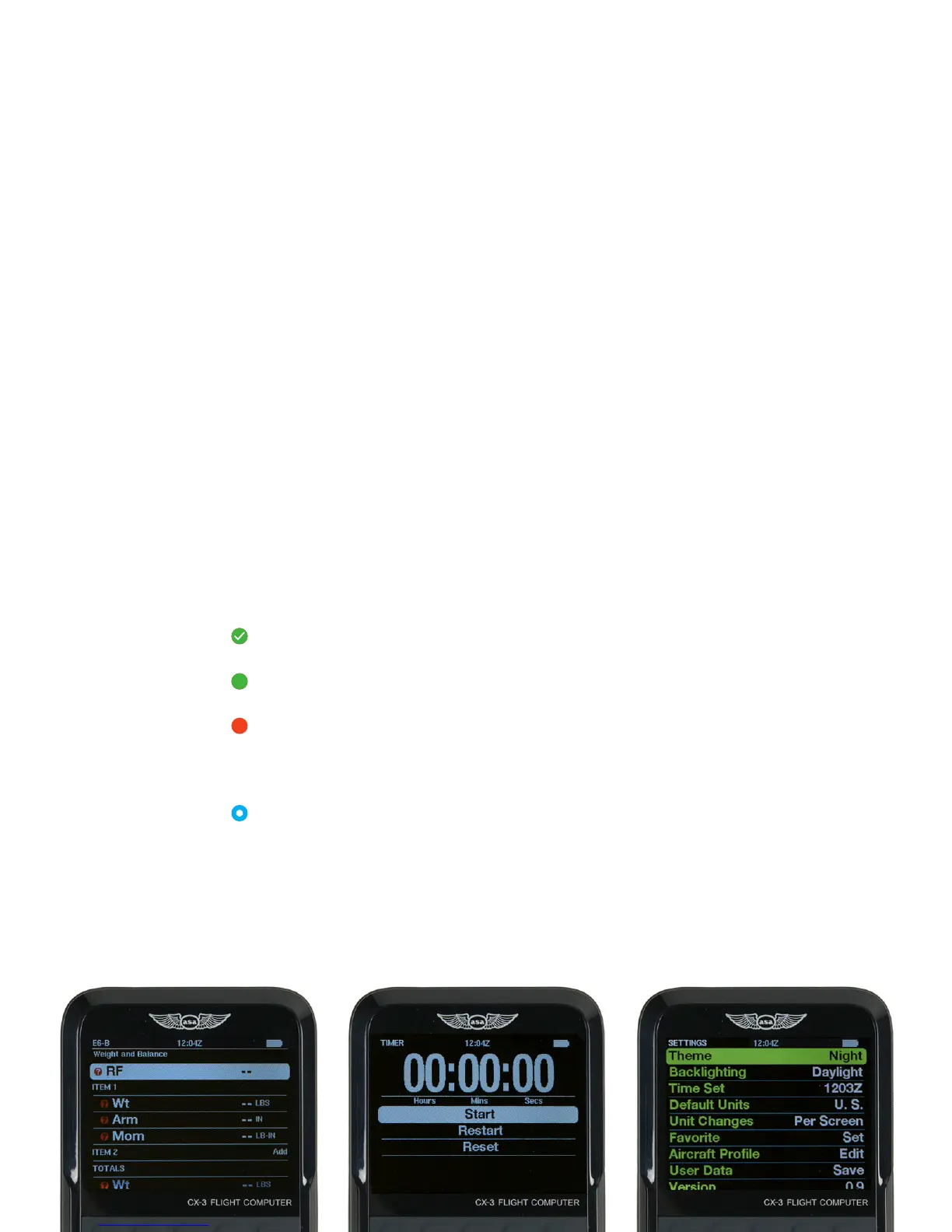
SCREEN OVERVIEW
?
=
The status bar at the top of the screen includes the name of the current
menu function, display time, and battery indicator. Below the status bar
is the submenu identifying the function name. The highlighted line item
indicates the currently selected function. The bottom line will be cut in half
to show that there are more elds below.
◗ BATTERY INDICATOR
The battery level is checked every 15 seconds
and multiple readings are taken before the level is
updated. The battery indicator will display four levels:
100%, 75%, 50%, and 25%. The icon will display as
white unless the battery level is at or below 25%, at
which point it will display as red.


 To Next Page