11
TESTING WATER HARDNESS
Water hardness test should be carried out before fi rst use.
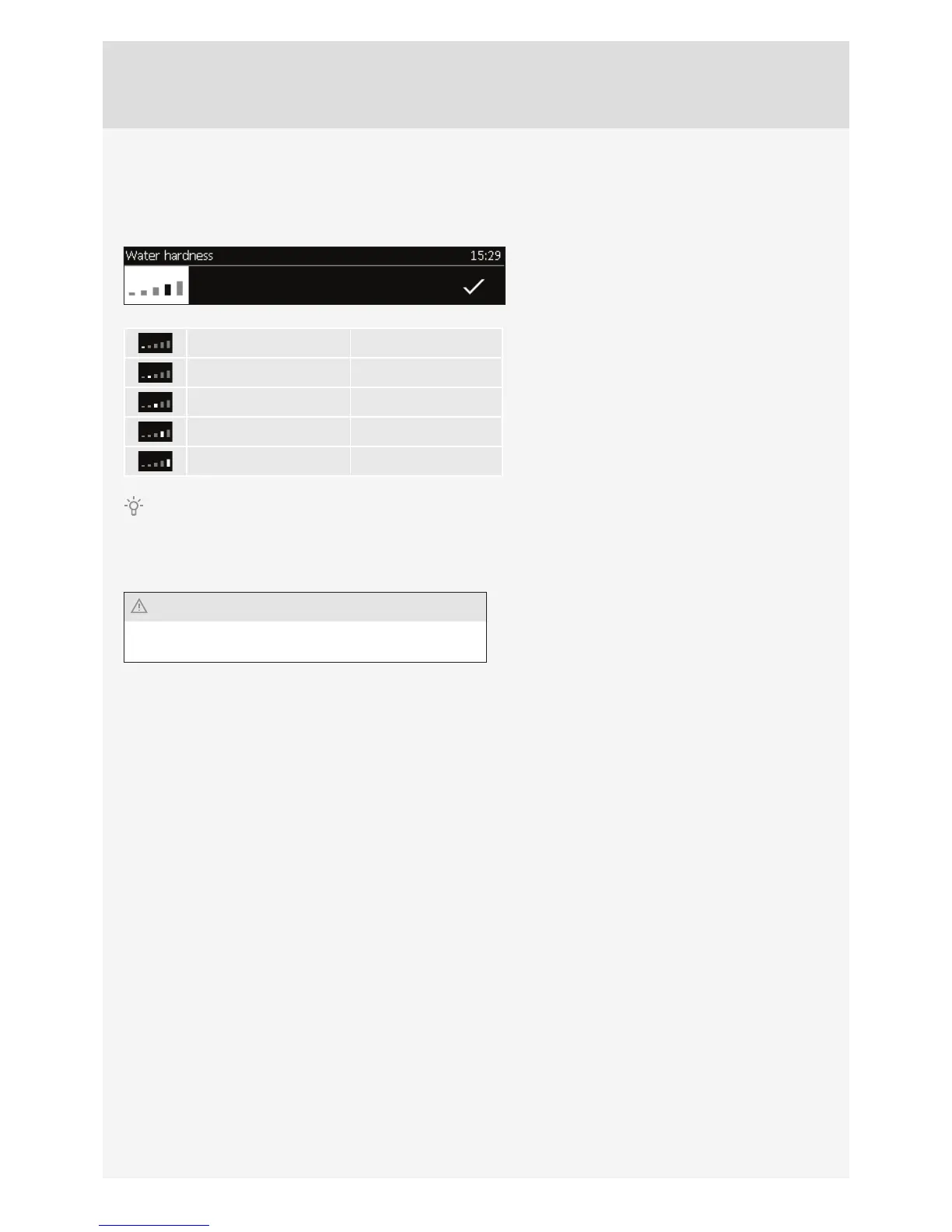
A warning will appear on the display: ”Use the test paper to measure water hardness.”
Soak the test paper strip (supplied with the
appliance) in water for one (1) second.
Wait one minute and observe the number of stripes
on the paper. Enter the information on the number
of stripes into the appliance. Rotate the KNOB and
confi rm the selection with the CHECK MARK.
4 green stripes Soft
1 red stripe Slightly hard
2 red stripes Medium hard
3 red stripes Hard
4 red stripes Very hard
The highest water hardness is set as a factory default.
CHANGING THE WATER HARDNESS SETTING
Water hardness can also be set in the menu CHOOSING THE GENERAL SETTINGS.
If the correct water hardness level is not set, this could
affect appliance operation and its useful life.



 To Next Page