20
STEP 3: STEP COOKING
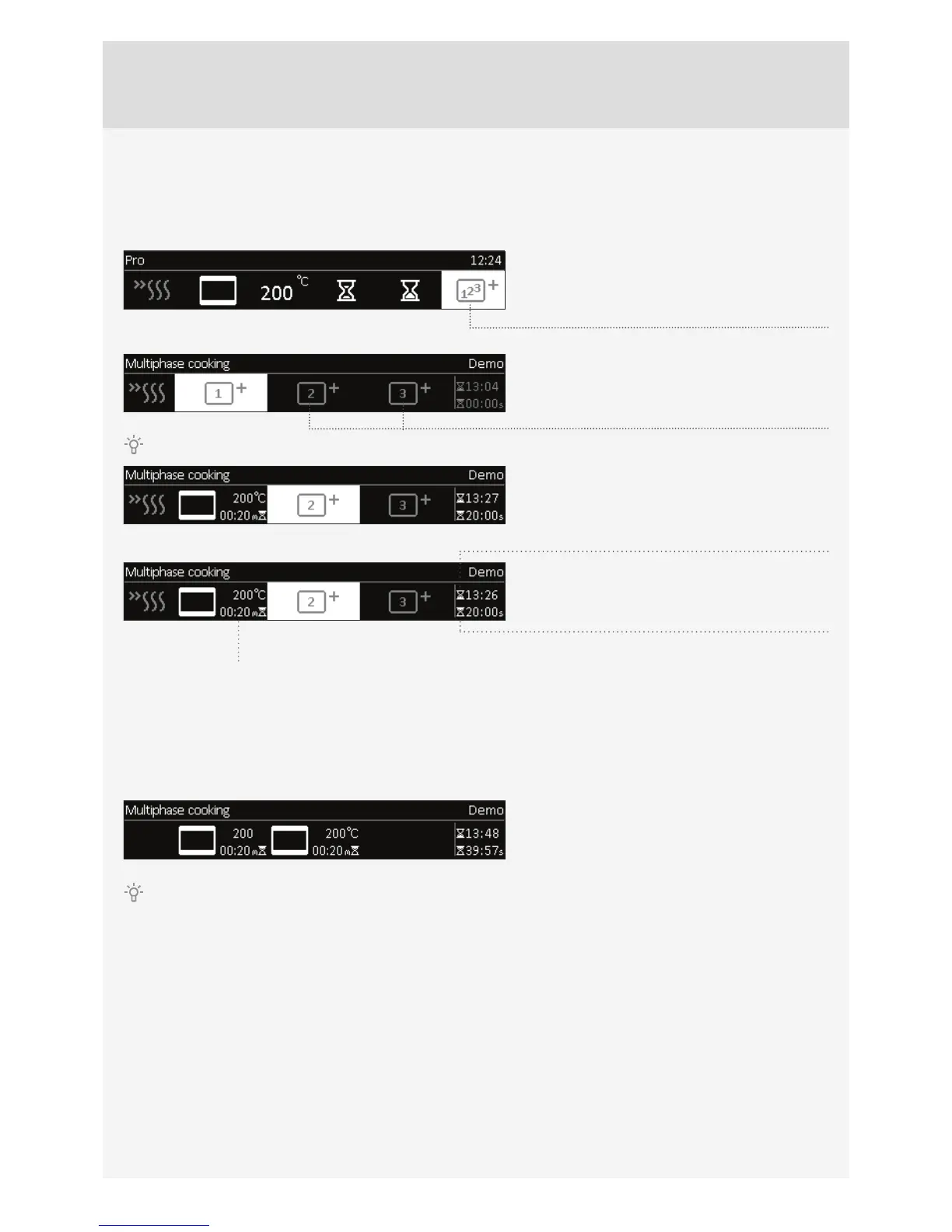
This mode allows you to combine three diff erent cooking modes successively in a single cooking process.
Choose diff erent settings to cook your food just the way you want it.
Select the ”Step cook” setting in the basic
Professional (Pro) mode and Steam Cooking
mode. Confi rm the setting by pressing on the
KNOB.
Select: step 1, step 2, step 3
Confi rm the settings by pressing on the KNOB.
The fi rst step will already have been selected if you have already set the timer functions.
Set the cooking system, temperature, and time.
Confi rm the setting with the CHECK MARK by
pressing on the KNOB.
Total cooking time – end.
Current step
Touch the START symbol to turn on the oven. The oven starts operating immediately, with the settings defi ned in Step 1.
(A strip at the bottom of the display indicates the cooking step currently in progress.) After the set cooking time elapses,
Step 2 and then Step 3 are activated, if specifi ed.
If you wish to delete a step during operation, turn the KNOB, choose the step and cancel it by confi rming the X mark.
This can only be done with steps that have not started yet.
Temperature and duration of
the selected step



 To Next Page