44
USING THE STEAM CLEAN FUNCTION TO CLEAN THE OVEN
Before running the Steam Clean program, add fresh water into the water tank.
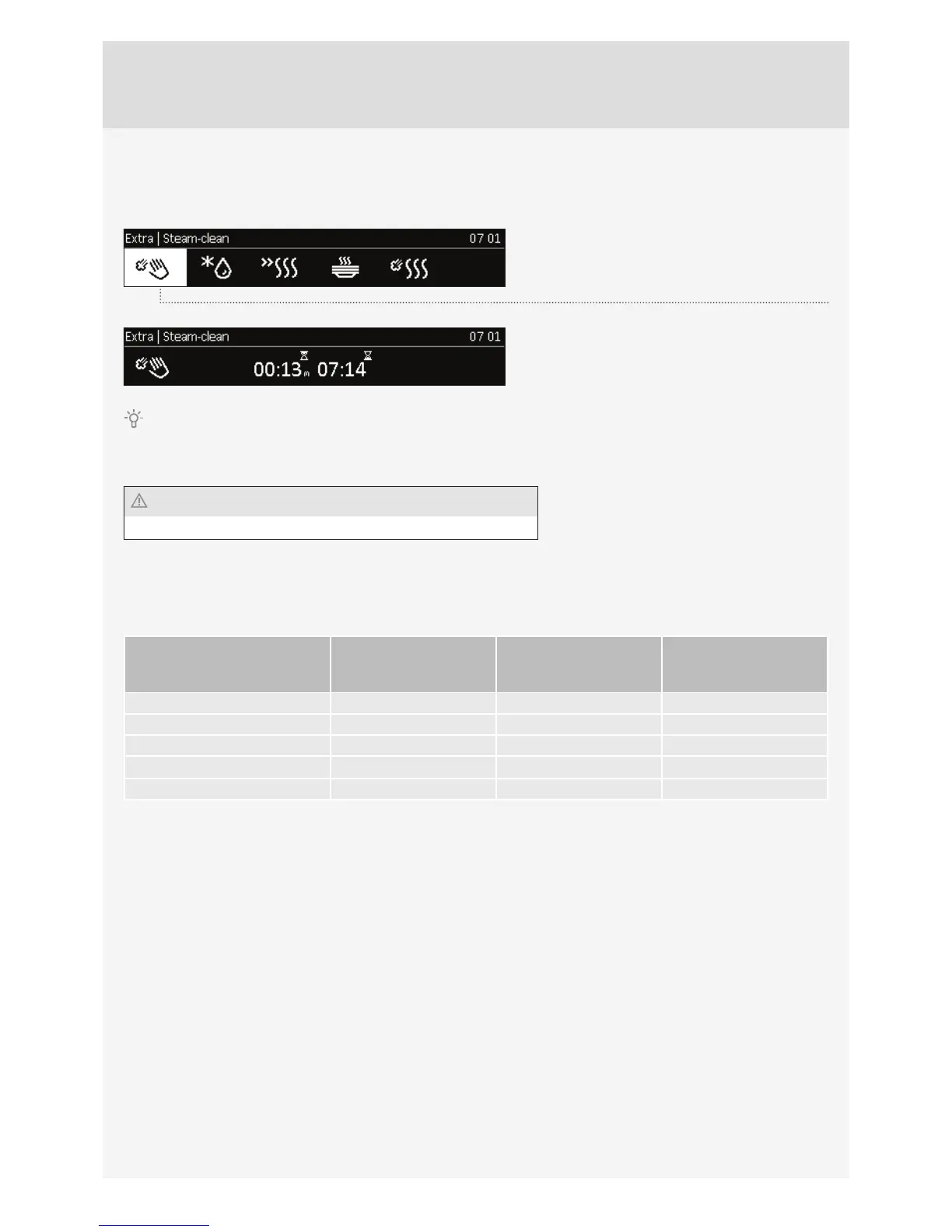
Choose ”Extra/Additional Functions” in the main
menu and select the Steam Clean symbol.
Confi rm the setting by pressing on the KNOB.
Press the START key.
After starting the program, wait until the time indicated on the screen expires (13 minutes).
When the Steam Clean program is complete, wait for the oven to cool down suffi ciently so that you can wipe the oven
interior safely, without burning yourself.
Use the Steam Clean function after the oven has fully cooled down.
CLEANING THE STEAM SYSTEM
Cleaning depends on the water hardness level.
Water hardness °N Estimated use of
water in litres before
descaling is required
Number of coloured
stripes on the test strip
Soft 0–3 dH 100 4 green stripes
Slightly hard 3–7 dH 70 1 red stripe
Medium hard 7–14 dH 50 2 red stripes
Hard 14–21 dH 35 3 red stripes
Very hard >21 dH 25 4 red stripes
We recommend using the descaling agent as it delivers quality results of the steam system cleaning process.
The following note will appear on the display: »Please run the descaling procedure.« The notes on the display will
guide you through the descaling procedure.
1. Add the descaling agent into the water tank (diluted in water at a ratio of 1:8).
2. Descaling in progress.
3. Descaling complete. Please discard the liquid, rinse the water tank and add fresh water for the rinsing process.
4. Rinsing process complete. Clean the tank and wipe the oven.
Also clean the fi lter foam (see chapter CLEANING THE FILTER FOAM)



 To Next Page