26
STEP 7: CHOOSING THE GENERAL SETTINGS
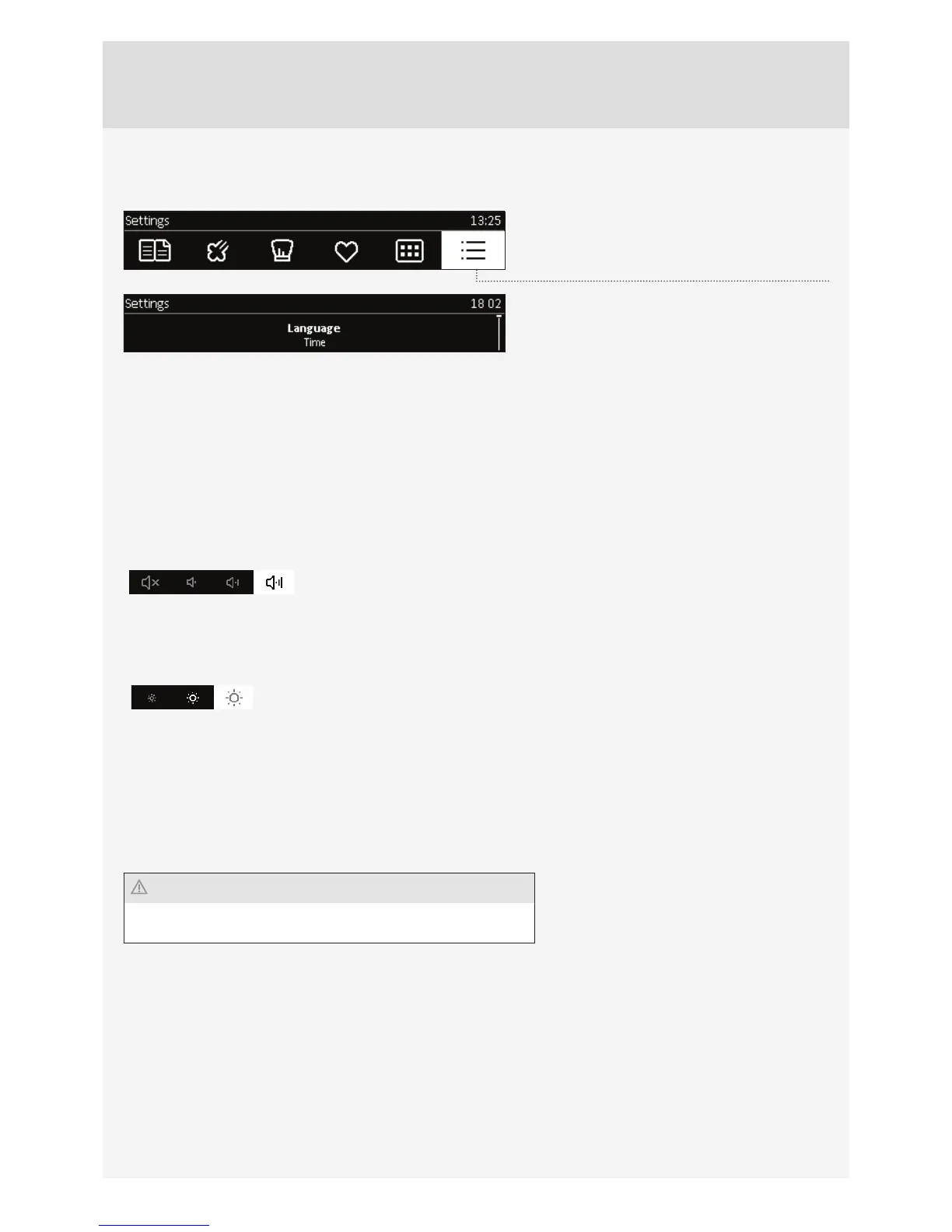
Choose Settings in the main menu to display the
menu for various settings.
Rotate the KNOB to navigate the menu.Confi rm
each setting by pressing the KNOB.
Language
Select the language for the text on the display.
Time
Set the time of day after the appliance is connected to the power mains for the fi rst time or after being disconnected
from the power mains for a longer period of time (more than one week). Set the CLOCK – time. Set the display mode in
the ”Time Design” fi eld: digital or analogue.
Sound
Loudness of the acoustic signal can be set when no timer function is activated (only the time of day is displayed). In this
menu, you can set the following: loudness.
Display
In this menu, you can set the following:
Lighting
Night mode - set the time by which you wish the display to be dimmed.
Setting during the cooking process
In this menu, you can set the following:
Oven lighting during operation - oven lighting is switched off when oven door is opened during operation.
Other settings
Factory setting
Water hardness
Descaling
After a power outage or after switching off the appliance, all extra
user settings are restored.



 To Next Page