14
STEP 1: CHOOSING THE BASIC COOKING MENUS AND SETTINGS
The process of preparing food in your oven can be controlled in several ways:
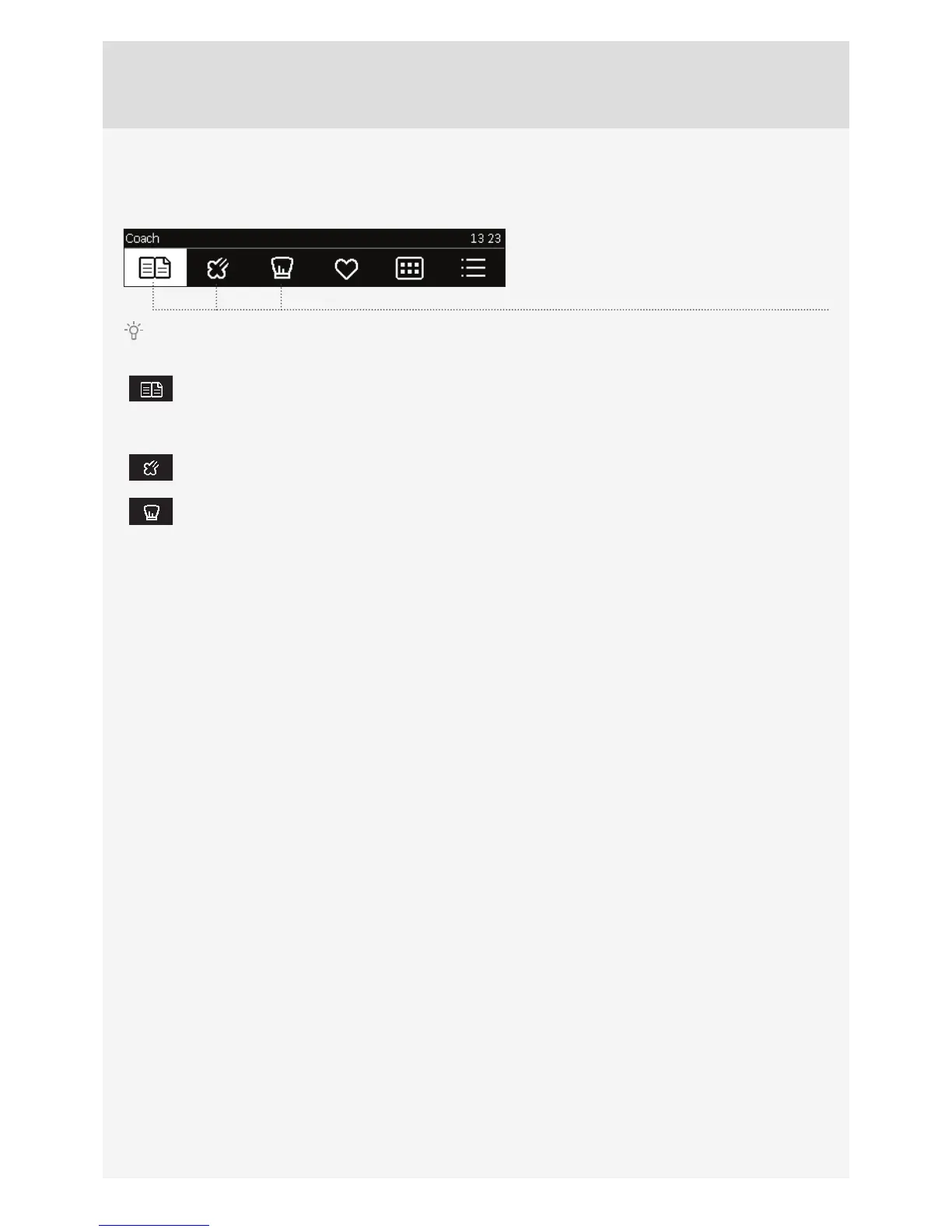
Rotate the KNOB and select the symbol. The
symbol will turn white. The NAME of the selected
menu will appear at the top.
Confi rm each setting by pressing the KNOB.
Automatic mode
In this mode, fi rst select the type of food. This is followed by automatic setting of the quantity, level
of doneness, and cooking end time.The program off ers a large choice of preset recipes reviewed by
professional chefs and nutrition experts.
Quick access to steam programs
This is a natural cooking mode that preserves the full fl avour of the food.
Professional mode
Use this mode when you wish to prepare any type and amount of food. All settings are selected by the
user.
STEPS OF THE COOKING PROCESS (1–7)



 To Next Page