23
SAVING USER-DEFINED PROGRAMS (MY RECIPES)
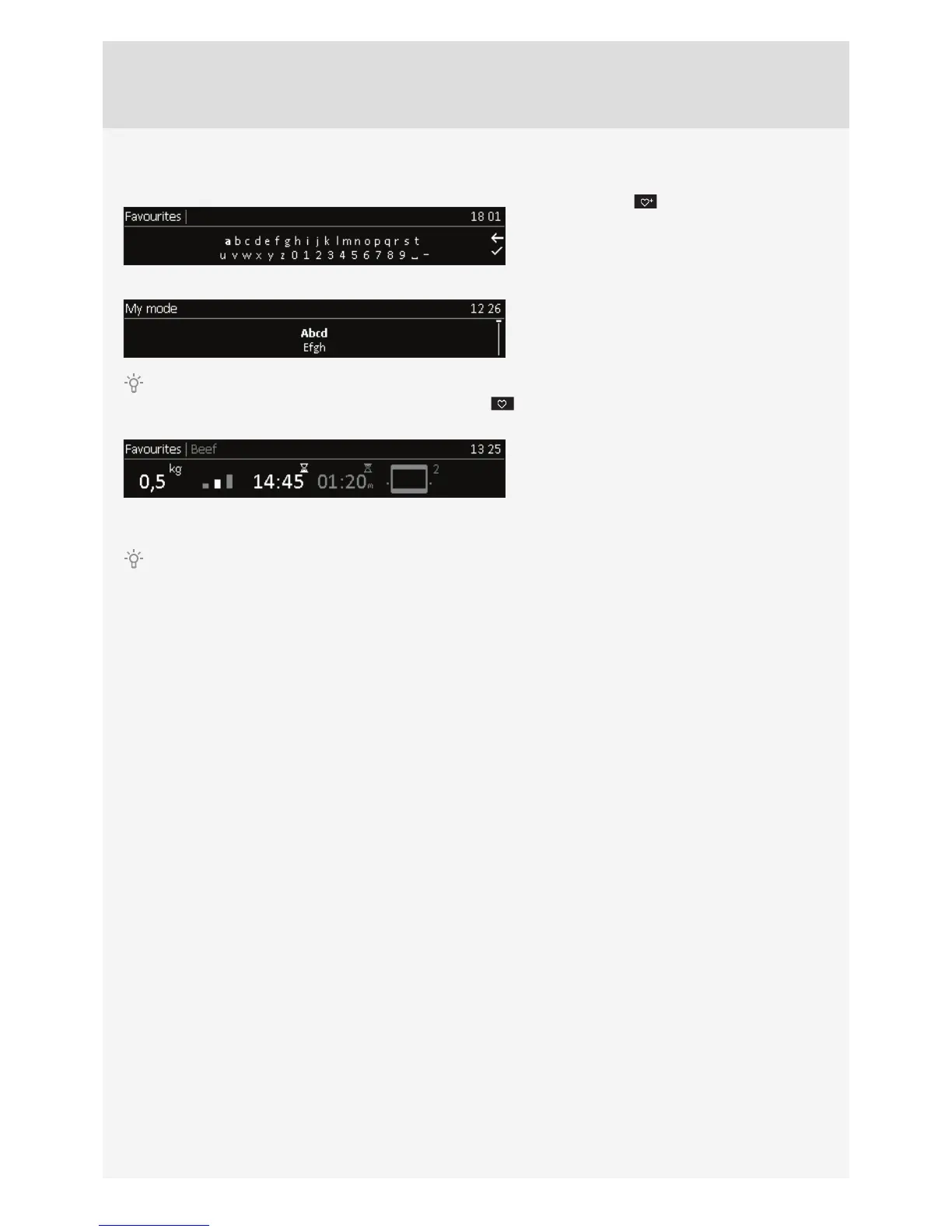
Choose the symbol and enter the name by
rotating the KNOB and confi rming respective letters. If
necessary, delete a character using the arrow; use the
check mark or touch the START/STOP key to confi rm
the name. Select the type of food.
Select the type of food.
Press the KNOB to save your settings.
Your favourite recipes that you have previously stored in the memory can be retrieved and used at any time. Choose
the process and the settings in the main menu by selecting the
symbol.
Preset values will appear which you can still
change.
Confi rm and touch the START key to start the oven operation.
Up to 10 recipes can be stored in the memory.
DELETING A RECIPE
Select the recipe to be deleted. Press and hold the KNOB to delete the recipe; an acoustic signal will be sounded.



 To Next Page