Servicemanual WM60
25
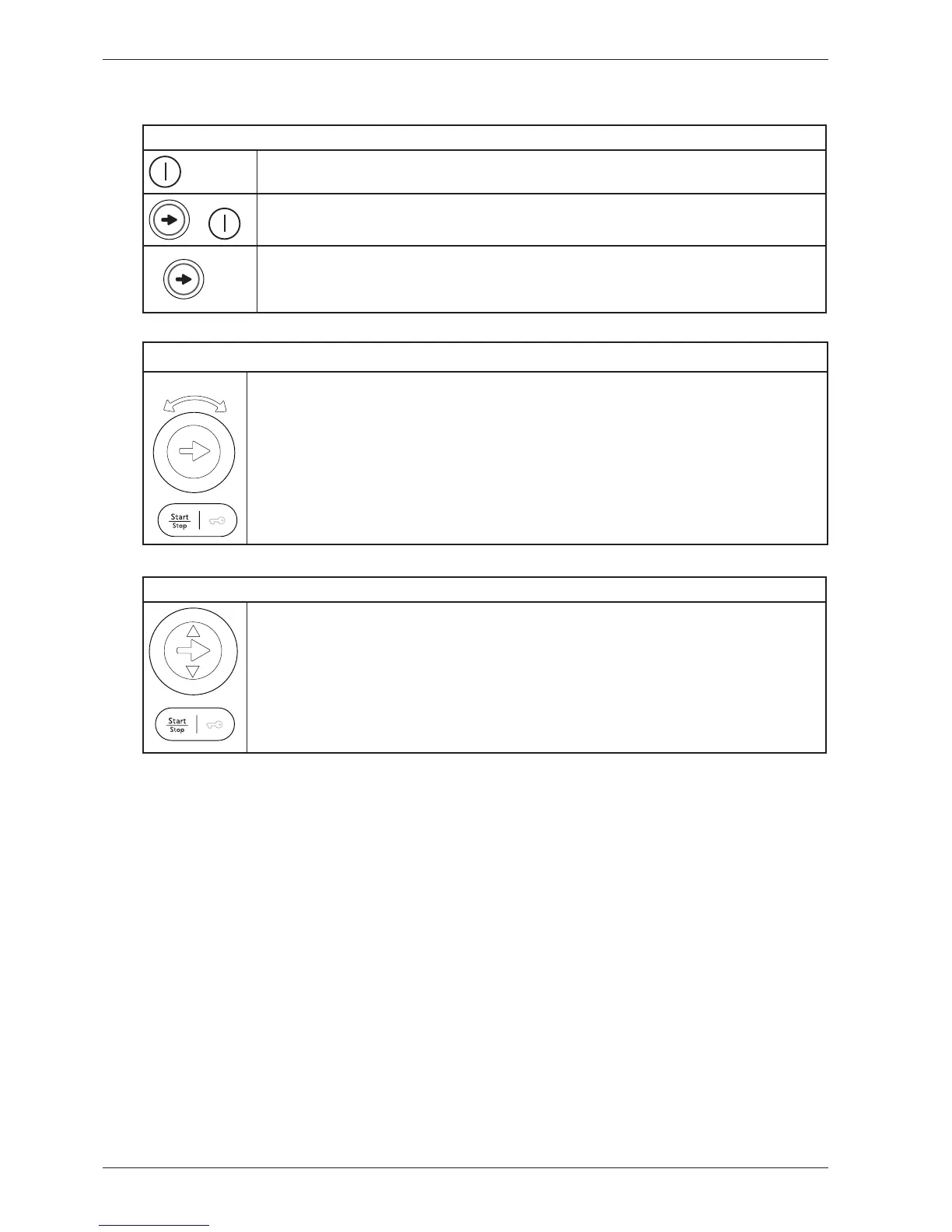
Program selector
1. Press the program selector button to scroll between the various service me-
nus.
2. Turn the program selector button to make a selection between the menus
(e.g. set a certain water inlet). Confirm the selection and go to the next menu by
pressing the program selector button (1).
3. Press the Start/Stop button to confirm the settings and exit the service menu.
Service menu WM60.3
This is how to enter the service menu
If the machine is on: First switch the power off with the main power switch.
+
Press the program selector (S1) at the same time as the Main power switch.
3x
Press the program selector button 3 times within 5 seconds. You are now in
the service menu (shown in LCD 2. See instructions below for navigating the
service menu.
Program selector button for integrated machines
2
1
2
3
1. Press the program selector button to scroll between the various options.
2. Press the small arrows to make a selection between the options (e.g. set a
certain water inlet). Confirm the selection and go to the next option by pressing
the program selector button (1).
3. Press the Start/Stop button to confirm the settings and exit the service menu.
3
1
2
2



 To Next Page